
Direct answer
There is no single AI developer tool that is best for every job. Repo-scale coding agents, IDE assistants, review/testing tools and deterministic utilities solve different problems. AiFolder compares tools within the job they perform and separates current vendor capabilities from its own observed tests.
Choose by developer job
Repository-scale coding agents
Claude Code, Codex and Gemini CLI can work across repositories and should be compared with the same repo-level benchmark.
IDE assistance
IDE-native tools are useful for suggestions, chat and smaller edits. Their workflow differs from long-running agents, so a single score across both categories is misleading.
Review and testing
Generated code still needs acceptance tests, regression checks and review.
Focused developer utilities
For deterministic transformations such as JSON formatting, JWT inspection or Base64 encoding, a purpose-built utility can be faster and more predictable than delegating the task to a general agent.
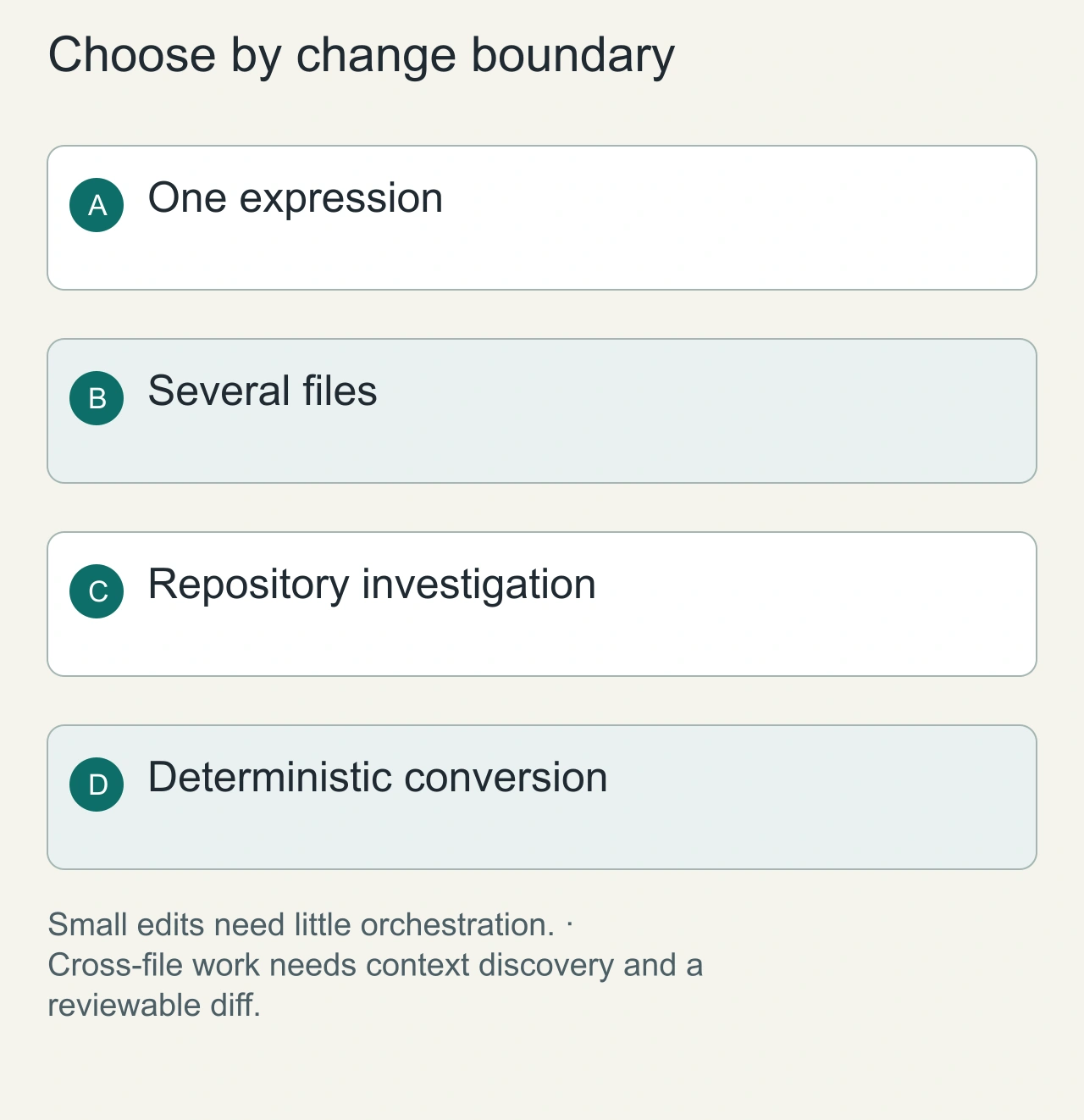
Match the tool to the size of the change
A developer fixing one expression needs a different workflow from a developer moving authentication across a repository. Start with the change boundary. Inline assistance suits a small edit whose surrounding context you already understand. A repository agent can help inspect call paths, edit several files, and run commands. Deterministic utilities remain useful when the job is validation or formatting rather than code generation. Choosing the most autonomous tool for every job creates review work that the simpler tool would never have introduced.
Take a concrete example: adding an optional field to an API response. You need to locate the producer, update its type, examine consumers, and check a representative request. An agent that changes only the response serializer may leave a frontend assumption broken. An assistant that proposes ten unrelated refactors may make the correct change harder to review. Give each candidate the same scope and acceptance conditions. Compare whether it found the actual consumers and produced a coherent patch, not how impressive its initial explanation sounded.
Evaluation framework
- Task completion against acceptance tests.
- Scope control and unrelated edits.
- Human interventions.
- Filesystem, shell, network and secret permissions.
- Reviewability and maintainability.
- Observed cost and wall-clock time, dated because plans change.
Evaluate the complete developer loop
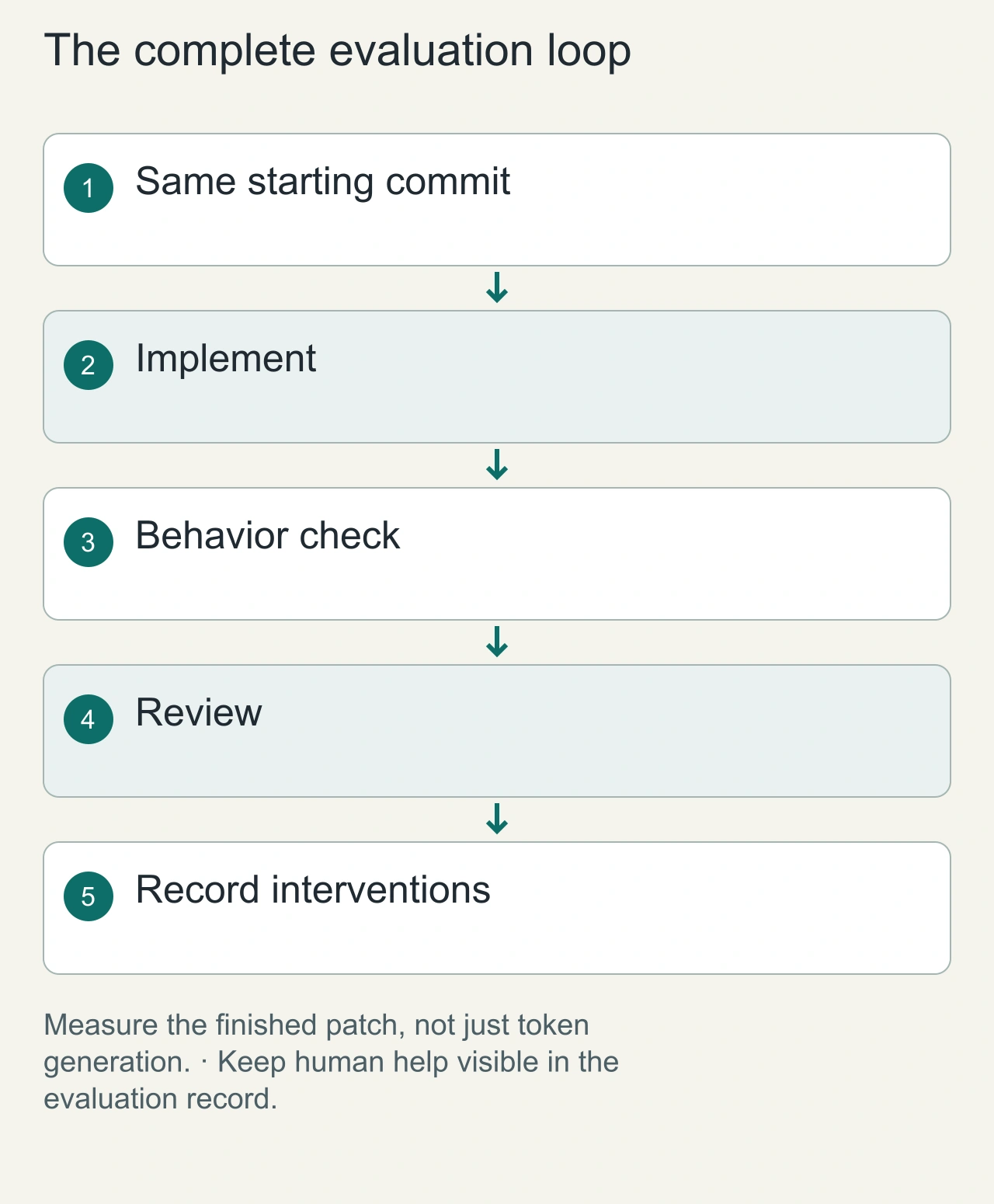
A useful evaluation includes setup, context discovery, implementation, validation, and human review. Timing only the generation step omits the work you actually pay for. Record how often the tool needs a missing file supplied manually, whether it follows the repository's build command, and whether its tests would catch the original defect. A generated assertion that merely repeats the implementation gives little evidence that the behavior is correct. The review should focus on the contract the user depends on.
For the optional API field, prepare a fixture with the field absent and one with it present. Ask the reviewer to check compatibility with existing callers and the intended fallback. Keep the starting commit identical across candidates. If one tool receives a helpful error message or extra clarification, record that intervention rather than attributing the final success entirely to the model. This article is a selection guide; we have not run a fresh controlled ranking across current coding assistants, so the title should not imply an independent winner or measured league table.
First benchmark series
- Claude Code
- OpenAI Codex
- Gemini CLI
- Comparable IDE-agent workflows where the task can be reproduced
Why tested content matters
AI tooling changes quickly. AiFolder's durable value should be dated methodology: same task, disclosed setup, raw observations and refresh dates.
Practical workflow
Define acceptance criteria first. Run the agent in a constrained workspace. Review the diff. Execute tests. Only then merge. Use deterministic utilities for transformations that do not need agentic reasoning.
Choose a sustainable operating model
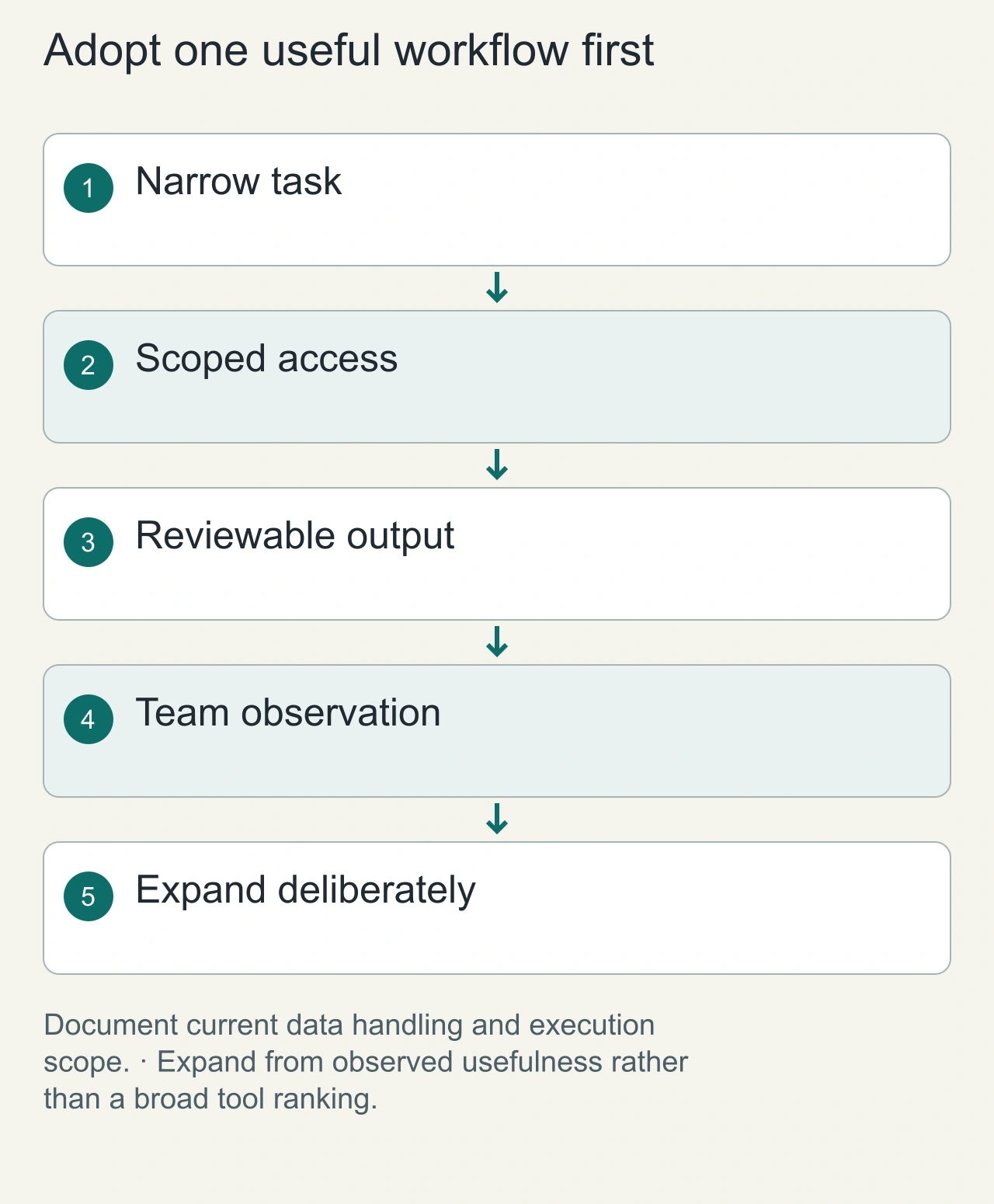
Before introducing a tool to a team, examine where code and credentials travel, which actions the tool can execute, and how its output enters the normal review process. A convenient model selector is not the same as an enterprise permission model. A local inference option is not automatically a fully offline workflow, because package installation, repository hosting, and external search can still use the network. Read the tool's current configuration and deployment documentation before promising either privacy or reproducibility.
A small team can start with one constrained workflow, such as drafting fixes for well-defined bugs in a disposable checkout. Require a compact completion record: changed files, behavioral reason, check result, and open uncertainty. Expand only when that workflow has reduced actual work without increasing review defects. The best fit may be a combination of an IDE assistant, an occasional repository agent, and simple local utilities. That combination is easier to justify when each component owns a recognizable job and the developer can explain why it is present.
FAQs
What is the best AI tool for developers?
It depends on the task category. Compare agents with agents, IDE assistants with IDE assistants, and utilities with utilities.
Are coding agents safe with full access?
Broad access increases consequences. Prefer least privilege, sandboxing, scoped credentials and approval for consequential actions.
How often should the guide be refreshed?
Recheck after major model/tool releases and rerun benchmarks when underlying agents materially change.
Internal links
- Planned: /ai/coding
- Planned: /ai/benchmarks
- /blog/claude-code-vs-codex-vs-gemini-cli
- /blog/ai-agent-permissions-security
- /tools/json-prettify
- /tools/jwt
Sources
Current official vendor documentation; OpenAI Codex safety documentation; CCBench; search-intent review 2026-09-18.