Pick one tool per production job
A YouTube workflow needs a worthwhile topic, accurate packaging and an effective edit. AI can assist each step, but a tool cannot promise views merely by generating a title or thumbnail. This guide organizes candidates by documented role rather than claiming measured channel growth.
| Production job | Candidate workflow | What to review |
|---|---|---|
| Audience and topic research | vidIQ research capabilities | Relevance to your own audience |
| Cover and thumbnail design | Canva or AiFolder Cover Maker | Mobile readability and truthful imagery |
| Transcript-oriented editing | Descript | Timing, names, captions and export |
vidIQ describes creator research tools. Canva AI provides design assistance. Descript documents text-oriented audio and video editing. Features and paid limits differ by account.
Research the viewer's problem
Choose a topic that answers one recognizable need. Study successful videos for the question they address and their audience, without copying their script or visual identity. A high-view example can be driven by the creator's existing reach; it is not a forecast for your channel.
Write a brief containing the promise, supporting evidence and the payoff the video will deliver. If the idea is a product test, collect the footage and result before drafting a tested verdict.
Start with a viewer promise and evidence
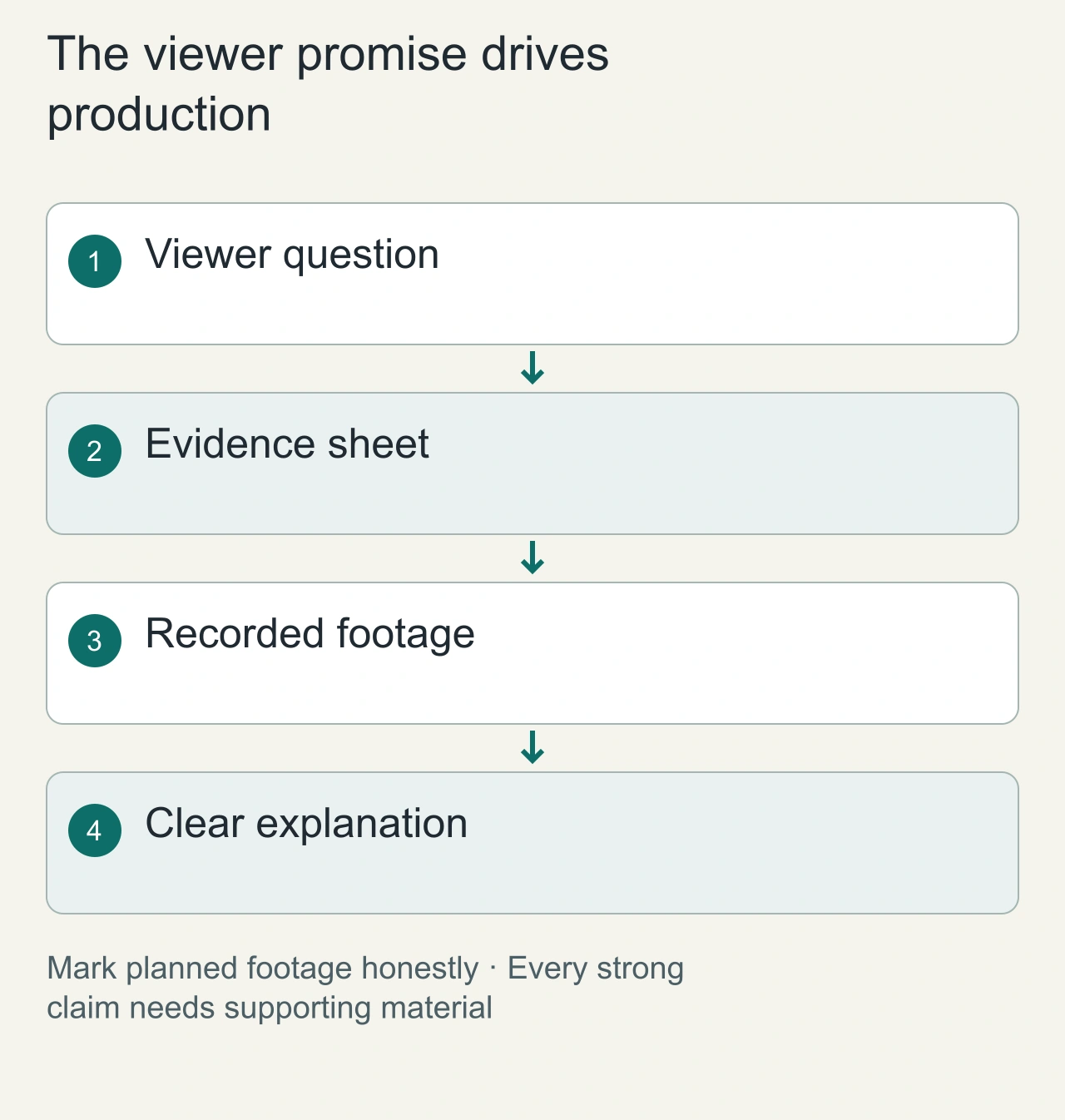
For a video about fixing a slow laptop, write the viewer promise before generating a script: identify one common cause, show how to check it and demonstrate the result. List the footage and observations needed to support that promise. An assistant can help structure the explanation, but it cannot supply a measurement that was never recorded.
Build a simple production sheet with claim, footage, source and on-screen explanation. Mark unrecorded material as planned. This avoids discovering during editing that the strongest sentence has no evidence. If the video is a comparison, capture the same task and conditions for each candidate rather than combining unrelated product demonstrations.
Use the assistant for the current bottleneck. Research assistance helps clarify a question; packaging assistance helps communicate the promise; transcript assistance helps turn speech into editable text. These stages should share the evidence sheet, but they should not be mistaken for the same capability. A polished thumbnail cannot rescue an unsupported verdict.
For the laptop example, preserve an uncut reference clip showing the condition before the fix and another showing the same task afterward. Label the recording environment and avoid changing several variables at once if the video promises a specific comparison. A short screen recording can provide stronger support than an elaborate animated claim. During the packaging review, ask a person to describe the expected lesson from the title and cover alone. Compare that expectation with the actual explanation. A mismatch is actionable even before the video has audience metrics.
Make packaging and editing agree
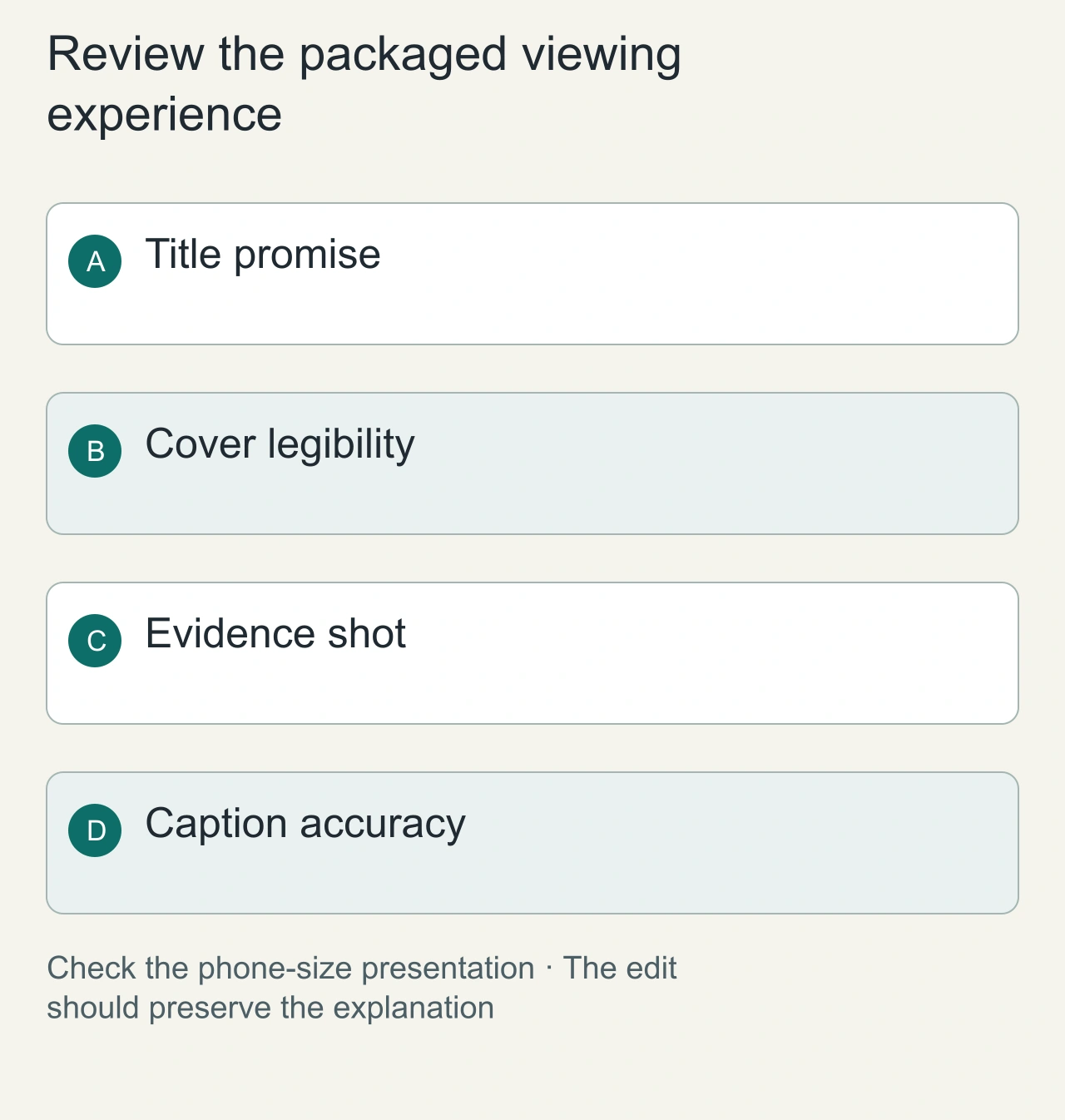
Draft two meaningfully different packaging concepts. One might foreground the visible symptom; another might foreground the practical fix. Check that the title and cover describe what the video actually delivers. View the cover at phone size and remove details that disappear. This is a legibility exercise rather than a guaranteed click-through formula.
During editing, align each explanatory sentence with the relevant shot. Keep a paused frame or simple diagram on screen long enough for its purpose to be understood. Remove decorative motion that competes with the instruction. If an automated cut removes the setup for a demonstration, restore the context even when the shorter clip feels faster.
Review transcript names, measurements and technical terms against the audio. For multilingual captions, inspect the actual rendered line breaks on mobile. A correct transcript can still become a difficult subtitle if the segmentation is poor. Keep narration, music and image provenance with the project so later reuse does not depend on memory.
Make the packaging honest
Create two clearly different title-and-cover concepts. Check that the title's claim appears in the video. View the cover at phone size: one focal point and a small amount of readable text usually communicate more clearly than a crowded collage. This is an editorial design recommendation, not a guaranteed click-through improvement.
Use AiFolder Cover Maker to create an editable layout and export it. Preserve the project JSON so you can adjust the packaging later without rebuilding the design.
Edit for comprehension
An automated transcript can mishear names, numbers or non-English phrases. Review captions against the audio. Check the first explanation, the transitions and whether the ending answers the opening promise. Keep voice, music and image rights documented.
Evaluate the published video through your own audience data: retention around the explanation, click-through in a comparable traffic context and comments revealing confusion. Avoid attributing every change to the AI tool when topic, audience or distribution also changed.
For a companion writing workflow, try Markdown to X. It can prepare a readable article version, but distribution and publishing remain separate decisions.
Use audience evidence to improve the next video
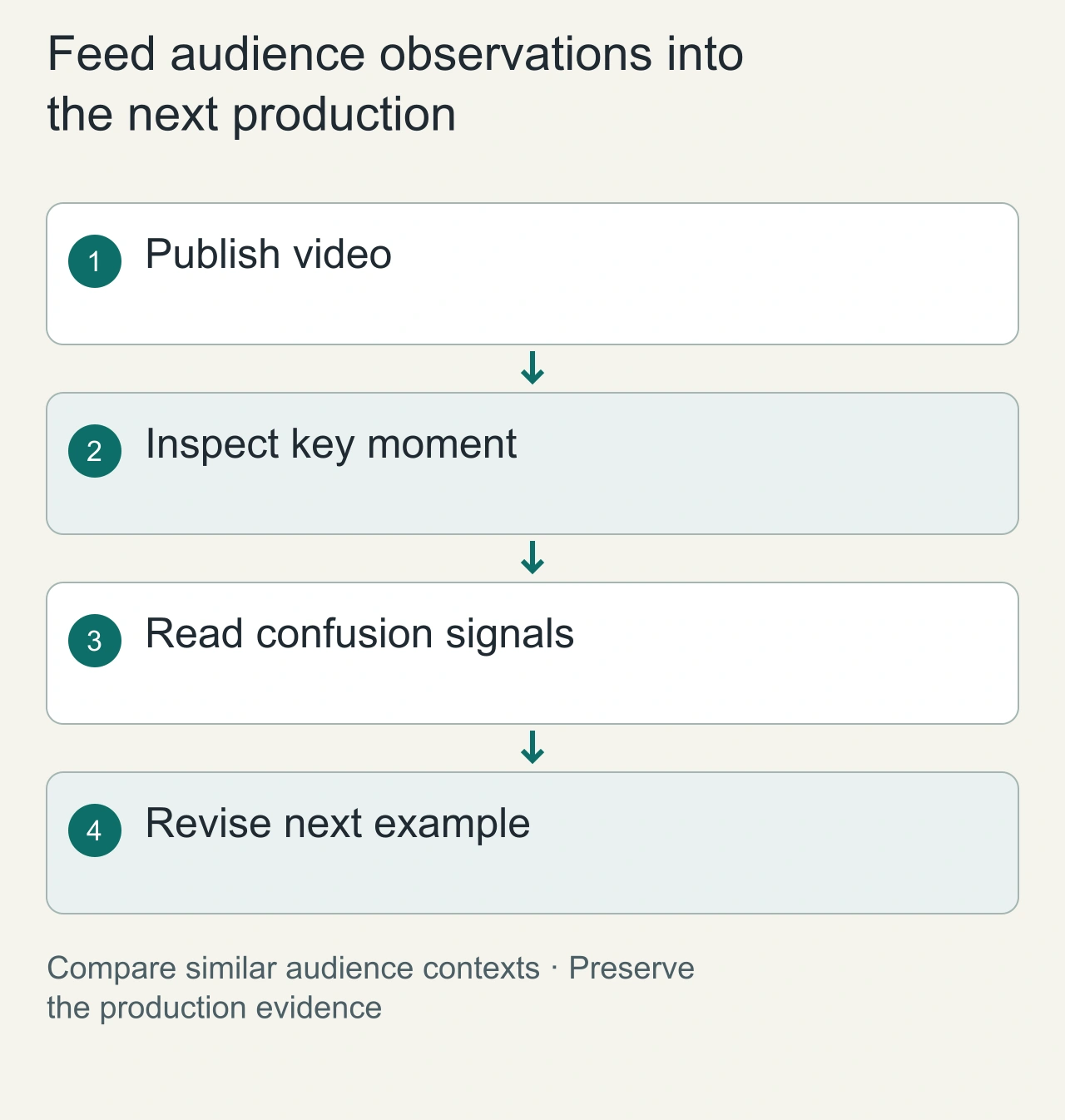
After publication, identify the passage that explains the central idea and inspect its audience context. [YouTube's engagement documentation](https://support.google.com/youtube/answer/9313698) describes the available engagement and retention views. A drop near an explanation is a reason to investigate pacing, clarity and audience expectations; it is not proof that a single edit caused the drop.
Read comments for concrete misunderstandings and compare them with the script. If viewers repeatedly ask a question the video supposedly answered, inspect the actual wording and visual demonstration. The next revision may need a better example rather than another hook. Keep topic and traffic-source differences in mind when comparing videos.
Save the final script, evidence sheet, packaging files and a short observation note. Record what changed and what remains uncertain. This gives an assistant meaningful context for the next project and keeps your channel's editorial judgment consistent. Treat generated suggestions as candidate decisions that must fit your audience and the material you actually recorded.