Start with one task
A useful free tool completes the job you have without requiring an unexpected paid dependency. It does not need to be the most powerful tool in every category. This starting set is based on current official plan and product pages; it is not a measured universal ranking.
| Job | Starting candidate | Important boundary |
|---|---|---|
| Academic discovery | Elicit Basic | Some research workflows have limits |
| Writing feedback | Grammarly Free | Premium capabilities and trial differ |
| Coding assistance | GitHub Copilot Free | Features and allowance differ by plan |
| Reference organization | Zotero | A supporting non-AI reference tool |
| Deterministic data formatting | AiFolder utilities | AI generation is unnecessary for this task |
The Elicit, Grammarly and Copilot pages each establish an ongoing Free or Basic offer. Those offers do not imply unlimited access to every model or capability. Recheck the account's live allowance before a large job.
Research needs evidence
Use paper discovery to find sources, not to bypass reading them. Keep the original paper, record which claim it supports and distinguish an abstract summary from full-text analysis. A fluent synthesis without traceable evidence is a weak research result.
Choose a task before choosing a catalog
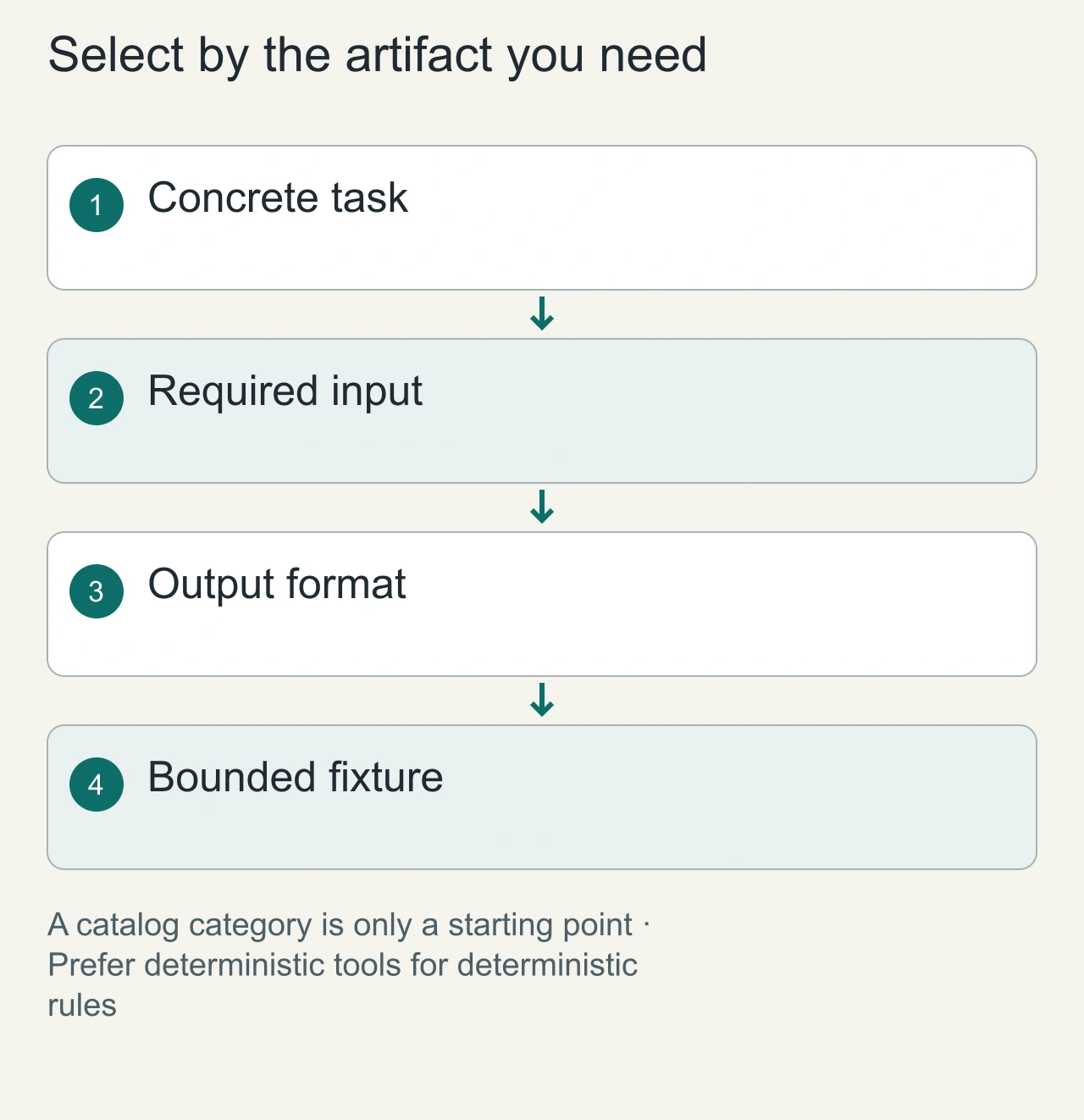
Write one sentence describing the result you need: a clearer email, a source-backed brief, a reviewable code change or an editable image. Then list the required input and output format. This turns a large catalog into a short capability search. A tool that is impressive at conversation may still be unsuitable for the artifact you need to keep.
Try the smallest realistic example of the repeated task. A writing fixture should contain facts that must remain unchanged. A research fixture should have sources you can inspect. A coding fixture should have an expected behavior and a starting commit. The goal is a completed result whose quality you can judge without relying on the tool's description of itself.
Use deterministic utilities when the task has deterministic rules. Formatting valid JSON does not require an invented explanation or a model-generated reconstruction of the data. A conventional formatter can be the simpler choice. Keep AI for work where interpretation, synthesis or creative variation adds value.
Keep a one-page toolkit inventory with the task, input format, output format and fallback. For a research assistant, the fallback may be the saved source list and manual synthesis. For writing, it may be your original draft and an ordinary editor. For coding, it is the reviewable diff and project checks. This inventory turns plan changes into manageable interruptions. It also helps retire redundant tools because their roles are visible. Add a new candidate only when the existing workflow has a specific gap that you can explain and evaluate.
Writing needs meaning preservation
Use a short fixture containing a name, number and qualified claim. Ask for feedback, then check whether the rewrite changes those facts. Clearer prose is valuable only when it still says what you intended.
Calculate the whole no-cost path
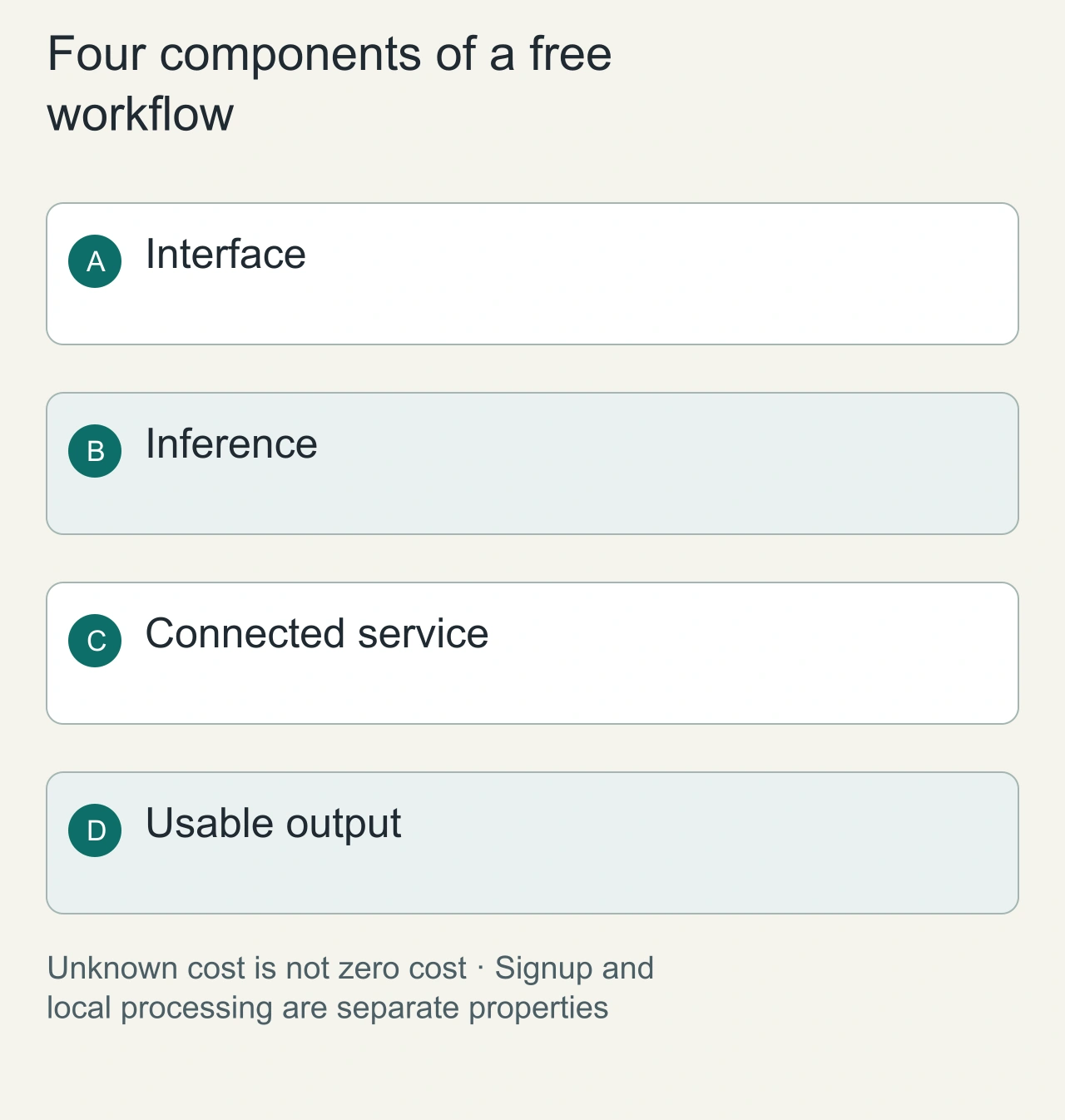
Make a four-column worksheet: installer or interface cost, model access, connected service access and output restrictions. Fill it from current vendor documentation or the active account. If a line is unknown, keep it unknown. A free interface can depend on a paid model; a free account can restrict exports; a trial can end before the next task.
Separate recurring access from promotional access. Also separate free from no-signup and local-only. These labels answer different questions. Choose the combination that fits your workflow, rather than treating them as interchangeable guarantees. Do not submit private material just to find out how a candidate behaves.
For a recommendation that depends on a vendor plan, use the vendor's current pricing and documentation as the decision source. Examples include [Elicit's plan information](https://elicit.com/pricing) for research workflows and [Chrome's extension controls](https://support.google.com/chrome_webstore/answer/2664769) for browser access. This is a selection method rather than a quota comparison or a tested leaderboard.
Coding needs a reviewable diff
Try a small task in a disposable repository. Record the starting commit and run the relevant existing checks. Compare the final diff with the requested scope. A free plan's successful first task is useful evidence, while a marketing feature list is only a candidate capability.
Do not use a model where a deterministic tool is enough
For formatting valid JSON, use AiFolder JSON Formatter. For a cover layout, use Cover Maker. These utilities do not become AI systems merely because they are listed alongside AI tools. The formatting path and any optional persistence action have different data boundaries.
Evaluate the whole workflow cost
A free installer can call a paid model. A free account can have limited exports. A trial can expire before the deadline. Record signup, allowance, paid dependencies and the output you can actually keep.
Read the focused guides for students, VS Code and Chrome when the task is more specific.
Keep useful tools and retire distractions
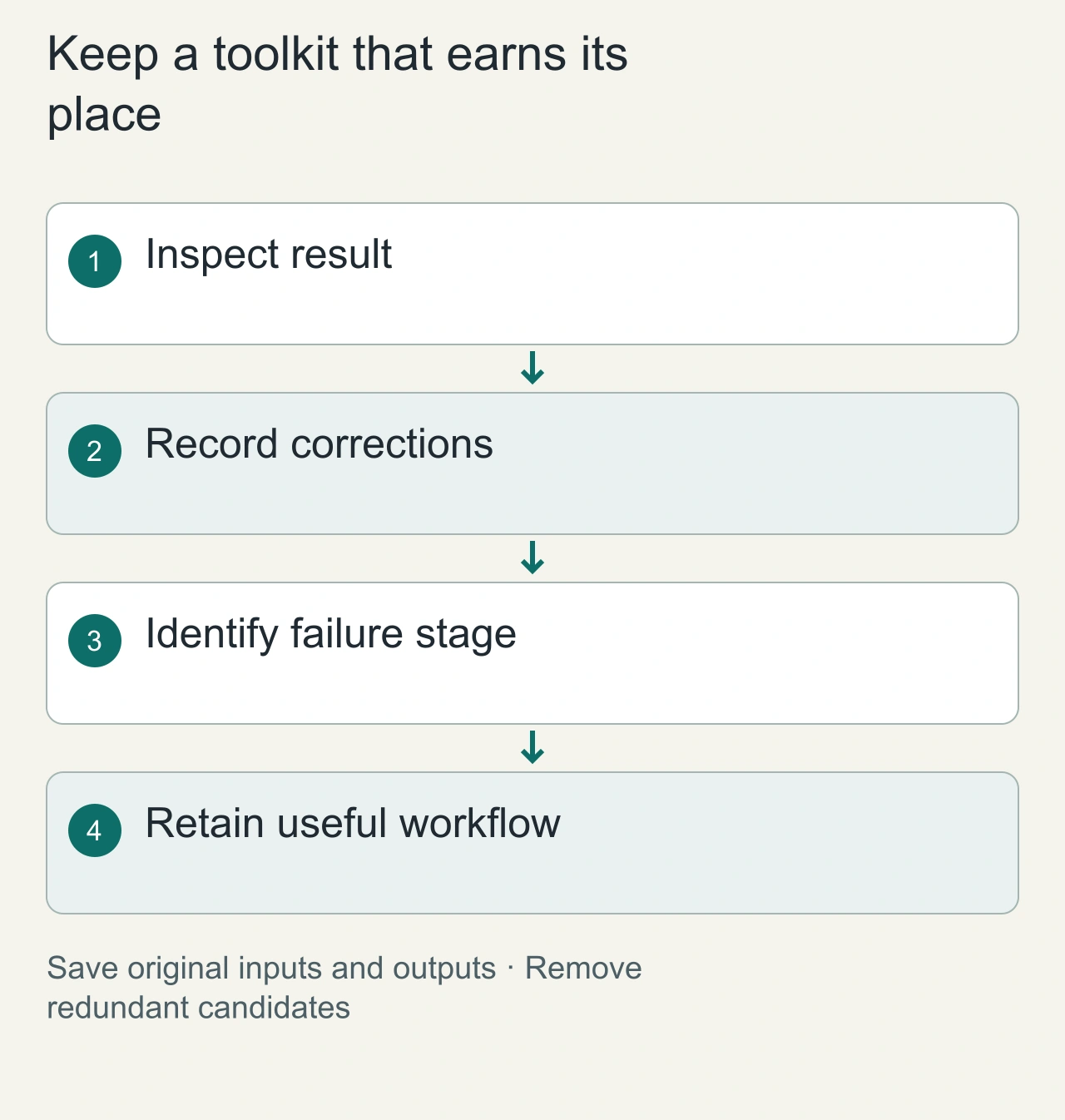
After the fixture, write a brief decision note: task completed, corrections needed, access granted and reason to keep the tool. Avoid keeping a candidate solely because it has many features. If two tools perform the same repeated task, compare the actual artifacts and the effort needed to correct them.
When a workflow fails, identify whether the problem is access, task fit, input quality or output reliability. A different model may help with interpretation but will not restore a missing export permission. A different interface may improve review without changing factual accuracy. Diagnose the stage before adding another service.
Preserve original inputs and final artifacts in formats you control. This makes the collection resilient when a plan changes or an account is unavailable. A useful free toolkit is a small set of understandable workflows with clear boundaries and reusable outputs. It is easier to maintain than a large collection of accounts that you cannot explain or reproduce.