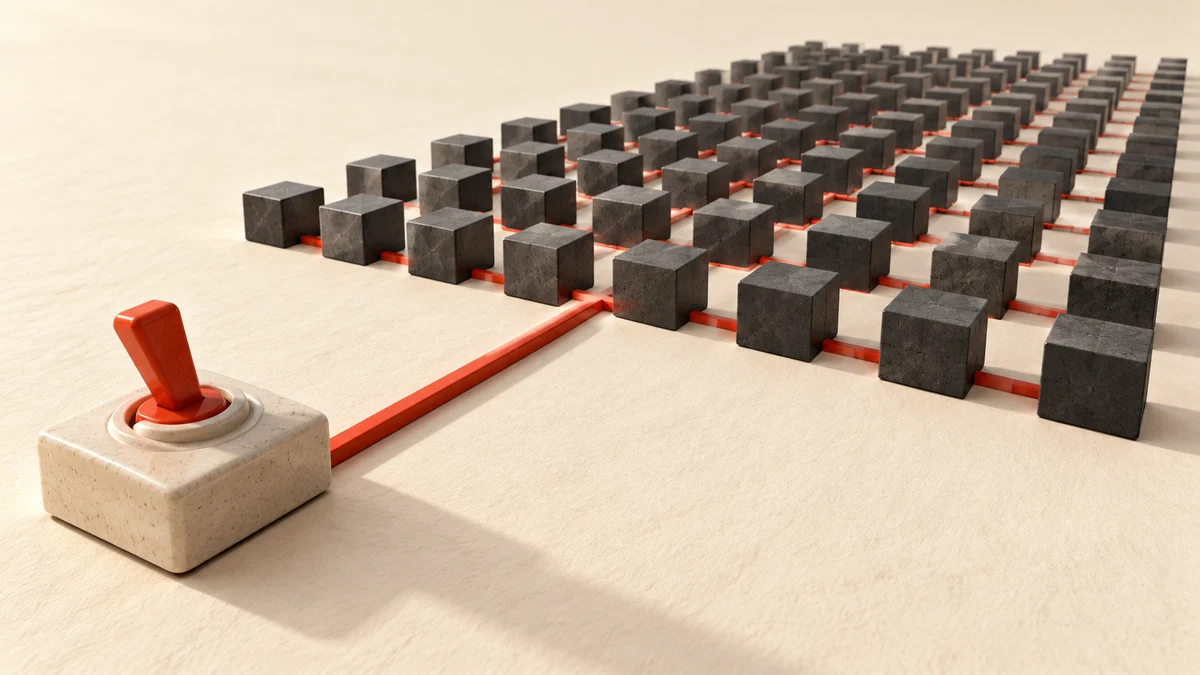
Instancing can reduce CPU draw submission when many objects share geometry and material. We ran a small experiment on October 8, 2026 to measure that reduction directly. This is a draw-call experiment, not a frame-rate benchmark.
Results
| Cubes | Separate Mesh calls | InstancedMesh calls | Triangles in either scene |
|---|---|---|---|
| 10 | 10 | 1 | 120 |
| 100 | 100 | 1 | 1,200 |
| 1,000 | 1,000 | 1 | 12,000 |
The triangle count stays the same. Instancing consolidates submission; it does not remove the geometry.
Read draw-call reduction separately from speed
The recorded experiment contains three object counts: ten, one hundred and one thousand cubes. Separate meshes submitted ten, one hundred and one thousand draw calls; the corresponding instanced scenes submitted one. Triangle counts remained unchanged. The [raw result](/images/blog/20261008/instancing-measurement.json) is the evidence for those particular counters and their recorded environment.
This establishes a submission-count difference for the fixture. It does not establish frame rate, input latency, GPU time or mobile performance. The experiment used software-rendered Chromium, simple box geometry and a basic material. Keep those conditions beside the numbers so the result cannot be mistaken for a hardware benchmark.
Consider a scene of repeated seats in a stadium. Shared geometry and material make the seats candidates for instancing. Different animated characters, transparent surfaces and multiple material groups require further decisions. Fewer submissions can help a CPU-bound scene, but the right next measurement is frame time on the actual target devices.
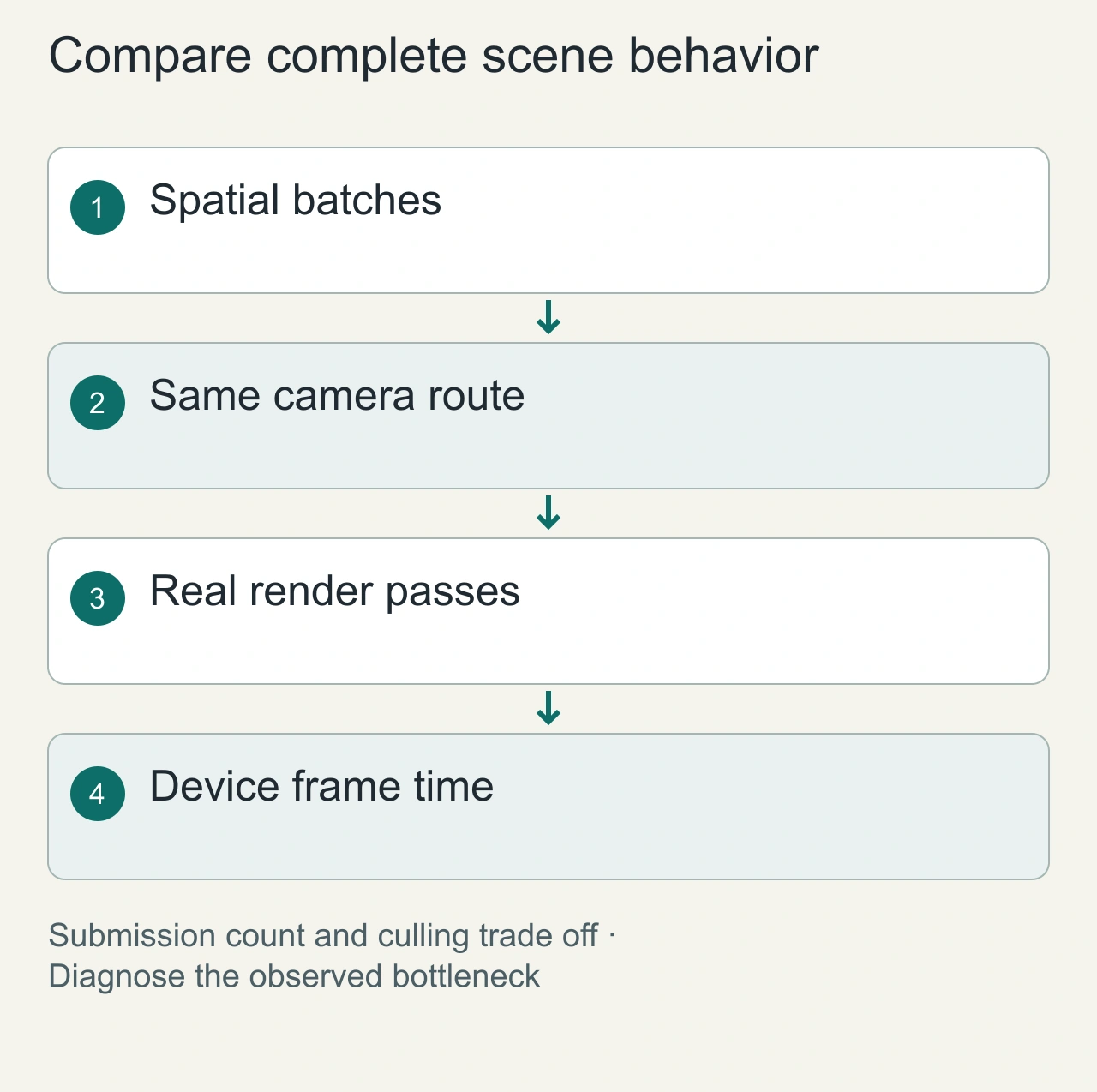
For the stadium example, divide seats by visible section rather than immediately combining the whole venue. Keep a stable record identifier for each seat and map a selected instance back to that record. Move the camera along a representative path that includes close views and distant sections. Capture counters for the same frames in each batching arrangement. This exposes the relationship between submission count and spatial visibility. The original cube experiment remains a useful isolated measurement, while the stadium trial answers a separate application-specific question that requires its own saved results.

Build an instance update path deliberately
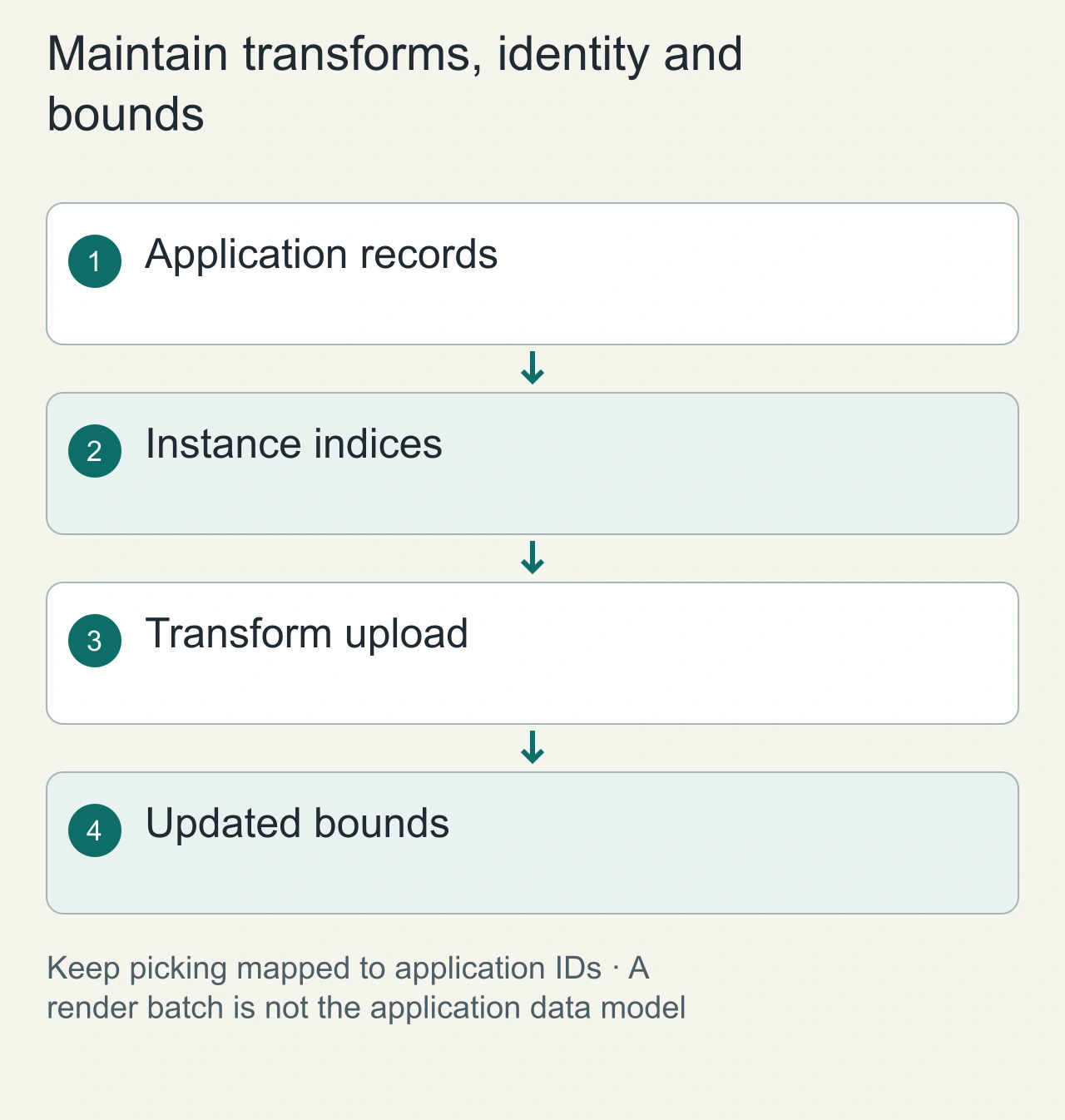
Create one shared geometry and material, then populate the instance transforms. Keep an application identifier for each instance index so picking can resolve to the correct record. The render object is a batch; your application's objects still need individual identity. Do not assume a scene-graph child exists for each seat or tree.
After updating transforms, mark the instance buffer for upload and consider the aggregate bounds. The [InstancedMesh reference](https://threejs.org/docs/pages/InstancedMesh.html) documents transform and bounds operations. A moved instance can require updated bounds; otherwise visible content may be culled incorrectly or a large batch may remain visible unnecessarily.
Separate frequently changing instances from stable ones when that makes the update path clearer. For a mostly static forest, a small changing batch may be easier to maintain than rewriting every tree's transforms. This is an engineering choice to profile in your scene, rather than a universal rule that one batch is always fastest.
Reproduce the experiment
Use Three.js r182 with an 800 by 500 render surface, one BoxGeometry, one MeshBasicMaterial, a perspective camera at z=70, and no shadows. Place each cube at x=(i%40)-20, y=floor(i/40)-12. For the separate scene, add one Mesh per cube. For the instanced scene, call setMatrixAt for the same transforms and mark instanceMatrix.needsUpdate. Reset renderer.info and render once before reading renderer.info.render.calls and triangles.
Our Chromium 145.0.7632.6 session ran headless on macOS through ANGLE/Vulkan SwiftShader. Software rendering makes this unsuitable for predicting hardware GPU performance. The complete counters and environment are in the raw result.
What these numbers cannot establish
We did not measure FPS, input latency, CPU time, power use, device temperature or mobile compatibility. A scene with textures, transparency, shadows, postprocessing or multiple material groups may submit additional draws. Frustum culling was enabled; every test cube was visible in the camera.
A production scene can trade fewer calls for a coarser culling unit. If a single InstancedMesh spans a large world, its aggregate bounds can keep it visible while most instances are offscreen. Consider spatial batches before combining everything into one object. Update bounds when transforms change significantly, and keep picking identifiers mapped to application records.
Use the measurement
Try instancing when repeated objects share geometry and material and profiling shows submission overhead. Keep heterogeneous animated objects separate until their data model supports batching. Repeat the counters with your own camera path and render passes, then measure frame time on the devices you support.
See the InstancedMesh reference and WebGLRenderer information. Pair this experiment with the resource disposal guide.
Measure batching and culling together
Try several spatial batches along the same camera path. Record draw calls and frame time for each arrangement, with the same objects, materials and render passes. One world-sized batch can reduce submissions while weakening culling. Several local batches may submit more calls but avoid processing large offscreen regions.
Include the real passes in the measurement: shadows, selection highlights and postprocessing can change the workload. Keep resolution, renderer settings and device conditions fixed within a comparison. Report warm-up, repeated samples and the camera route so another person can assess the result.
If instances disappear, inspect transforms, buffer updates and bounds before disabling culling globally. If picking is wrong, inspect the instance-to-record map. If frame time does not improve, inspect the actual bottleneck rather than concluding that the draw-call result was false. The counters and the user-visible performance answer different questions.