Choose a workflow you can evaluate
The most useful skill is the one that makes a repeated task more reliable in your environment. Coding, research and automation need different acceptance criteria. This guide recommends workflow categories; it does not claim a universal ranking or fabricated benchmark of downloaded packages.
Agent Skills defines the portable instruction-and-resource format. Anthropic's engineering explanation describes progressive disclosure: the agent can load relevant instructions without carrying every package in context.
Coding: map the change and verify the behavior
A useful coding skill should explain how to inspect the repository, preserve unrelated work and run the relevant existing checks. Give it a fixture task such as adding one optional field to an API response. Score whether the implementation preserves current callers and stays within scope. Instructions demanding many tests are not automatically better than a well-chosen regression check.
Evaluate a skill with a realistic fixture
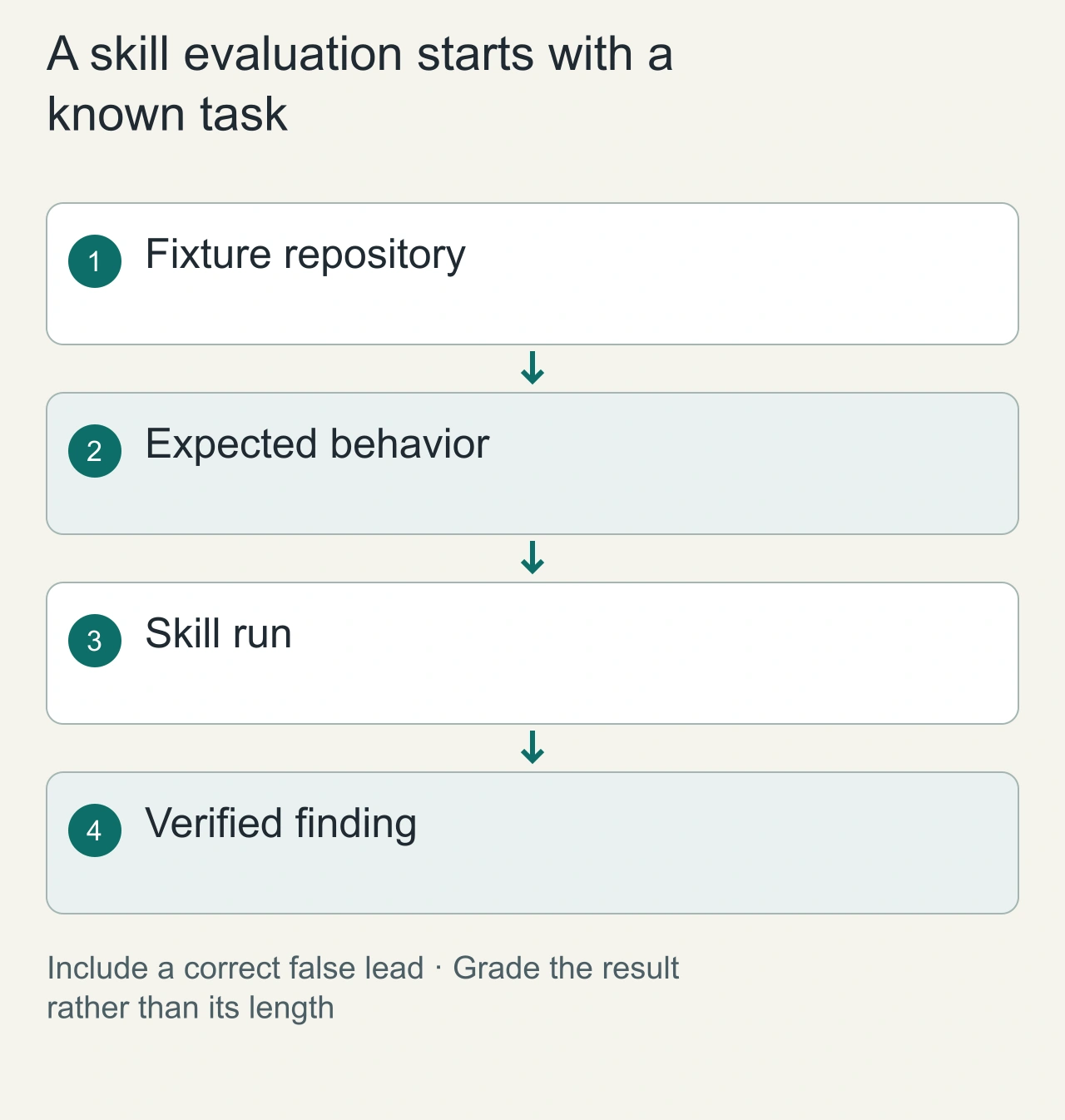
For a code-review skill, prepare a tiny repository with one deliberate defect: a pagination handler advances its cursor before returning the current page. Supply the desired behavior and an example request, then ask for a review. A useful output identifies the defect, explains the observable result and points to the relevant location. A long list of general style suggestions is a different outcome.
Repeat the exercise with a harmless false lead, such as an unfamiliar but correct naming convention. This tests whether the procedure encourages evidence or simply encourages criticism. Keep the expected finding separate from the prompt so the skill is not rewarded for repeating the answer you supplied.
Score the artifact in categories: correct finding, useful explanation, irrelevant claims and required human corrections. Do not turn those categories into a universal leaderboard after one run. They are a local selection record for your repository and task. Prefer a skill that gives a short verifiable result over one that creates impressive volume.
For a research skill, use two short public documents that disagree because they discuss different populations. Ask for a comparison that preserves that distinction. The expected artifact is a small table plus a qualified explanation, rather than a forced consensus. For a document-production skill, use a page containing a long heading and one table, then open the exported file and inspect wrapping. These fixtures test concrete promises in different skill categories. Keep the exact inputs and acceptance rules so the next evaluation can expose an actual regression rather than a change in your expectations.
Read the procedure as an executable promise
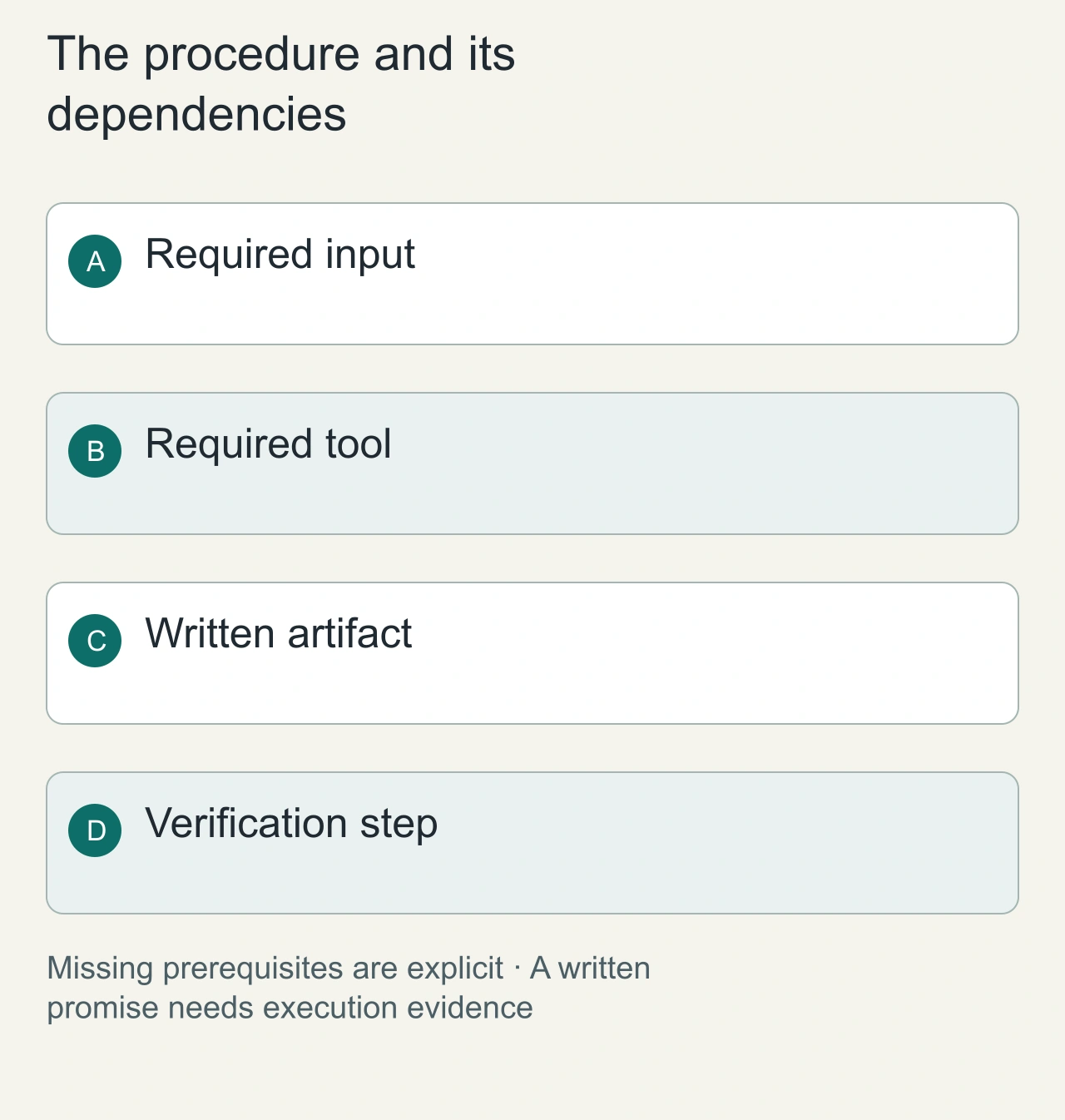
Open the skill instructions before enabling the package. Identify the inputs it expects, the tools it calls and the files it writes. For a research skill, find where it verifies sources. For a document skill, find how it checks the exported artifact. For automation, find the target-selection and error-handling steps. Missing steps become your responsibility.
A procedure that assumes a particular connector cannot complete that workflow in a host without the connector. Make a dependency list containing filesystem access, network access, accounts and artifact formats. This turns an ambiguous failure into a clear prerequisite. It also helps distinguish a portable writing method from a host-specific integration.
Compare the instructions with one real execution trace. If a step says to inspect a source but the trace contains only a summary, the package has not demonstrated that promise. The [MCP connection overview](https://modelcontextprotocol.io/docs/getting-started/intro) can help identify when a skill depends on connected tools rather than instructions alone.
Research: trace claims to evidence
Look for a workflow that distinguishes source claims, the author's inference and independently observed results. Give it two primary sources that disagree or refer to different versions. A good result explains that difference and links the specific evidence; counting citations does not establish accuracy.
Automation: make actions reviewable
A useful automation skill identifies required accounts, input data and the result to inspect before an external action. Test with a harmless draft document first. Writing a clear message is a different capability from having authorization and a connected tool to send it.
| Category | Example acceptance criterion |
|---|---|
| Code change | Existing callers still work; intended behavior changes |
| Research brief | Each material claim has a supporting source |
| Document production | Artifact opens and has the requested structure |
| External automation | Correct target and reviewable result precede the action |
Review the package before enabling it
Read SKILL.md, inspect executable scripts and identify network calls. Check whether it assumes unavailable tools or a particular host. A procedure that needs a proprietary connector cannot become portable just by changing its title.
Keep a local fixture and scorecard for workflows you repeat. Recheck when the package, agent or external API changes. This gives you a more useful selection method than installing a large collection and hoping the agent chooses correctly.
Browse AiFolder skills for candidates and use skills versus plugins versus MCP to identify which extension layer you actually need.
Maintain a small skill collection
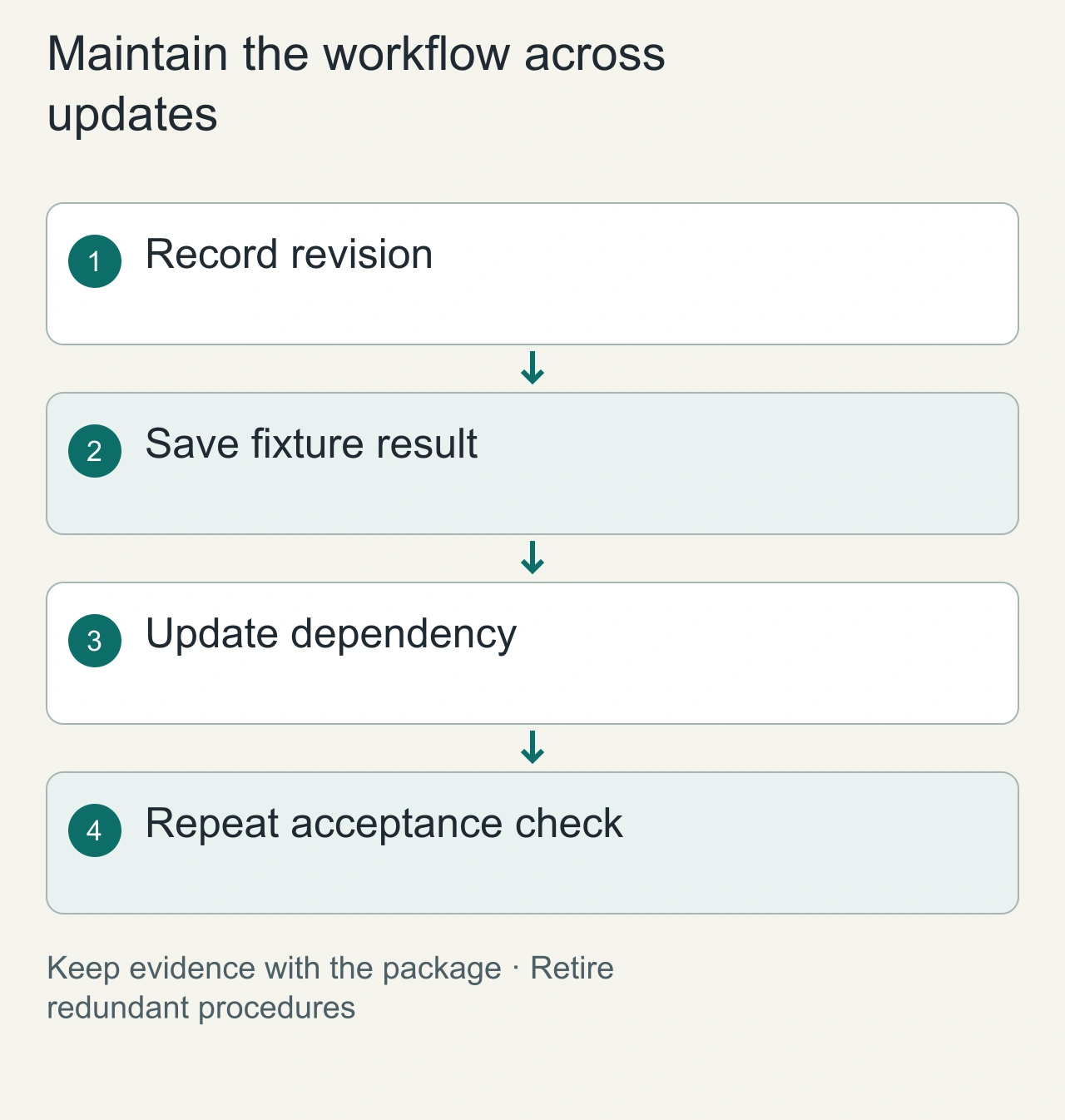
Assign one owner and one fixture to each skill you depend on. The owner need not rewrite the package; they should know why it is installed, which revision worked and how to recognize failure. Save the successful artifact and any corrections so a later update can be compared with something concrete.
When two skills overlap, run the same fixture through both and compare the corrections needed. One may be better for a short code patch while another is better for a source-heavy report. Preserve that distinction rather than forcing both into a single winner. Do not install several near-identical procedures simply because their titles sound useful.
Revisit the selection after a host, model, connector or package update. Keep the evaluation bounded: one known task plus the new requirement that motivated the update. This provides a practical maintenance habit without demanding a large benchmark for every small change. The desired endpoint is a dependable workflow, not the largest installed catalog.