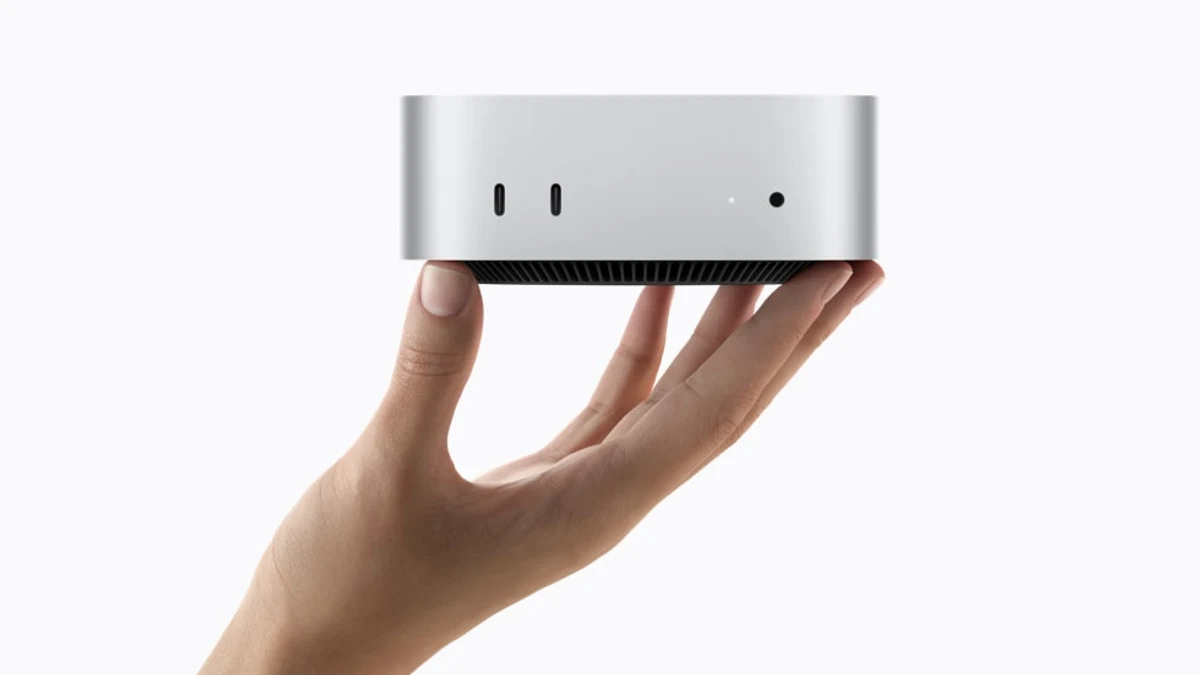
Apple's August 2026 Mac mini announcement introduces M6 and M5 Pro configurations. That announcement does not supply a controlled M6-versus-M4 result for your local language model. This guide explains what to measure; we have not run that hardware comparison.
Start with a working set
A model must fit alongside its key/value cache, runtime buffers, applications and operating system. Parameter count alone does not establish usable memory. Quantization reduces weight storage, while context length and parallel requests can increase other allocations.
Record installed unified memory and observed memory pressure for both machines. Compare the exact configurations you can buy rather than assuming every Mac mini of a generation has the same capacity.
First ask whether the entire working set fits
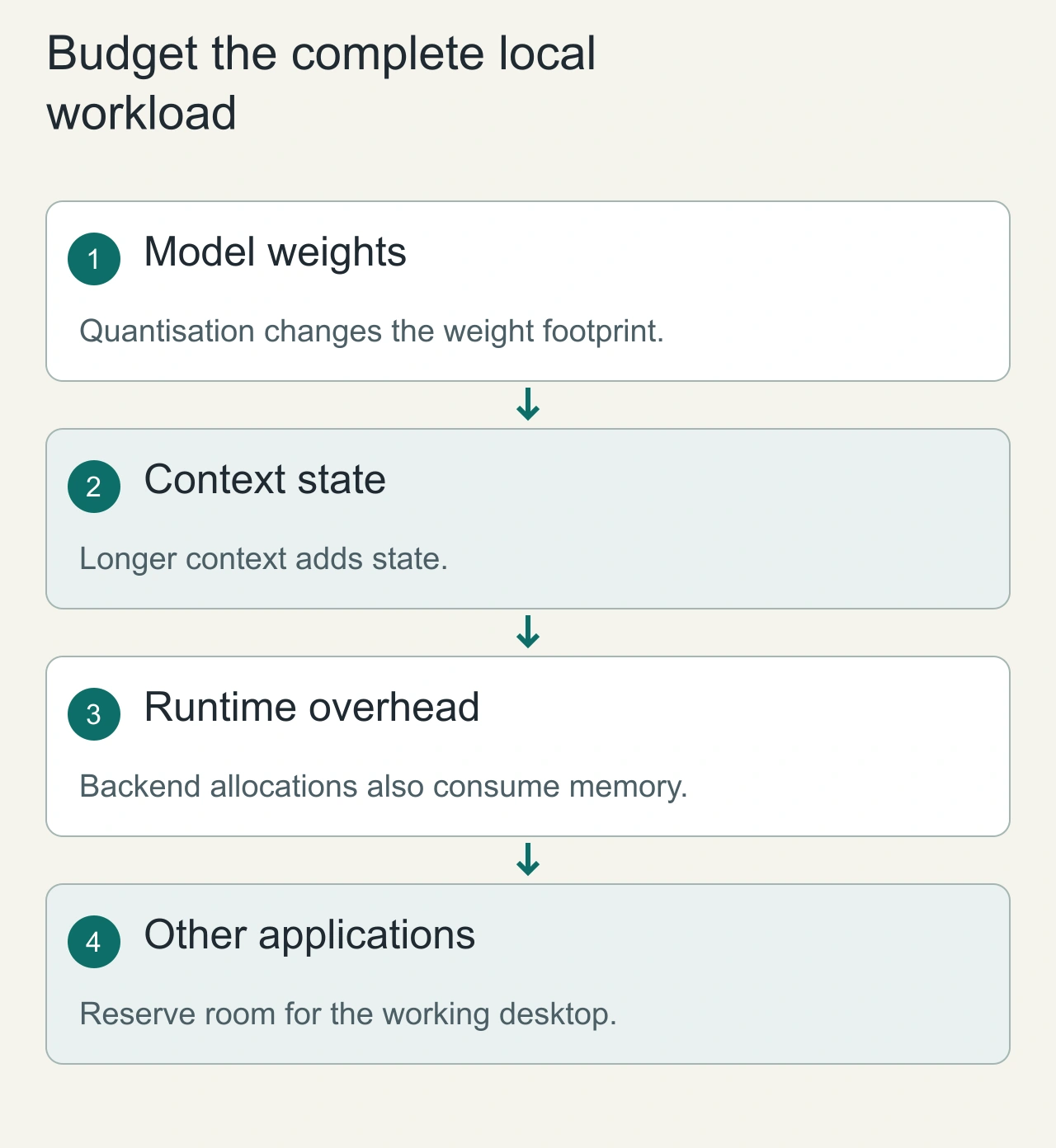
Local inference is a memory-planning problem before it is a speed comparison. The working set includes model weights, runtime overhead, context state and the applications already open on the computer. Loading a model successfully is only the first checkpoint. A long conversation, a larger batch or another demanding process can change memory pressure after the initial demonstration.
Use a concrete workload: the same model file, quantisation, context limit and prompt sequence on both machines. Record the model’s checksum or release identifier so that a later update cannot silently change the comparison. Keep the runtime version and execution backend visible in the notes. Otherwise, a software difference can be mistaken for a hardware difference.
A rough weight estimate is parameter count multiplied by the bits used per parameter, divided by eight. That is only a starting estimate; it excludes context state and implementation overhead. Do not advertise it as the final memory requirement. A meaningful capacity check observes the complete workload while leaving room for the desktop tasks the owner actually performs.
Measure prompt processing and generation separately
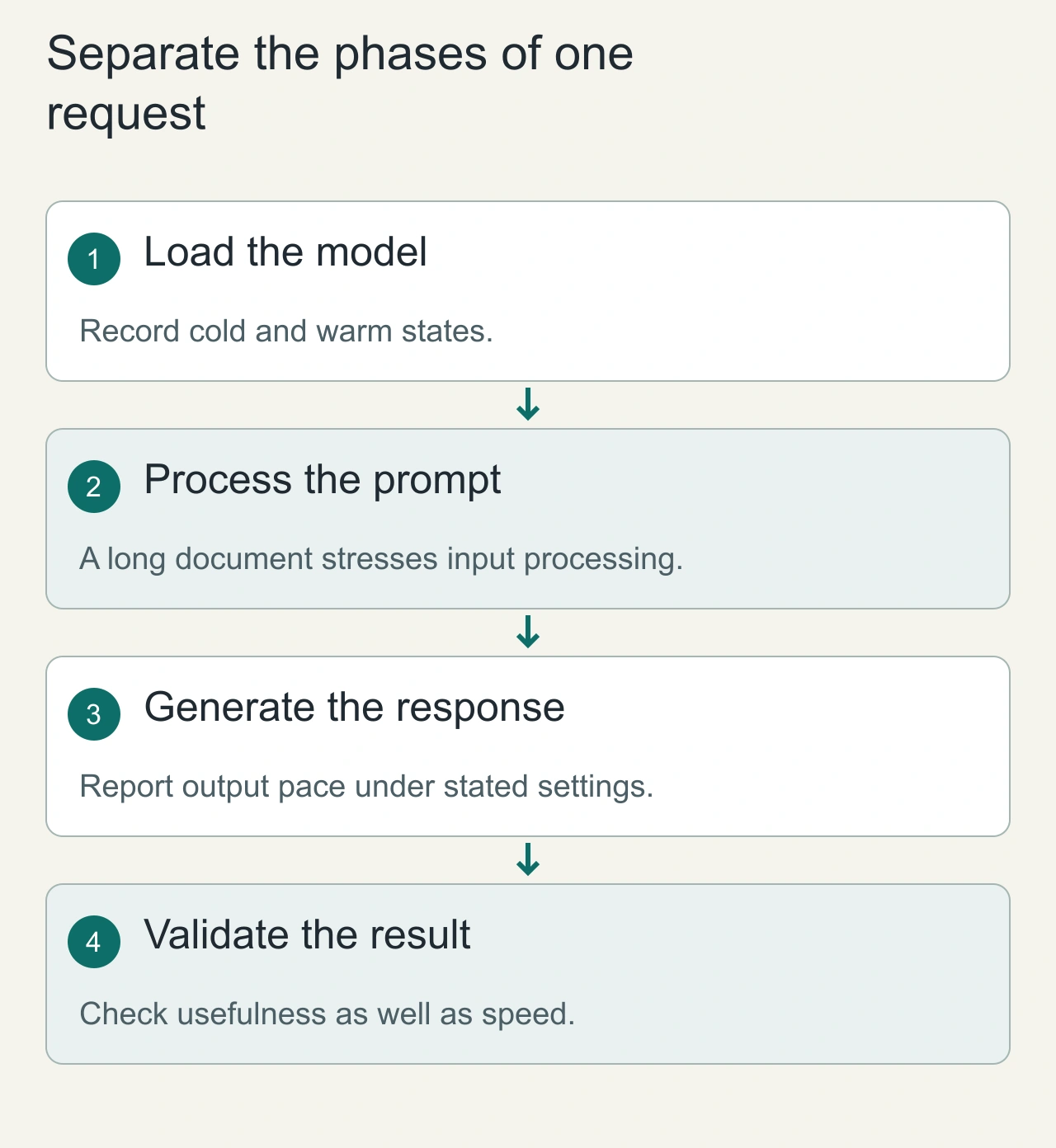
A long prompt and a long answer stress different parts of inference. Record the time spent processing the input separately from the pace of generating the response. Also distinguish a cold model load from a warm request. A single blended number can hide the delay that matters most to someone waiting for the first useful result.
Create a small fixture with a short question, a long document and a repeatable coding or extraction task. Keep the expected output conditions explicit. For extraction, compare the fields against a known reference. For coding, inspect whether the proposed change actually addresses the task. Faster generation does not compensate for an answer that cannot be used.
Run the fixture with the same model settings and record the machine’s other activity. Preserve failures, out-of-memory events and changes in responsiveness. This article does not contain measured M6-versus-M4 throughput: it explains how to obtain a comparison that another person could reproduce instead of recycling a vendor’s broad performance claim.
Keep model inputs identical
| Variable | Fix across machines |
|---|---|
| Model | Same file and checksum |
| Precision | Same quantization and runtime format |
| Runtime | Same release and acceleration settings |
| Prompt | Same tokens and context length |
| Output | Same maximum tokens and stopping policy |
| Environment | Same background workload and power policy |
Separate model loading, prompt processing, time to first token and generation rate. Mixing them into one number can hide the difference between a short interactive request and a long batch run.
Reproducible sequence
Run a cold load, then repeat warm requests. Use several prompt lengths and report their token counts. Repeat the workload and publish the median plus variation. Record memory pressure, failures and whether the system swaps; a fast result that fails on the target context is not a practical capacity win.
For an interactive workflow, measure the complete time until a useful answer, including retrieval and tool steps if those belong to the application. Keep a model-only benchmark separate so readers know what is being compared.
Price the complete setup
Use current local prices for the exact memory and storage configurations. Include accessories you actually need. Compare cost with a workload result after measurement; this article has no tokens-per-second or performance-per-price winner.
An existing M4 that fits your model may be sufficient. An upgrade decision needs a measured bottleneck and a configuration that removes it. See self-hosted agents for the wider local workflow.
Price the usable setup rather than an isolated chip upgrade
Compare the exact memory and storage configurations available to you, together with the monitor and accessories you need. The practical alternative may be keeping an existing M4 system, buying a different memory tier, or running occasional tasks remotely. Those are different ownership choices, not merely different processor names.
For local work, account for model storage, download management and keeping the runtime updated. If the workflow calls remote services for search, tools or authentication, local inference does not make the entire workflow offline. Draw that boundary explicitly so that the owner knows which documents and requests can still leave the computer.
A purchase is easier to justify when the current machine fails a documented requirement: the model does not fit comfortably, the first response delay interrupts work, or another essential task becomes unresponsive. If the existing system completes the fixture adequately, more memory or a newer model of computer may not improve the owner’s actual outcome enough to warrant replacement.