Optimize the largest budget first
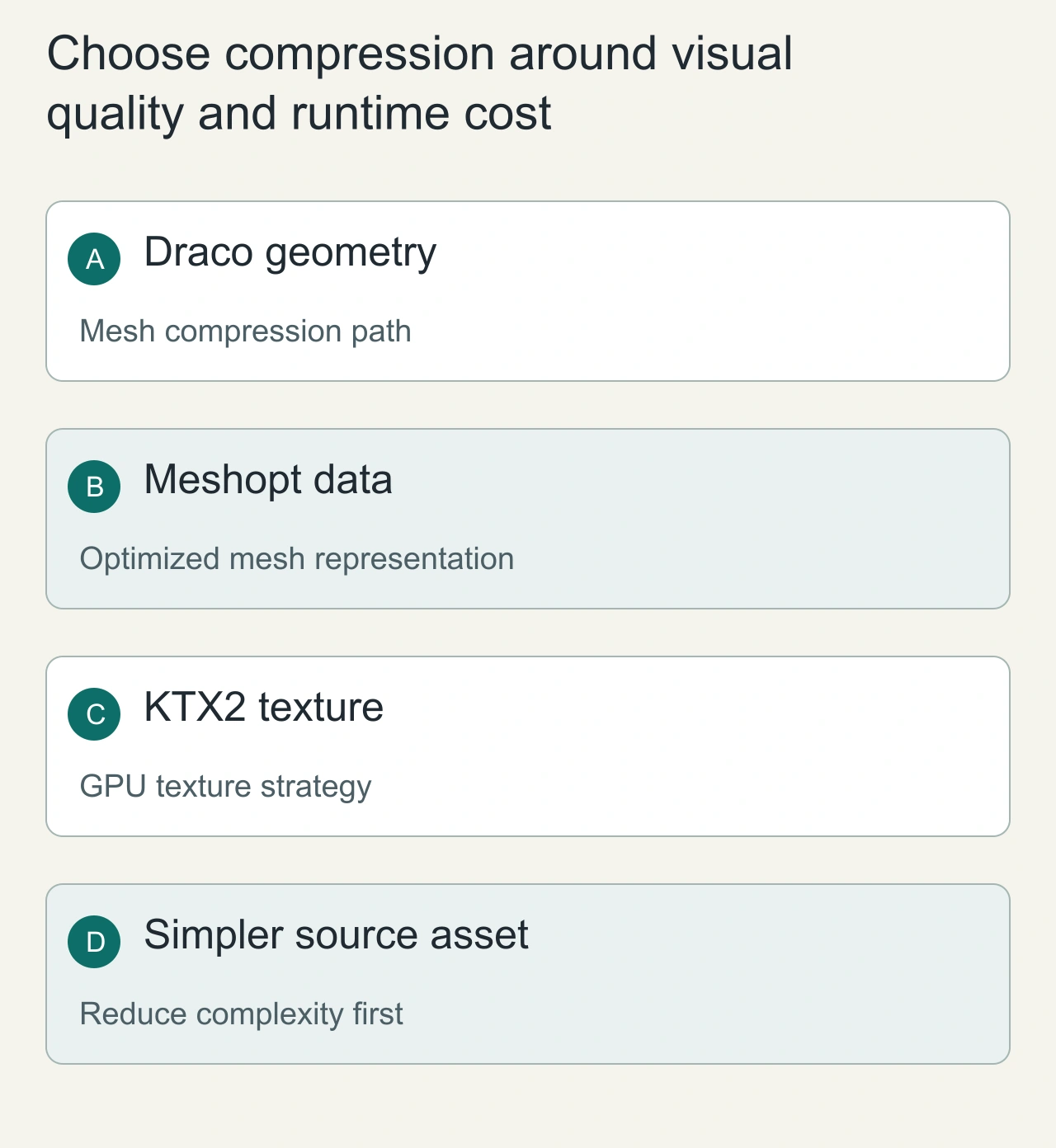
A model's download size, decode time and GPU memory are different budgets. Draco and Meshopt target geometry-related data; KTX2 with suitable compressed texture formats targets textures. A tiny geometry file can still allocate large textures after loading. No compression option wins every workload.
Three.js GLTFLoader supports Draco, Meshopt and Basis texture extensions with separately configured decoders or loaders. The concrete setup must match the extensions actually present in the asset.
Compare what each option changes
| Option | Main budget | Integration requirement |
|---|---|---|
| Draco | Geometry transfer | Configure DRACOLoader and its decoder |
| Meshopt | Mesh and related buffer encoding | Configure the Meshopt decoder |
| KTX2 / Basis | Texture transfer and GPU formats | Configure KTX2Loader and detect renderer support |
The options can complement each other. They are not three interchangeable settings on one slider. Preserve an uncompressed reference asset to check whether quantization or texture conversion damages the result.
A small download still takes too long to display
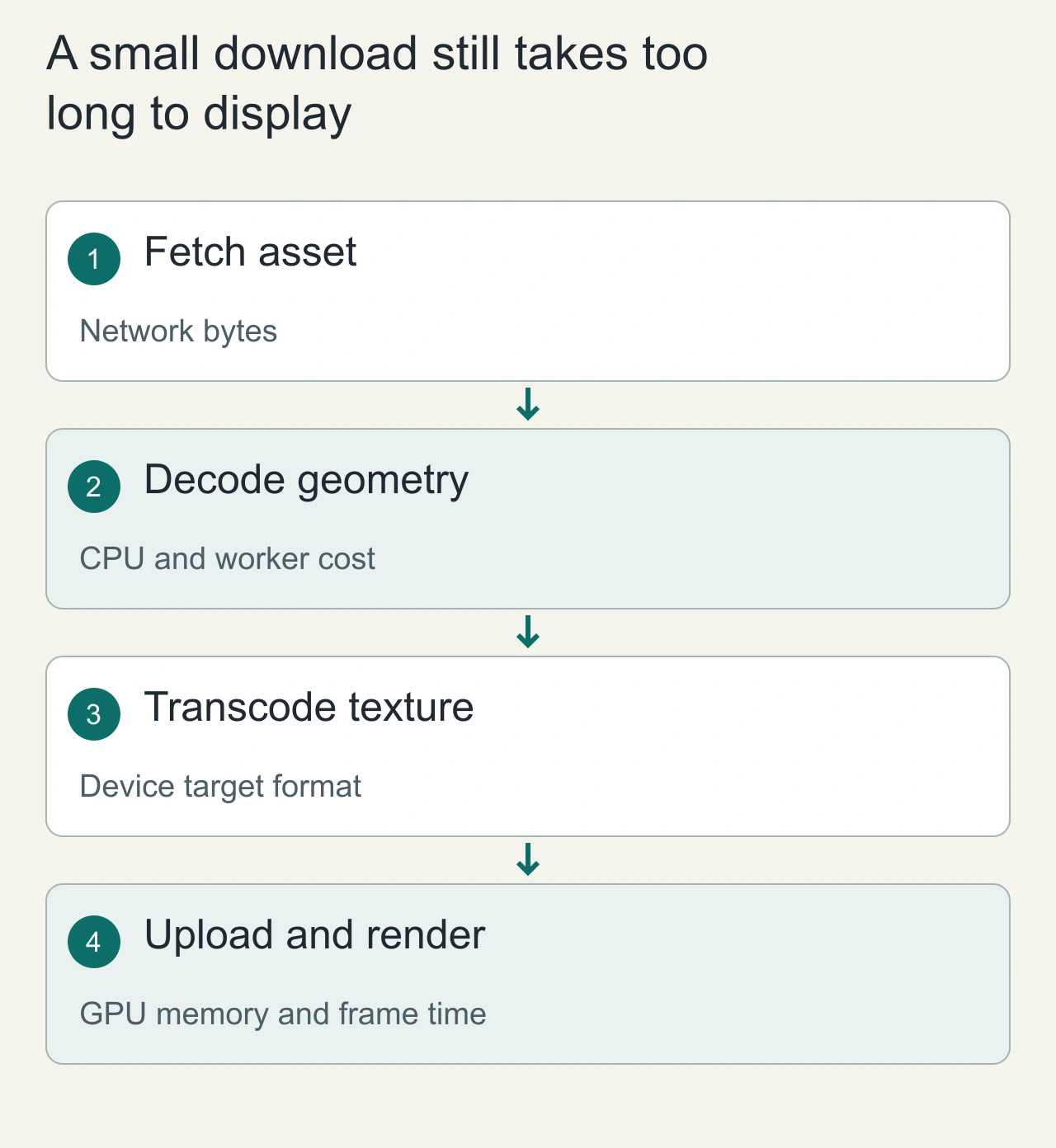
A product viewer downloads a compressed model quickly but pauses before showing it. The visible delay can include geometry decoding, texture transcoding, shader compilation and GPU uploads. A smaller transfer is valuable, but it does not prove that the complete loading path is faster. Separate the time to fetch bytes from the time to show a usable first frame. Observe both on the devices and network conditions that matter to the product.
For a furniture model, geometry compression may reduce mesh data while large textures still dominate transfer and GPU memory. Draco and Meshopt address geometry or mesh-related representation; KTX2 supports a texture path with device-dependent transcoding. They solve different parts of the asset pipeline. Configure the loaders and supporting decoders required by the actual glTF extensions used in the file. Keep decoder availability and version compatibility in the deployment plan, because a locally working asset can fail in production when a decoder path, worker script or cross-origin policy differs.
Choose compression around visual quality and runtime cost
Begin with the asset itself: remove invisible detail, use an appropriate polygon budget and choose texture dimensions that match the visible use. Compression should not become an excuse to ship unnecessary complexity. A model shown in a small card may not need the geometry and texture budget used by a full-screen close-up. Make those choices before comparing encodings so that the experiment answers a real product requirement.
Evaluate a small set of asset variants with the same camera, materials and lighting. Look for changed edges, texture artifacts, normal-map behavior and unacceptable detail loss. Record transfer bytes, decoding or transcoding time, first useful frame and steady-state memory separately. A variant can win on one metric and lose on another. Do not combine geometry and texture changes in a way that prevents attribution. Keep an uncompressed or less aggressively optimized reference for visual comparison and debugging. The preferred result should explain which budget improved and what quality or compatibility tradeoff was accepted, rather than declaring one compression format universally best.
Define a repeatable comparison
Choose one representative model containing the details your application needs: normal maps, transparent materials, animation and small text if applicable. Produce one variant per geometry option and one texture-compressed variant. Record exporter versions and conversion commands.
Measure file bytes, download duration, parse/decode duration, first rendered frame and memory-related counters separately. Repeat a cold run with caches cleared and a warm run with caches retained. Record device, browser, network profile and viewport. A desktop result does not establish mobile performance.
These are proposed measurements; this article does not invent a Draco-versus-Meshopt benchmark.
Configure the runtime deliberately
Create a GLTFLoader, attach the required decoder, then load the model. For KTX2, call detectSupport with the renderer before loading textures. Consult KTX2Loader and DRACOLoader for the current APIs and decoder deployment. Bundle compatible decoder files and check their requests in the network panel.
A missing decoder or wrong public path can make a model fail only after deployment. Test with a fresh browser cache so locally cached decoder files do not hide the error. Also verify that cross-origin policies allow any external decoder assets.
Check visual correctness
Compare silhouettes, UV seams, gradients, texture detail, transparency and animation against the reference. Small byte savings are not worth broken text or damaged normal maps. Set an explicit visual tolerance and keep the comparison screenshots.
When changing scenes, free resources according to ownership. Compression reduces transfer work; it does not excuse retaining unused geometry and textures. Read Three.js cleanup and explore AiFolder games as a practical browser workload.
Debug the loading stage that actually failed
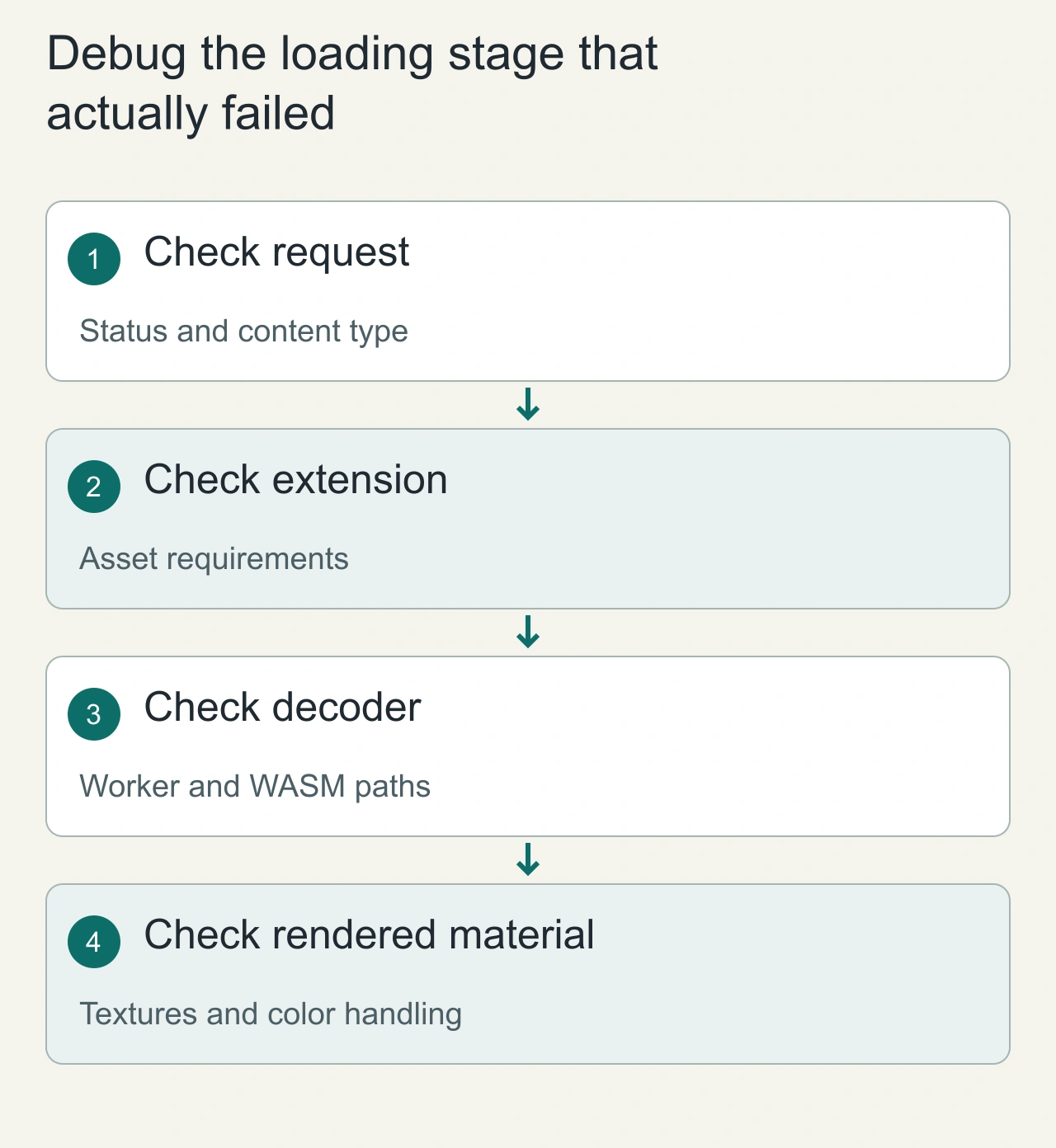
A model that fails to appear should first be investigated as a sequence of stages. Confirm that the asset and its dependencies return the expected content rather than an HTML fallback. Inspect the glTF extension requirements, then verify the relevant decoder or transcoder path. A network success for the main file does not prove that an embedded extension is supported or that an external resource loaded correctly.
If geometry appears but materials look wrong, inspect texture availability, color-space assumptions and the exported material settings instead of changing geometry compression blindly. If the first frame works but repeated navigation grows memory, investigate ownership and disposal rather than download size. Retain errors from loader callbacks and correlate them with the exact asset revision. Rehearse the production host configuration using one representative compressed model before applying the pipeline to an entire catalog. A robust optimization process produces reproducible asset variants, a documented loader setup and a stage-by-stage failure checklist that helps the team distinguish transfer, decode and rendering problems. Preserve the exporter settings with each asset revision for reproducible comparison.