A free extension can still run paid inference
The marketplace installation price and the cost of model usage are different. Before choosing an AI extension, identify the account, model provider and allowance required to complete your task. This guide is based on official documentation and pricing; it does not claim a controlled installation or code-quality benchmark.
Compare the cost boundary
| Candidate | Cost question | Suitable evaluation task |
|---|---|---|
| GitHub Copilot | Which capabilities fit the current Free plan? | A small edit and explanation |
| Gemini Code Assist | Which individual or organizational offer applies? | A code explanation and correction |
| Cline | Which configured provider pays for inference? | A bounded agent task with a spending limit |
GitHub's plan comparison explicitly includes a Free tier with capability differences. Google's overview describes its Code Assist offerings. Cline's installation guide distinguishes installing the extension from configuring its usable model access.
Separate suggestions, agents and model access
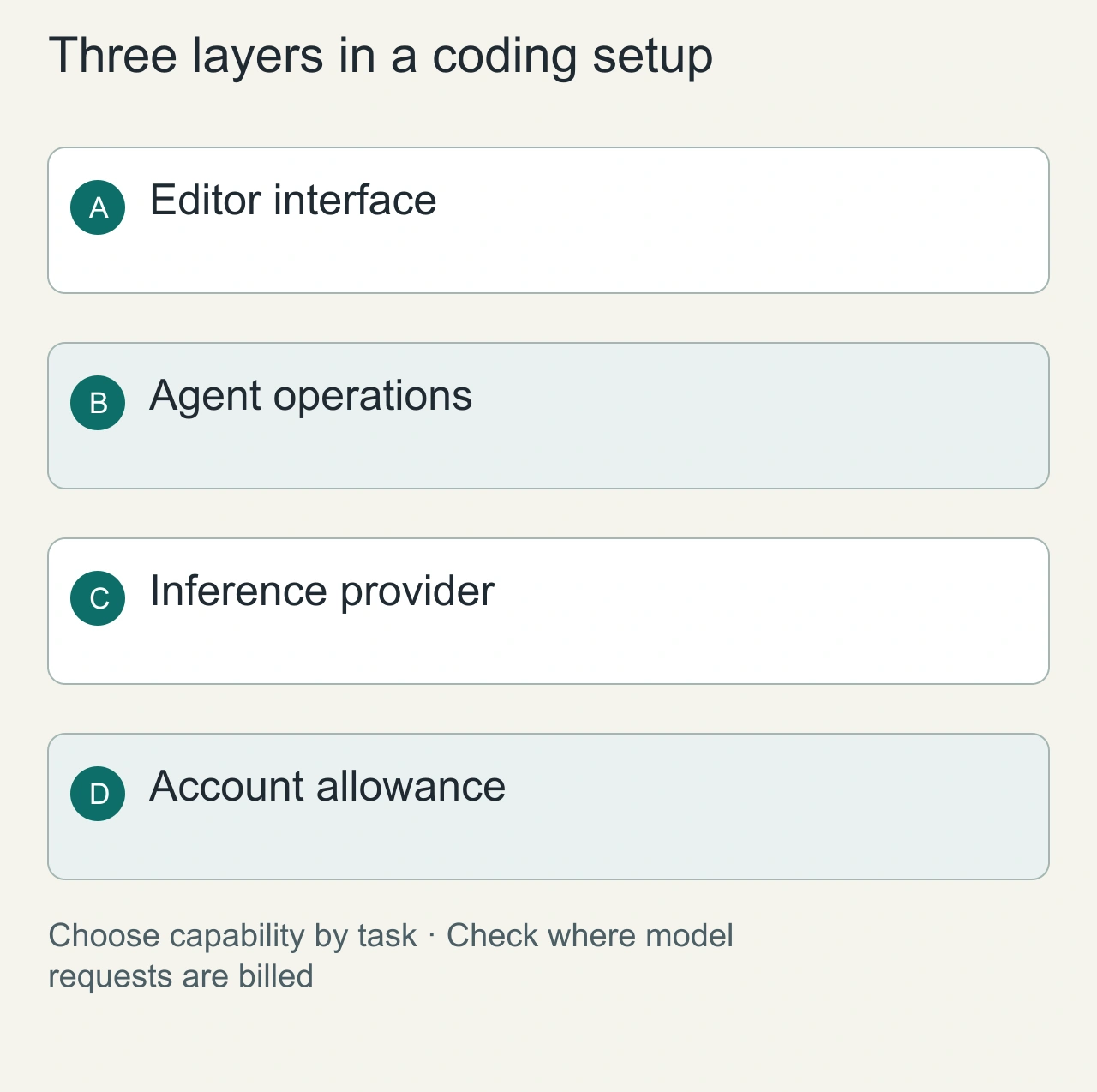
An inline completion tool suggests text while you edit. A repository agent may read files, modify several locations and run commands. A model connection supplies inference to either interface. Decide which capability your task needs before comparing free plans. A broad agent is not automatically a better fit for completing a single expression.
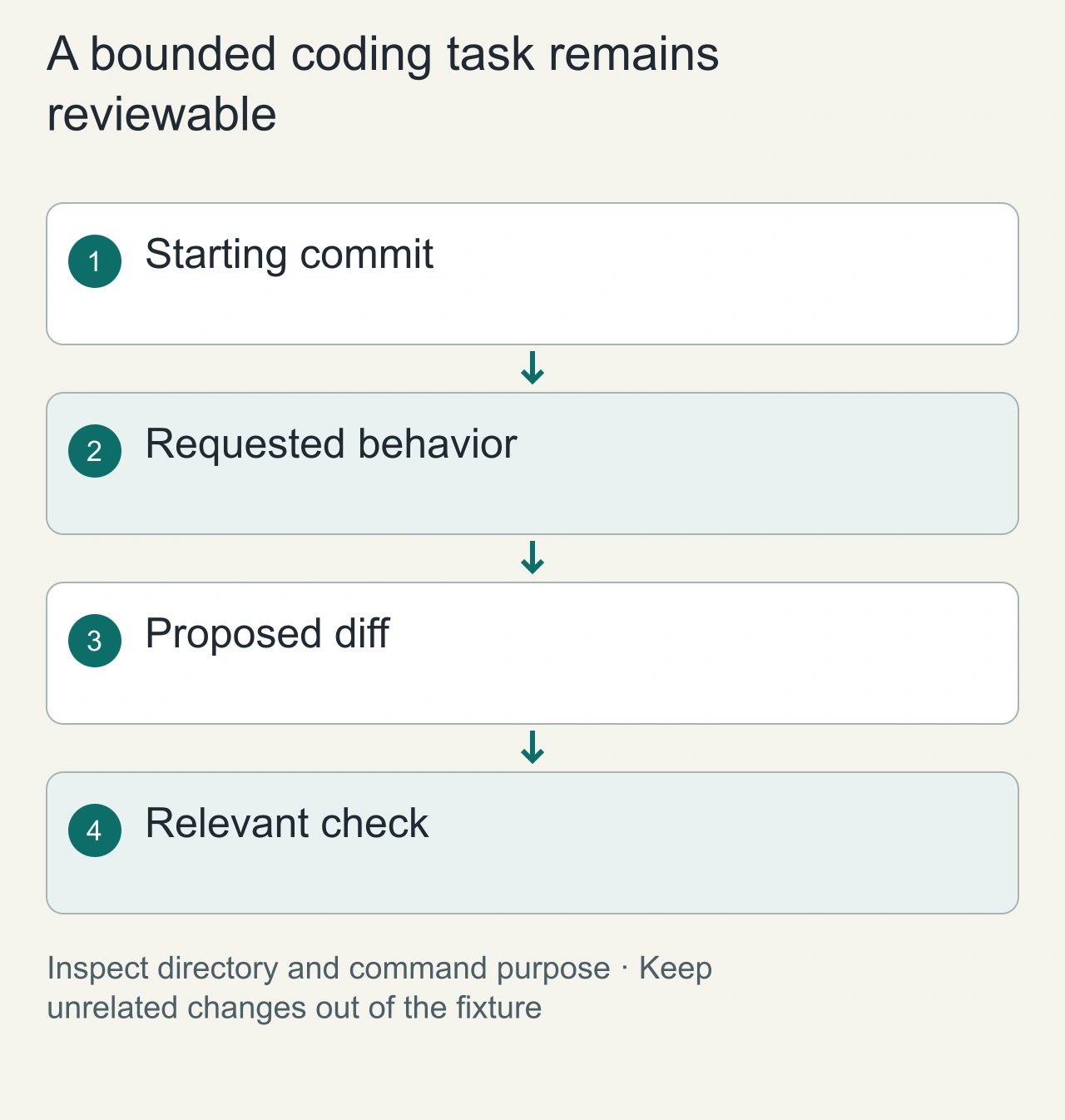
Use a disposable repository with one small behavior change: add validation for an empty form field and preserve the existing success path. Record the starting commit and expected response. Ask for the change, then inspect the diff. This task reveals whether the extension understands the request without requiring access to your production repository.
Keep the extension account and inference provider separate in the cost worksheet. Some interfaces can use a separately configured model account or API key. Confirm the active route in the current settings rather than assuming that a free installation means no inference charges. Do not paste provider credentials into the fixture or commit them.
Add a negative case to the form-validation fixture: a nonempty value containing leading and trailing spaces. Decide whether the application should trim it, preserve it or reject it, then inspect the implemented behavior. This prevents a narrow empty-string check from being mistaken for the complete requirement. Also check that error messages are visible in the existing interface. The diff should explain how the requested behavior fits the current component and callers. Save your correction if the extension misses the case; that evidence is more useful than an unsupported claim about general code quality.
Inspect the diff and command boundary
Before allowing a command, read what it will do and which directory it targets. For the first fixture, existing local checks are sufficient. The agent should not need deployment credentials, production access or unrelated package upgrades to validate one input. If it proposes them, compare that scope with your requested behavior.
The [VS Code Workspace Trust documentation](https://code.visualstudio.com/docs/editing/workspaces/workspace-trust) explains the editor's trusted-workspace concept. Treat editor trust and a particular extension's agent controls as separate things to inspect. A trusted repository is not a reason to approve every command an assistant proposes.
Check whether the resulting code preserves the original success path and whether unrelated files changed. Review generated tests for the behavior they actually establish. A test that repeats the implementation may add little confidence. Save the final diff and the command results so a later evaluation can be compared with the same acceptance criteria.
Run the first task safely
Use a disposable repository with a clear issue and existing checks. Ask the assistant to explain a function, then implement one bounded change. Record the resulting diff, approvals requested, files read and model charges or allowance consumed.
Do not let a free tier disguise unbounded API spend through a separately configured key. Set provider-side budgets when using paid inference and keep credentials out of the repository.
Compare capabilities fairly
An inline completion tool and an agent that runs commands do not solve exactly the same problem. Compare them on the workflow you need. If the task needs a terminal, check command approval and workspace boundaries. If it needs only suggestions, a narrower tool may be sufficient.
Feature names change. Verify the actual current plan instead of assuming a historically free capability is still included. A trial is not an ongoing free tier, and an extension supporting a local model does not guarantee that your machine can run the desired model at acceptable speed.
Keep the result reproducible
Record extension and model versions, date, prompt, starting commit and human corrections. Passing a fixture check demonstrates that task, not every future code change.
For a broader capability comparison, read AI VS Code extensions. For access controls, read agent permissions before allowing repository-wide edits.
Diagnose configuration before changing tools
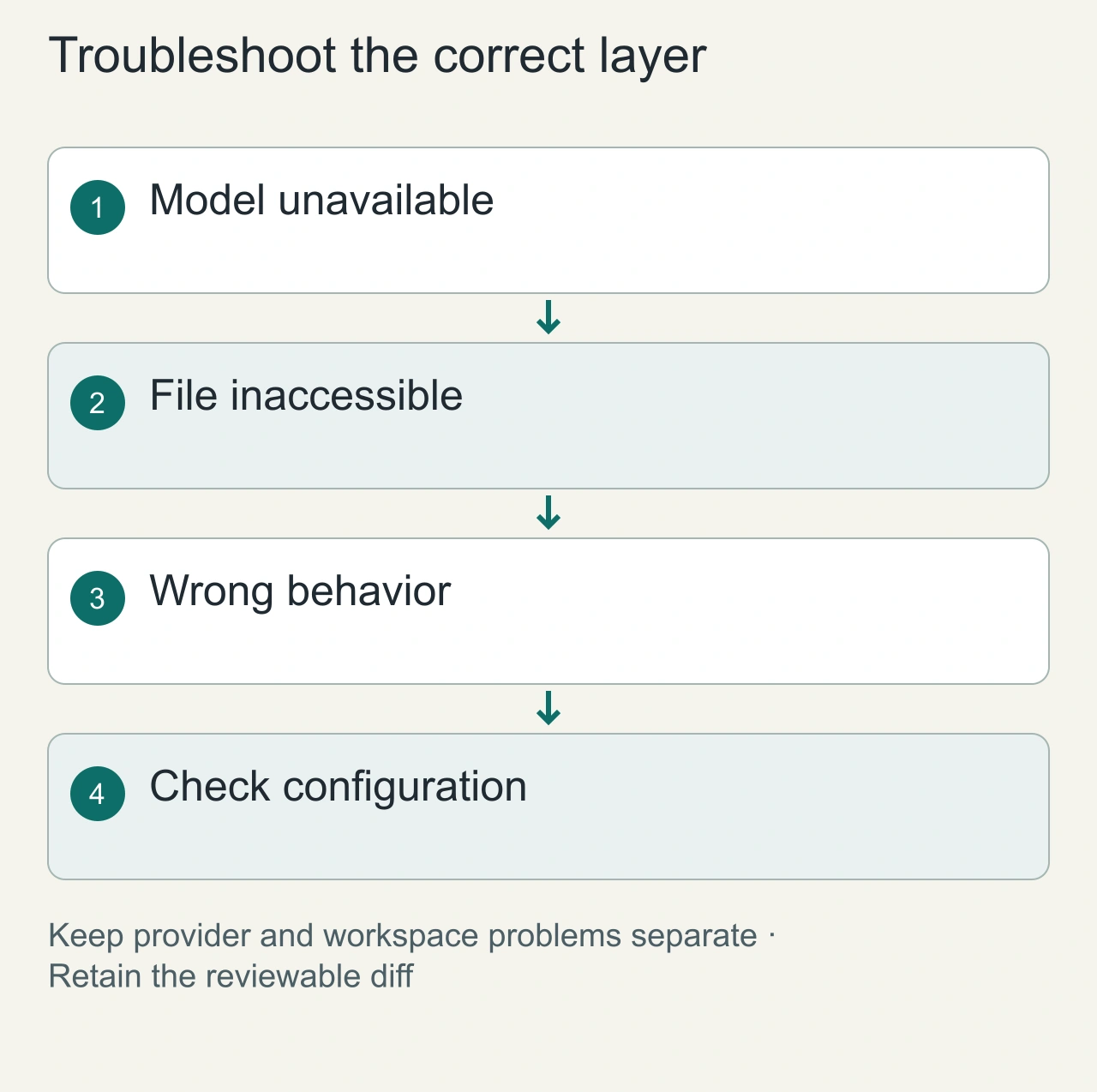
If the extension cannot use a model, inspect the provider selection, login state and current allowance. If it cannot read a file, inspect workspace boundaries. If it writes plausible but wrong code, inspect the supplied behavior and surrounding callers. These failures belong to different layers of the setup.
Record extension version, model identifier, prompt and human corrections. Do not use one successful fixture to claim a universal coding winner. A completion assistant may fit short edits while an agent fits coordinated changes. The comparison becomes useful when the task category and operating cost are explicit.
Keep a manual editing path and your normal project checks available. If a free tier becomes unavailable, you should still be able to inspect the saved diff and finish the work. Adopt the extension when it improves a repeated task under understandable limits, then reevaluate when its model route or plan changes.