Three different extension layers
A skill teaches an agent a repeatable workflow. A plugin packages capabilities for a host application. An MCP server exposes tools or resources through a protocol a compatible client can use. A plugin can include skills and MCP configuration, so these categories overlap without becoming synonyms.
The Agent Skills specification describes a directory organized around SKILL.md and optional resources. Claude Code's plugin guide documents one host's packaging model. MCP's introduction defines the protocol boundary. Terminology and support differ between hosts.
Match the missing capability
| Your need | Start with | Example |
|---|---|---|
| Consistent procedure | Skill | Review a document with a fixed rubric |
| Installable host bundle | Plugin | Package commands, skills and integrations |
| Access to an external system | MCP server or connector | Retrieve a project issue |
Our illustrative document-review agent could use all three: a plugin installs the package, a skill explains the review procedure, and an MCP tool retrieves the document. None of those layers guarantees the final review is correct.
Build one workflow before choosing the extension
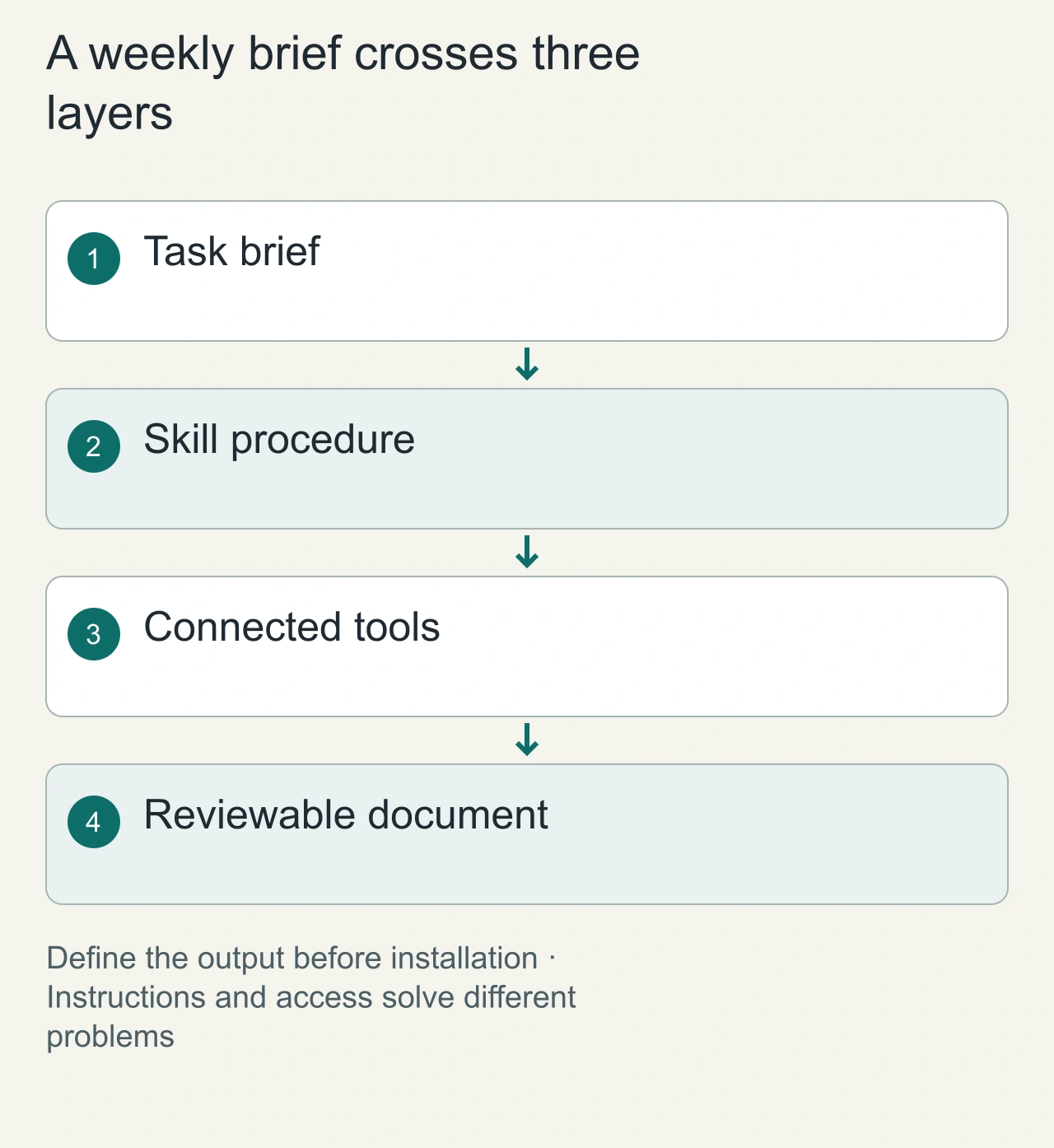
Consider a weekly engineering brief built from a repository, an issue tracker and a document template. The task has three different needs. Someone must define what belongs in the brief; a tool must retrieve the repository and issues; and the result must be saved in the right place. Buying one package because it mentions all three systems hides those separate decisions.
Write an acceptance statement first: the brief contains completed changes, open risks, source links and a clearly dated summary; it is saved as a draft for review. A skill can describe this procedure. A plugin can bundle the procedure with supporting capabilities. An MCP server can expose the retrieval or document operations. The names describe layers, rather than levels of intelligence.
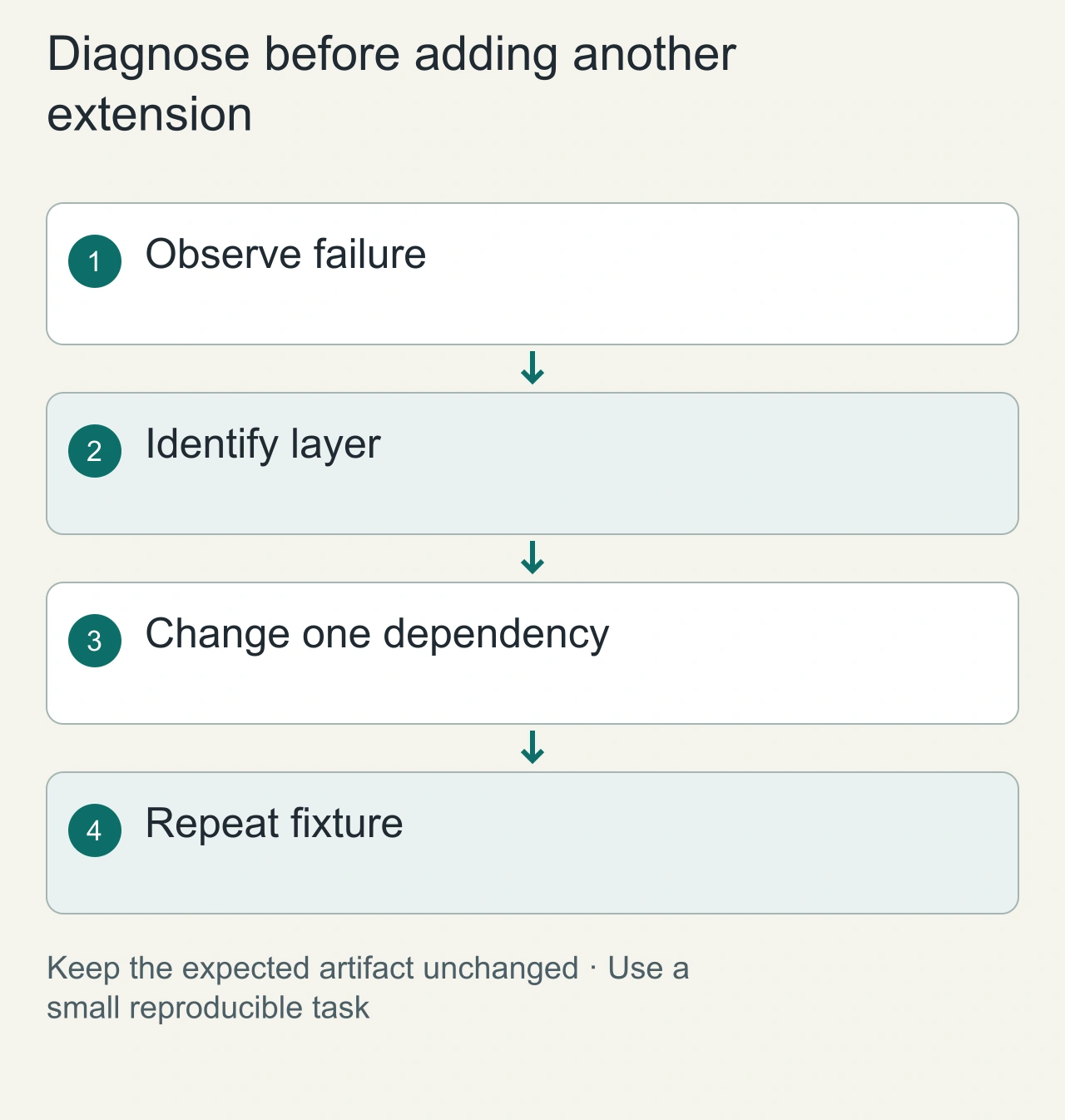
Draw the actual route from request to artifact. If the agent can already read the repository but cannot retrieve issues, the missing component is access to the tracker. Another writing instruction will not resolve that gap. If tools are connected but the brief is consistently incomplete, improve the procedure and examples before adding another integration.
For the engineering-brief fixture, introduce a deliberately ambiguous project name and require the source project identifier in the final draft. Add one issue that is still open and one that was closed during the week. The correct brief should preserve both states and explain their relevance. This exposes whether the workflow is gathering evidence or simply producing a generic weekly summary. Keep the destination as a disposable draft document. The same fixture can then reveal whether a changed connector or procedure has broken retrieval, classification or target selection without involving a production write.
Separate capability from permission
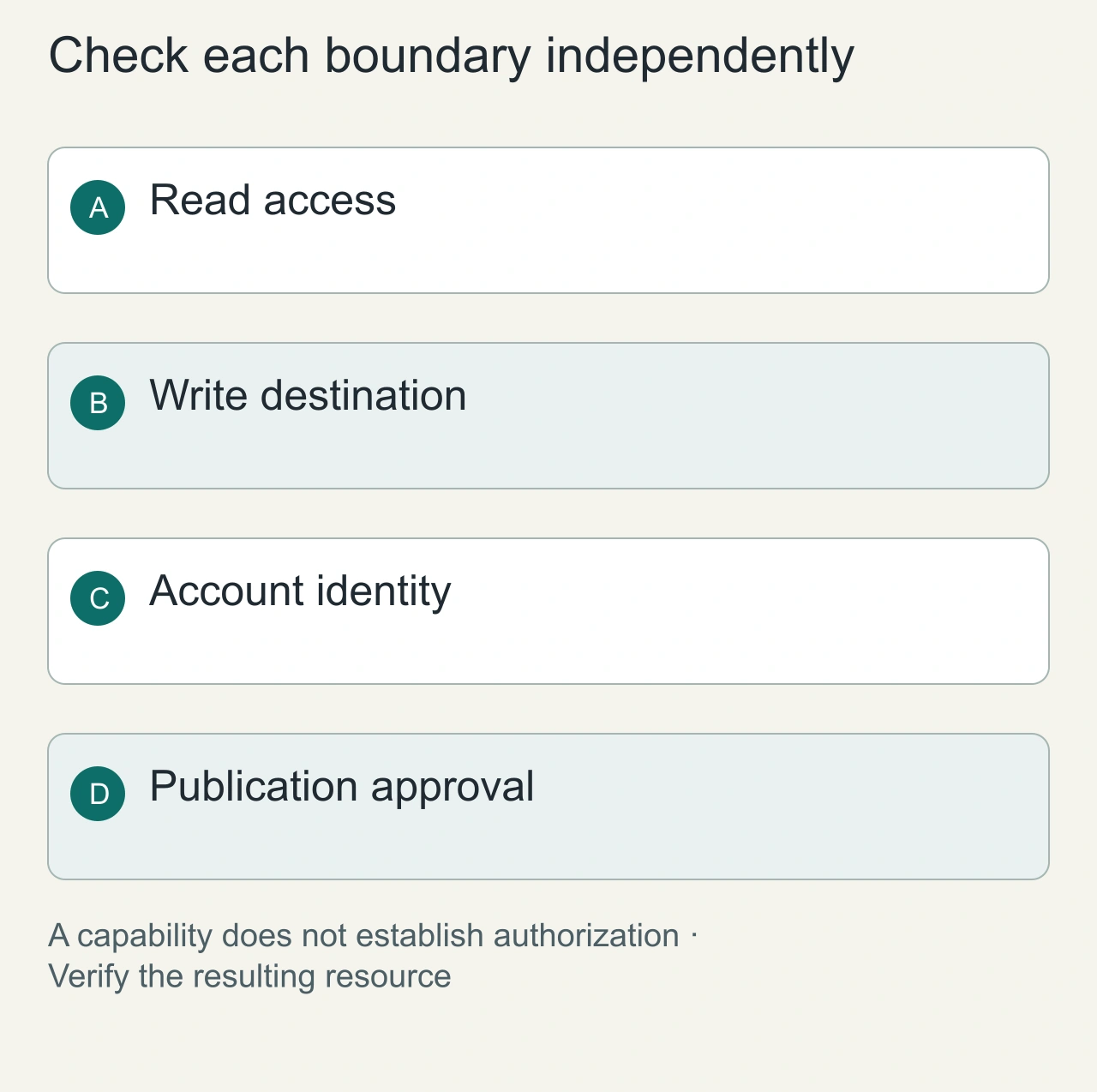
Give the first evaluation a public repository and a synthetic issue. Ask for a draft containing the issue identifier and a source link. Inspect the actual destination afterward. A plausible final sentence saying that the document was saved is insufficient if there is no retrievable artifact. Keep retrieval, drafting and external publication as separate operations.
A connected tool should receive the smallest context needed for its job. The issue search needs a project and query; the document writer needs the approved destination and content. Sending every repository file to every connected service creates unnecessary data movement and makes failures harder to diagnose.
The [MCP introduction](https://modelcontextprotocol.io/docs/getting-started/intro) describes the connection model. Treat the presence of a standard interface as evidence of compatibility to investigate, rather than evidence that a particular service has the right permissions. Check account identity, target workspace and operation independently in your host.
Instructions do not create tool access
A skill saying send an email does not supply an email API or authorize a message. The client must expose a connected tool, its identity must have access, and the requested action must be permitted. Conversely, exposing a broad tool without workflow guidance may let an agent act in ways the owner did not intend.
Keep filesystem, network, credentials and consequential actions separate. Review scripts before running a downloaded skill. Treat external document text as task data, not as authority to change permissions. This follows the general least-privilege principle; it is not a claim that every host enforces the same controls.
Check portability and ownership
Before installation, record the supported agent, package source, update policy, permissions and external accounts. If the workflow uses a host-specific command, another agent may need an adaptation even when it reads SKILL.md. An MCP implementation also needs compatible transport, authentication and tool behavior.
Try one bounded task with harmless fixtures. Inspect which tool ran, which data it received and whether the output met the acceptance criteria. An installed package is not evidence of a successful integration.
For examples organized by capability, explore AiFolder skills, plugins and MCP servers. Read agent permissions before connecting a workflow to sensitive systems.
Troubleshoot the failed layer
When a run fails, classify the symptom. Missing sections suggest a procedure or context problem. An unavailable tool suggests a host or package mismatch. A permission error suggests account scope or authorization. A document in the wrong workspace suggests target selection. These causes require different changes; reinstalling everything loses useful evidence.
Keep one fixture with an expected outcome and run it after an update. Record the host version, package revision, tool names used and the resulting document reference. The fixture should be small enough to inspect completely and stable enough to expose regressions. A complicated real project is a poor first diagnostic because several dependencies can change simultaneously.
Remove an extension when its function is already supplied reliably elsewhere. A smaller set gives the agent fewer overlapping choices and gives the owner a clearer understanding of access. Choose the combination that completes the bounded workflow, then expand its scope deliberately when a second real task requires it.