Use JSON when simple, predictable interchange and broad API tooling matter most. Use YAML when humans will maintain configuration and comments or less punctuation materially improves readability. For machine-to-machine APIs, JSON is usually the safer default; for hand-edited configuration, YAML is often more comfortable if the team understands indentation and parser differences.
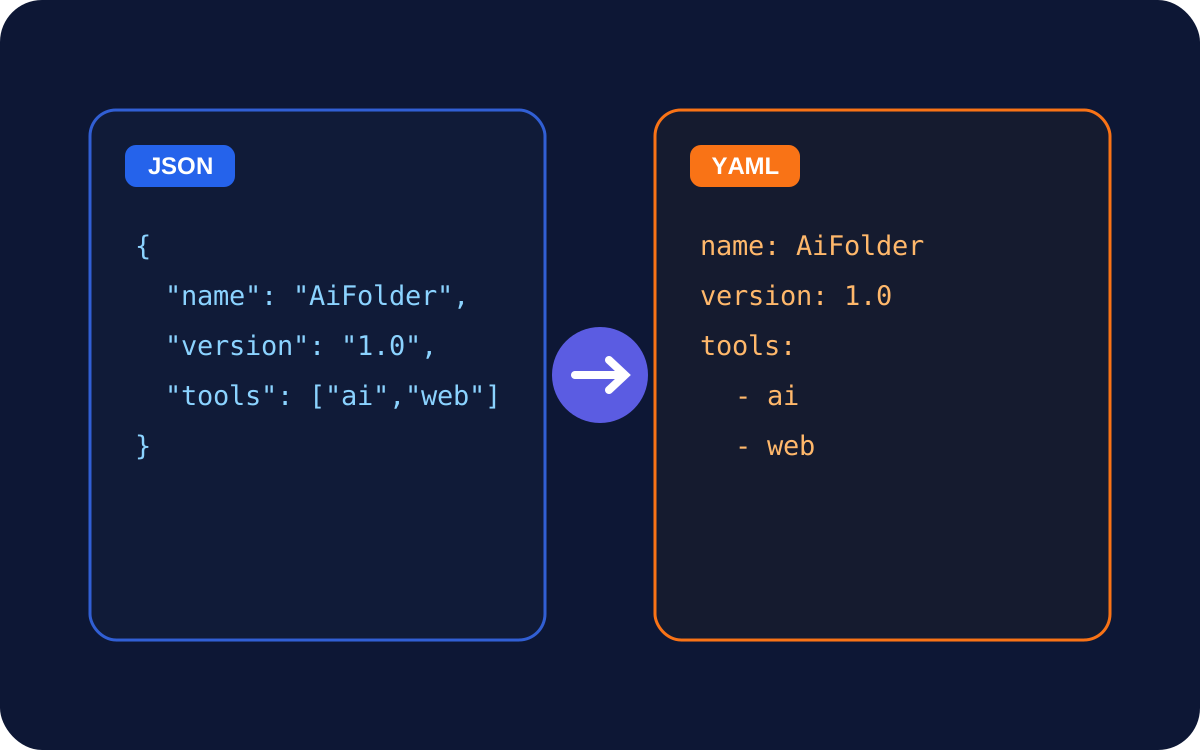
The same data in JSON and YAML
{
  "service": "api",
  "port": 3000,
  "features": ["search", "export"]
}
service: api
port: 3000
features:
- search
- exportConvert representative examples with the AiFolder JSON to YAML tool before changing a real configuration workflow.
JSON prioritizes a small interoperable data model
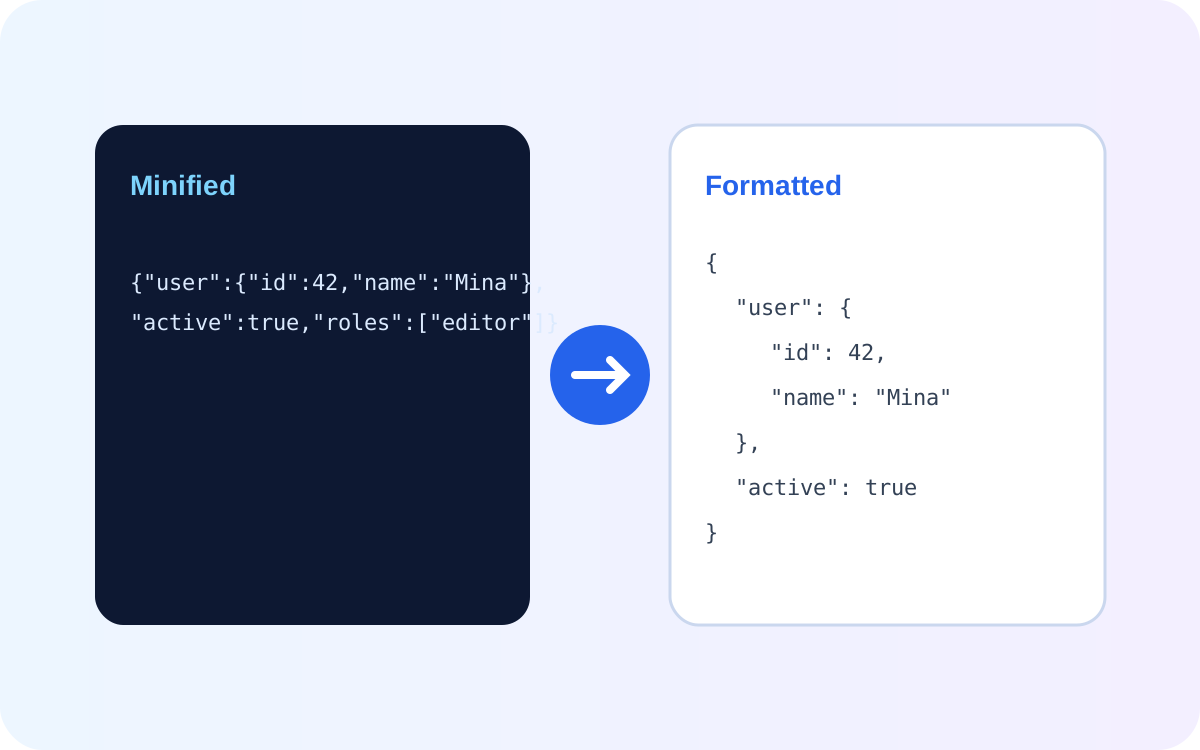
JSON has a deliberately compact set of value types and is widely used for HTTP APIs, browser code, logs, and data exchange. Its explicit braces, brackets, commas, and quotes can be noisy for humans but make structure visually and mechanically predictable.
YAML prioritizes human-friendly serialization
YAML supports indentation-based block structure, comments, anchors and aliases, tags, and features beyond JSON's data model. YAML 1.2 was designed so JSON is a subset, but YAML processors and schemas can still differ in supported behavior.
Readability: YAML usually wins until indentation gets complex
Short configuration files can be easier to scan in YAML. Deep nesting, multiline strings, anchors, and subtle whitespace can reverse that advantage. JSON's punctuation is verbose but less dependent on indentation for structure.
Comments: YAML has a practical advantage
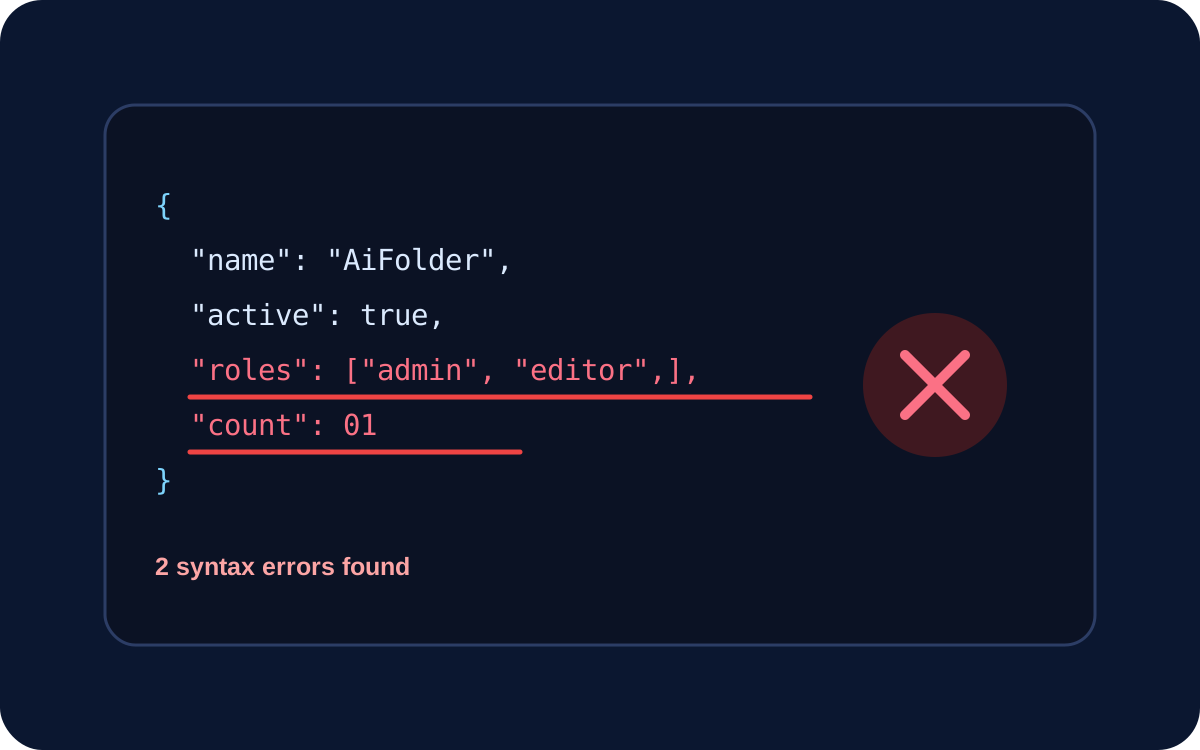
Standard JSON has no comment syntax. YAML comments are useful for explaining why a configuration value exists, documenting operational caveats, or leaving safe maintenance context near the setting.
APIs and interoperability: JSON is usually simpler
JSON maps closely to common programming-language data structures and has ubiquitous browser support. YAML parsing typically requires an additional library and should be treated as parsing a richer language, not as a whitespace variant of JSON.
Security and parser behavior
Do not load untrusted YAML with unsafe object-construction features. Use maintained libraries and safe parsing modes. Also test the exact YAML version/schema expected by your toolchain when implicit typing or custom tags matter.
Which should you choose?
Choose JSON for
- public and internal HTTP APIs;
- browser-native serialization;
- data where a small interoperable type system matters;
- generated payloads that humans rarely edit.
Choose YAML for
- human-maintained configuration;
- documents that benefit from comments;
- toolchains already standardized on YAML;
- cases where reduced punctuation makes real maintenance easier.
Conversion is not always lossless
A JSON document can be represented in YAML, but a YAML document using aliases, custom tags, non-string keys, or other YAML-specific features may not have a direct JSON equivalent. Converting back can require normalization or information loss.
Frequently asked questions
Is YAML a superset of JSON?
YAML 1.2 was designed to make JSON a strict subset of YAML, but real-world parser compatibility still depends on versions and implementations.
Is YAML better than JSON?
Not universally. YAML can be better for human-edited configuration; JSON can be better for predictable interchange and APIs.
Does JSON support comments?
Standard JSON does not. If comments are required, use a format or documented extension that supports them.
Sources
Checked against YAML 1.2.2, RFC 9512 for YAML media-type/interoperability considerations, and RFC 8259 for JSON. Search intent refreshed September 17, 2026.