Removal and disposal are different
Removing a mesh from a scene stops drawing it. It does not automatically free its WebGL resources. Three.js exposes dispose methods because the application decides which resources are still needed. The official disposal guide lists the relevant resource types and cautions about shared ownership.
The practical question is not whether you can traverse the scene. It is whether the resource belongs exclusively to the scene you are unloading. Disposing a shared texture can force another scene to recreate it and cause a frame-time spike.
Use an ownership ledger
| Resource | Example owner | Cleanup action |
|---|---|---|
| Level-specific geometry | Level | Dispose after level removal |
| Shared material or texture | Asset manager | Release when final owner finishes |
| Render target | Postprocessing pass | Dispose when pass is removed |
| Controls and listeners | View | Remove listeners or call supported disposal |
| Animation loop | View | Cancel or stop on teardown |
The ledger is an application design aid, not a claim that every addon uses the same API. Check each addon's documentation.
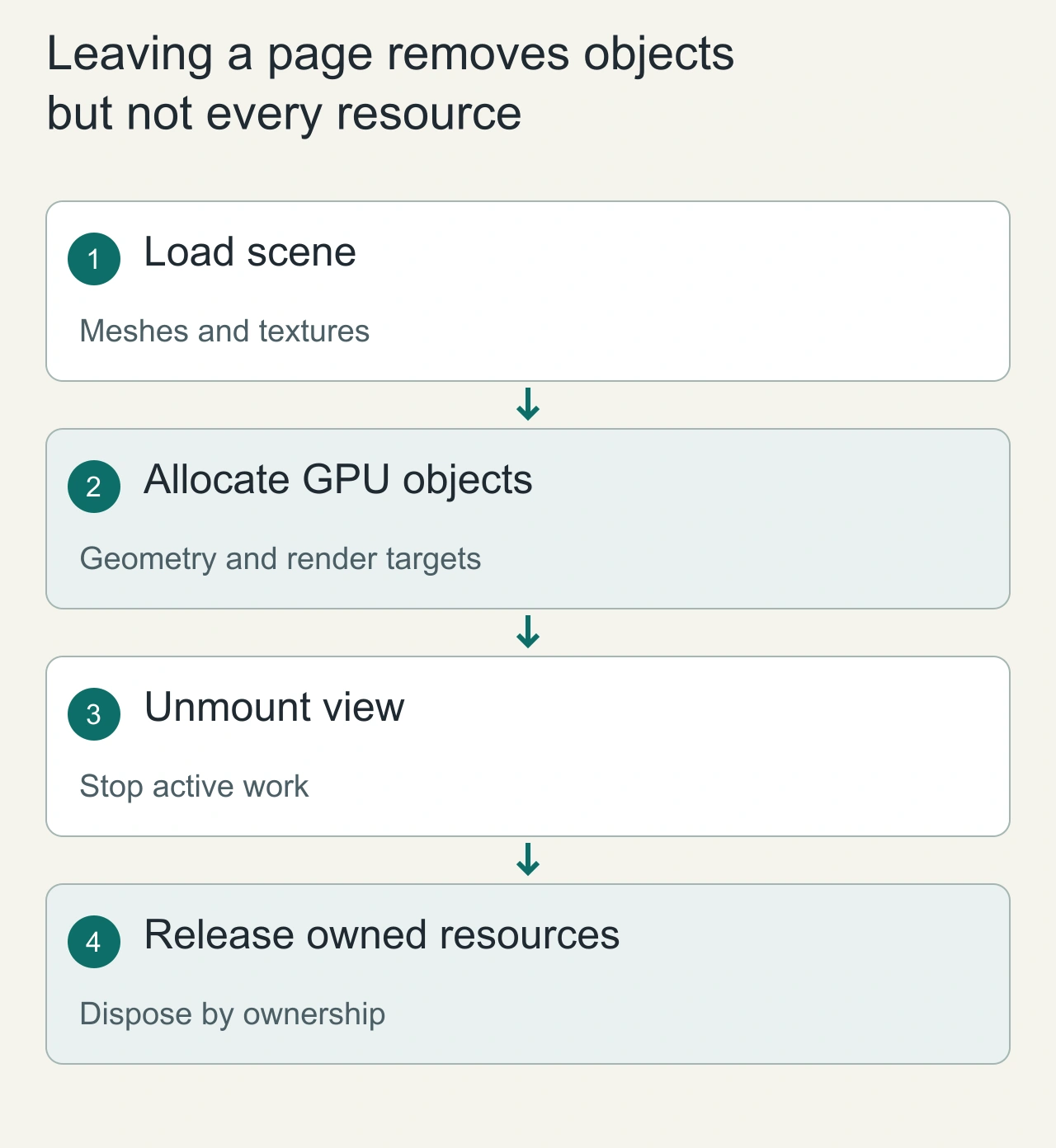
Leaving a page removes objects but not every resource
A single-page product viewer loads a model, adds it to the scene and lets the user navigate away. Removing the mesh from the scene graph ends its visible participation, but resources such as geometries, materials and textures have their own lifecycle. Ordinary JavaScript reachability and GPU allocation are not the same thing. An animation loop, event listener or asynchronous loader callback can also retain application state after the view is gone.
Give the viewer an explicit teardown path. Stop its animation work, detach listeners, invalidate pending loads and release the resources the viewer actually owns. A loader response arriving after unmount should not silently reattach a scene or create new resources. Use a lifecycle generation or cancellation boundary appropriate to the loading API. Track disposal at the resource level rather than assuming that calling one method on a top-level mesh frees everything underneath it. A clear ownership map makes cleanup predictable and prevents a routine route change from gradually turning into a browser session that exhausts memory.
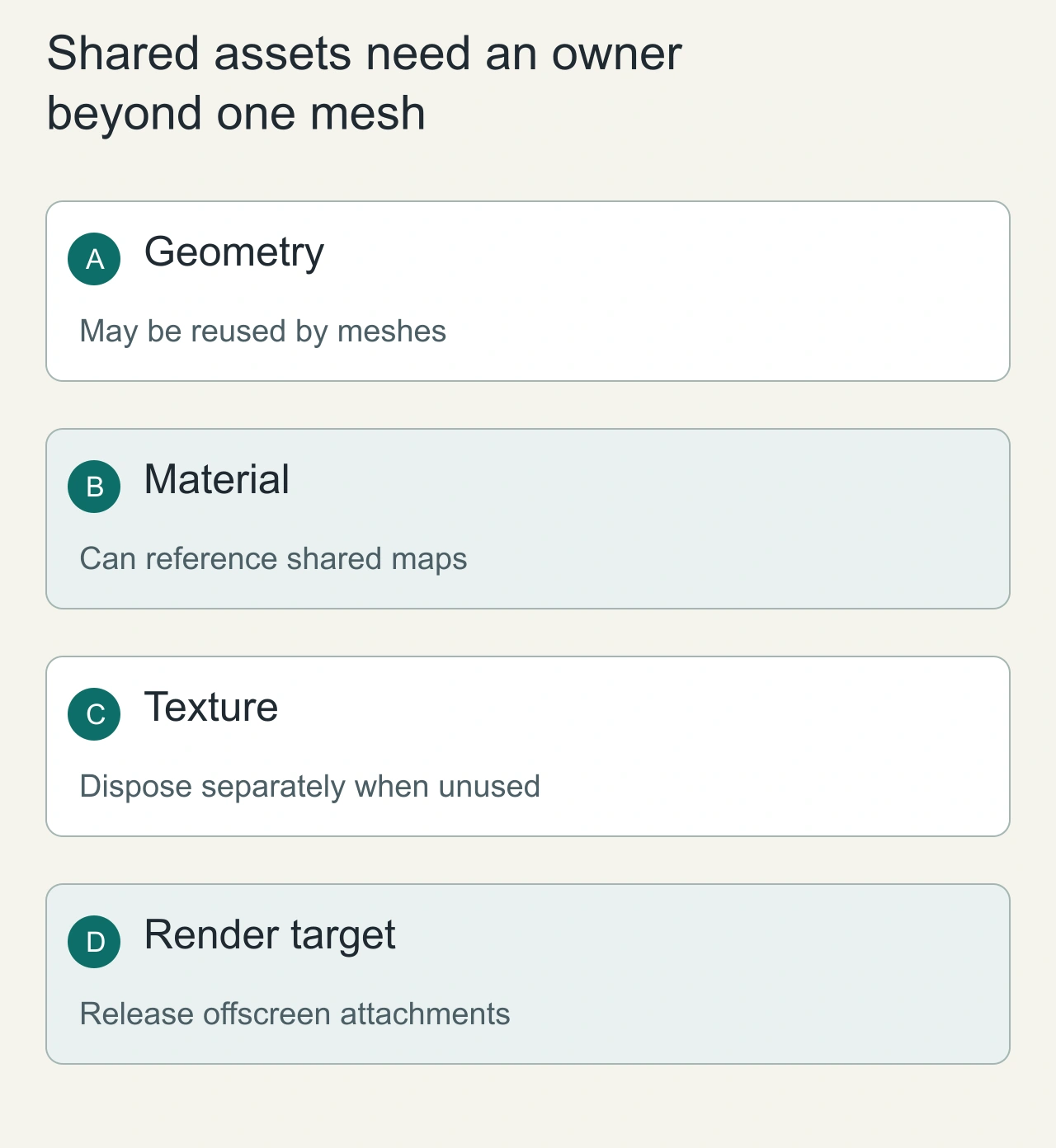
Shared assets need an owner beyond one mesh
Consider three preview meshes that share one geometry and material. If the first preview disposes those resources when it disappears, the other previews may still need them. Conversely, if every preview assumes another component owns cleanup, the resources can remain indefinitely. Put shared assets under a cache or manager with an explicit release policy, or keep their lifetime tied to an owner whose boundary is larger than one mesh.
A material can reference texture maps that have an independent lifetime. Disposing the material does not automatically establish that every referenced texture is unused throughout the application. Track those relationships deliberately, and account for render targets, environment resources and loader-specific objects where they are present. Do not traverse a scene and dispose everything indiscriminately when it contains borrowed assets. The useful rule is that the component which creates or claims ownership of a resource is responsible for releasing it once all consumers have finished. This is a design contract; it should remain understandable after another developer adds a new thumbnail, offscreen pass or shared texture cache.
A minimal exclusive-resource example
const geometry = new THREE.BoxGeometry();
const material = new THREE.MeshBasicMaterial({ color: 0x4466ff });
const mesh = new THREE.Mesh(geometry, material);
scene.add(mesh);

function removeExclusiveMesh() {
  scene.remove(mesh);
  geometry.dispose();
  material.dispose();
}
This example has no shared texture. If a material uses textures, manage their lifetime explicitly; material disposal does not decide whether those textures are still used elsewhere. Imported assets and environment maps require a more complete ownership policy.
Reproduce a leak without a misleading baseline
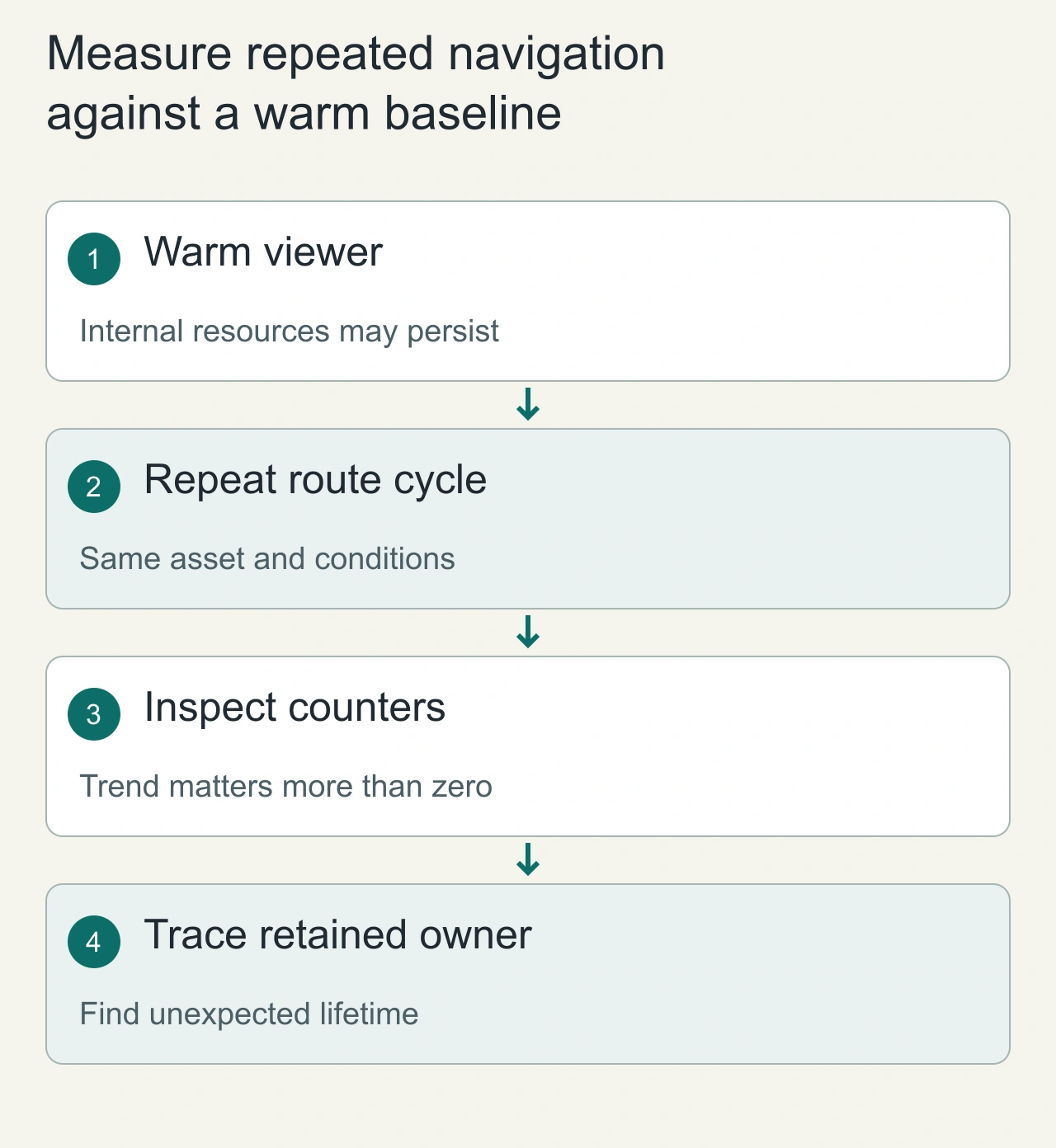
Create and unload the same disposable scene repeatedly. After each cycle, record renderer.info, active timers and listener counts. Let asynchronous loading finish or cancel its result before comparing cycles. Warm up once because the renderer may retain reusable internal resources.
Look for counters growing with each cycle rather than demanding every counter return to zero. Heap snapshots and GPU-facing counters describe different memory, so record both where available. This guide does not present an independently measured leak benchmark or invented screenshots.
Async loading can resurrect an old scene
A model request started before navigation can finish after teardown. Associate the load with a view generation or cancellation signal. If its owner has gone away, do not attach the result to the new scene; release its exclusively owned resources. Guarding only the animation loop does not solve late asset callbacks.
Test route changes, level restarts and failed loads. Keep one persistent renderer when that matches your architecture, and dispose it when its owning view actually ends. For transfer and texture budgets, read glTF compression; browse AiFolder games for a real navigation-heavy workload.
Measure repeated navigation against a warm baseline
A disposal investigation should repeat the same load-and-unload cycle under controlled conditions. Start with a warm baseline, then observe whether relevant counts and memory indicators stabilize or keep increasing. Renderer information is useful evidence about tracked rendering resources, but it is not a complete accounting of every browser or GPU allocation. Some internal reusable resources can remain after a scene is cleared, so expecting every counter to become zero can lead to incorrect diagnoses.
When a trend continues upward, trace who still owns the resource or callback. Check animation loops, listeners, retained closures, asset caches and asynchronous completions before adding blanket disposal calls. Use the same model and navigation pattern to compare a fix so that asset variation does not disguise the result. Verify that surviving views still render after cleanup, especially when assets are shared. The acceptance criterion is stable behavior across repeated lifecycle transitions and correct rendering for remaining consumers. Report the observed environment and limits instead of turning a single browser-memory graph into a universal claim about all devices.