Define the answer during a network failure
Choose a service-worker caching strategy by how fresh a response must be and what the user should see offline. Versioned JavaScript, an article page and an account response do not share one safe policy. The Workbox strategy reference documents each response path.
Compare three paths
| Strategy | First choice | Update behavior |
|---|---|---|
| CacheFirst | Cached response | Network is used on a miss |
| NetworkFirst | Network response | Cache is the fallback |
| StaleWhileRevalidate | Cache when available | Network refresh happens alongside the response |
Our illustrative choice is CacheFirst for content-hashed public assets, NetworkFirst for a public page requiring recent content, and StaleWhileRevalidate for a noncritical public thumbnail. These are design examples, not a benchmark proving one strategy universally faster.
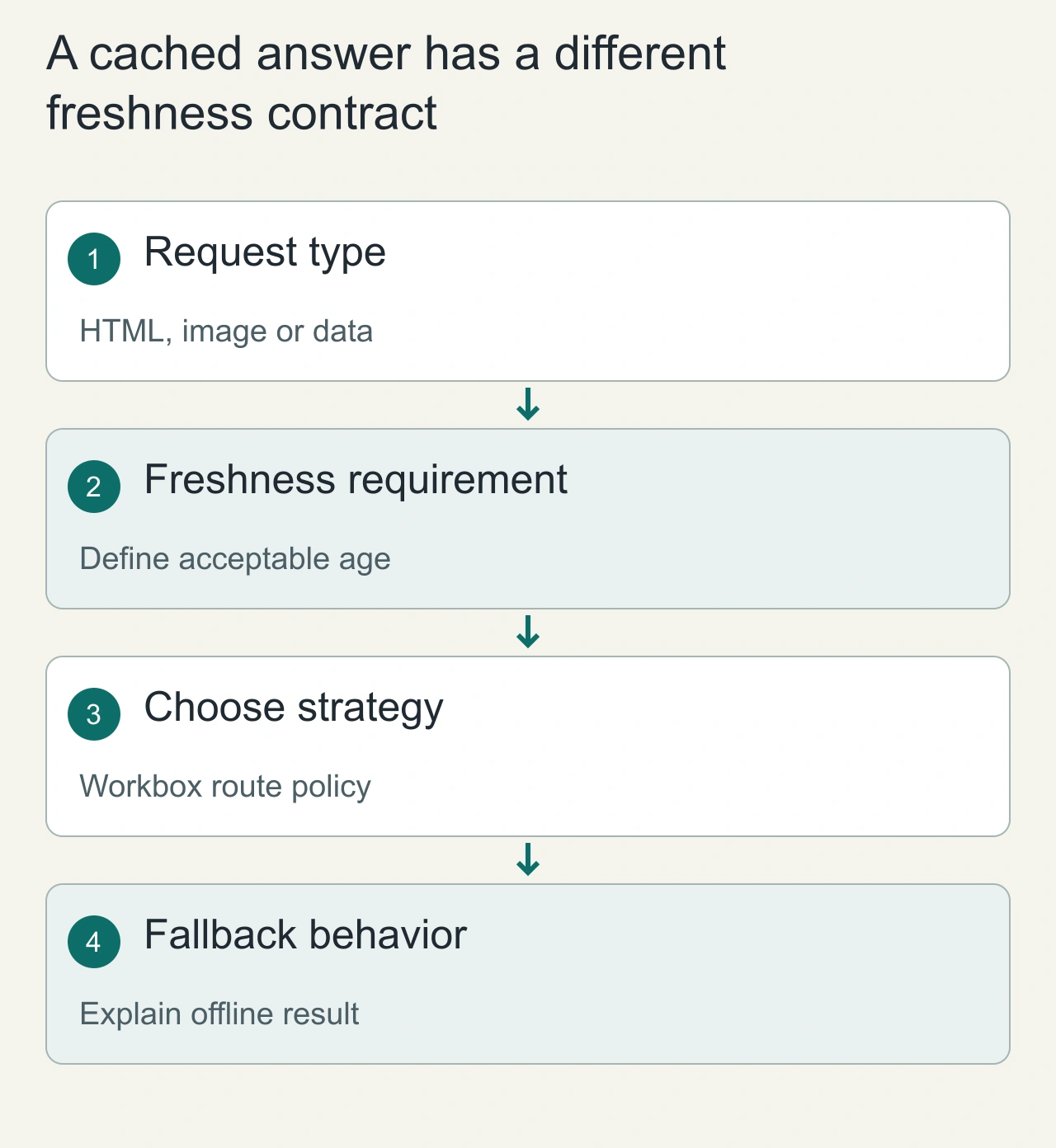
A cached answer has a different freshness contract
Imagine a news site with hashed JavaScript assets, article HTML and a personalized account endpoint. The hashed asset can usually be reused for the same immutable URL. An article may benefit from a fast cached response with a later refresh. The account endpoint has authentication and freshness requirements that make casual shared caching risky. One site therefore needs several policies, not a single strategy selected because its name sounds fast.
CacheFirst serves a matching cached response before fetching; NetworkFirst tries the network and can fall back to cache under its configuration; StaleWhileRevalidate can serve cached content while updating it. Those are request behaviors, not business guarantees. Assign them to explicit routes and resource types. Decide what the user should see when a cached response is old, the network is slow or no cached copy exists. For data that affects money, permissions or an irreversible action, validate against the appropriate authoritative endpoint rather than relying on the fact that a service worker returned a successful response.
Build a route policy that can be reviewed
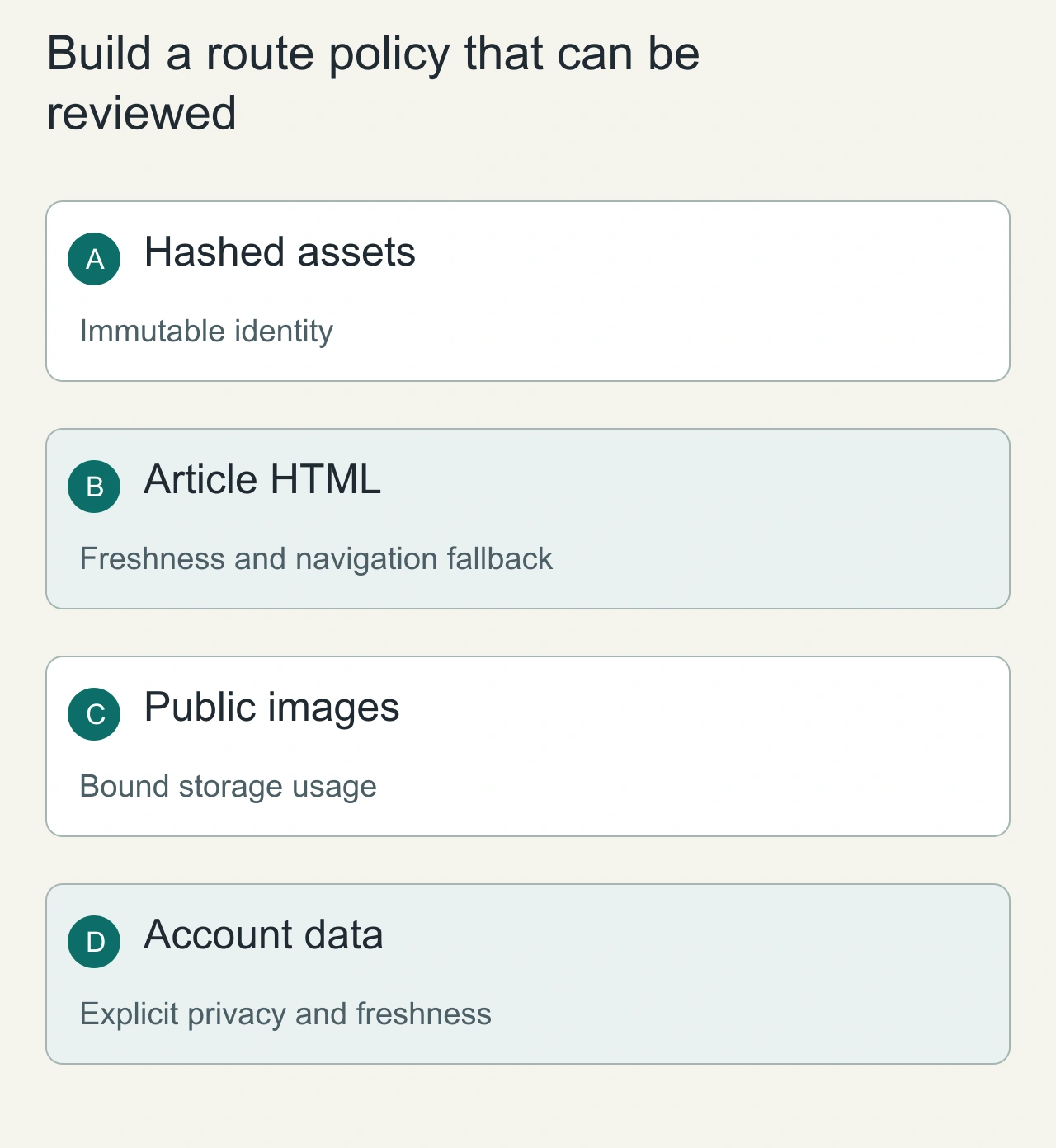
Write a short policy table that includes the URL match, strategy, cache name, expiration rule and offline result. A broad route matching every GET request can capture responses that were never meant to share a cache. Cache keys and request credentials deserve particular attention for personalized data. Keep the policy visible to both application and infrastructure owners so that a server header change does not contradict an invisible browser rule.
Bound image caches by size or age using the appropriate Workbox plugins and account for browser storage eviction. A cache is not a durable database, and the application must cope when it is empty. Separate navigation fallback from ordinary resource fallback so that an HTML document is not accidentally returned for a script or API request. Use versioned or content-hashed assets when possible, because the URL itself can express identity. For mutable content, decide whether stale delivery is acceptable and how updates become visible. A policy is complete only when its miss, timeout, stale and eviction behavior are understandable.
Scope the route before caching
Only register the intended URL patterns. Do not put authenticated API responses into a generic public cache. Decide whether query parameters represent different resources and whether a cached response may be reused for another user. Explicitly exclude logout, permission checks and personalized data unless you have designed their cache ownership and cleanup.
Caching an error is another policy decision. A temporary 500 response should not accidentally become the durable offline answer. Workbox plugins provide cacheability and expiry controls; consult CacheableResponse and Expiration for those boundaries.
Build the cold, repeat and offline matrix
For each route, record: first online request, repeated online request, disconnected request, reconnect with changed server content, and update while an old tab remains open. Inspect the returned content revision and the response source in DevTools. Timing alone does not tell you whether a fast answer is obsolete.
Also simulate a slow network rather than just total disconnection. NetworkFirst may need a bounded timeout to serve a useful cached response; decide what happens when no cached response exists. A service worker is not an excuse to leave an indefinite loading screen.
Separate app updates from runtime caching
The worker's lifecycle decides when new code controls clients. Runtime caching decides how requests are answered. Changing one does not automatically fix the other. A newly installed worker may wait while an existing tab remains under the old controller.
Deploy content-hashed assets and avoid deleting files still needed by active clients before your update policy is understood. Check the service-worker lifecycle before using immediate activation.
Read stale JavaScript troubleshooting for a diagnostic flow, and use AiFolder developer tools to inspect sanitized JSON responses.
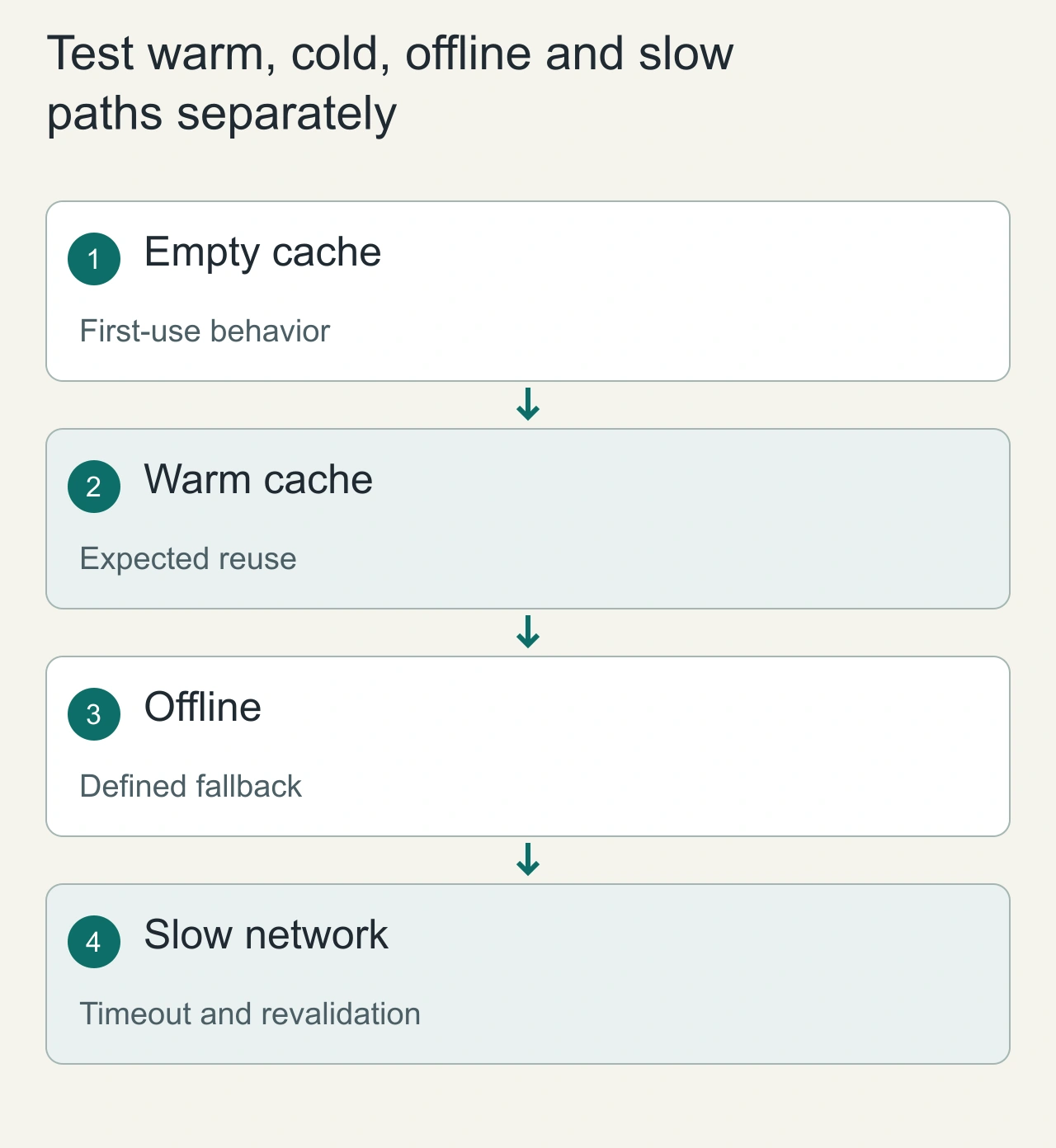
Test warm, cold, offline and slow paths separately
A route that works with a warm cache may fail on the first visit offline, because there is no response to reuse. Test those states separately. Then introduce a slow network and observe whether the selected timeout and fallback behavior matches the product requirement. For StaleWhileRevalidate, verify that a later request can see the refreshed entry without implying that the first response was current. For NetworkFirst, verify what happens when the network eventually returns after a fallback decision.
Inspect the active worker, controlled page, matching route and cache entry when behavior is surprising. A browser HTTP cache, CDN or old service worker can affect the same request, so preserve headers and worker state in the investigation. Rehearse an application update with an existing session, not only a clean reload after deleting storage. The acceptance criterion is a documented experience for each state and resource class. Keep freshness and offline capability distinct in the UI: a fast cached article can be useful, while presenting a stale personalized result as live data undermines the policy even if the caching code behaves exactly as configured.