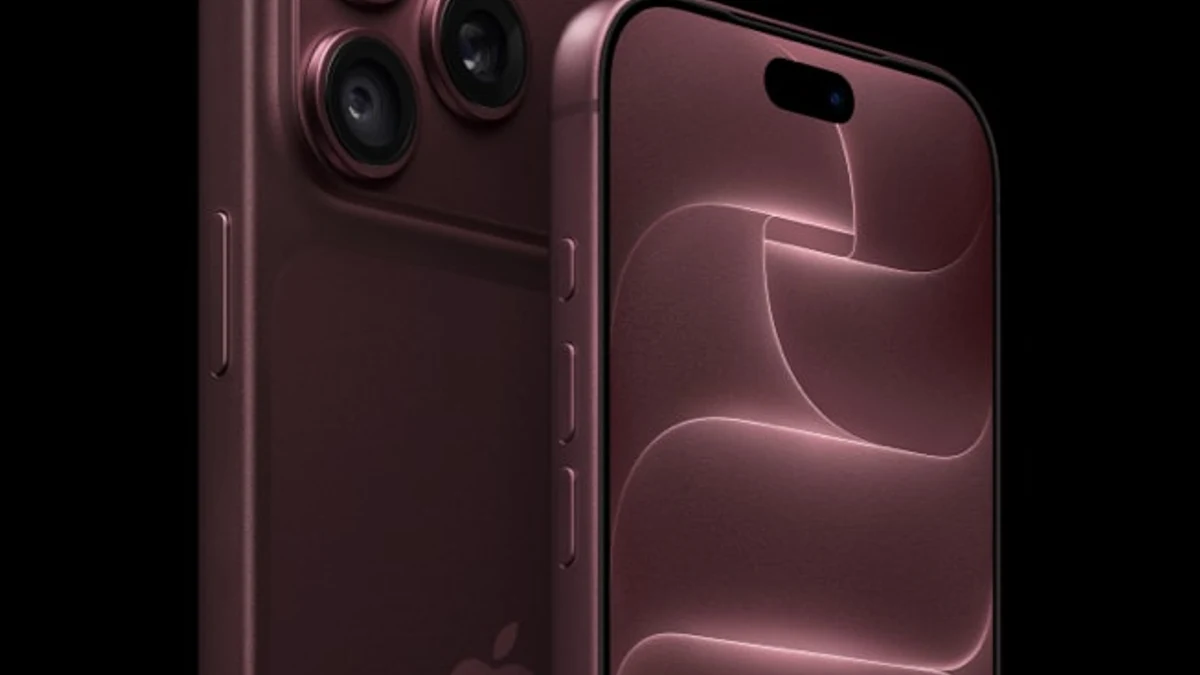
Official Apple Newsroom product image. Alt: iPhone 18 Pro in burgundy, rear triple-camera lenses and front display.
Quick answer
iPhone 18 Pro and Pro Max introduce a physical variable-aperture main camera. Apple specifies four settings: f/1.48, f/1.8, f/2.8 and f/4.0. A wider opening admits more light at the same shutter time; a narrower opening can keep more of a scene in focus. These are optical principles, not claims of independently measured image quality. Apple announced the feature on September 9, 2026. It uses a six-blade iris and provides both automatic selection and manual Pro controls.
Aperture changes a photograph through several linked choices
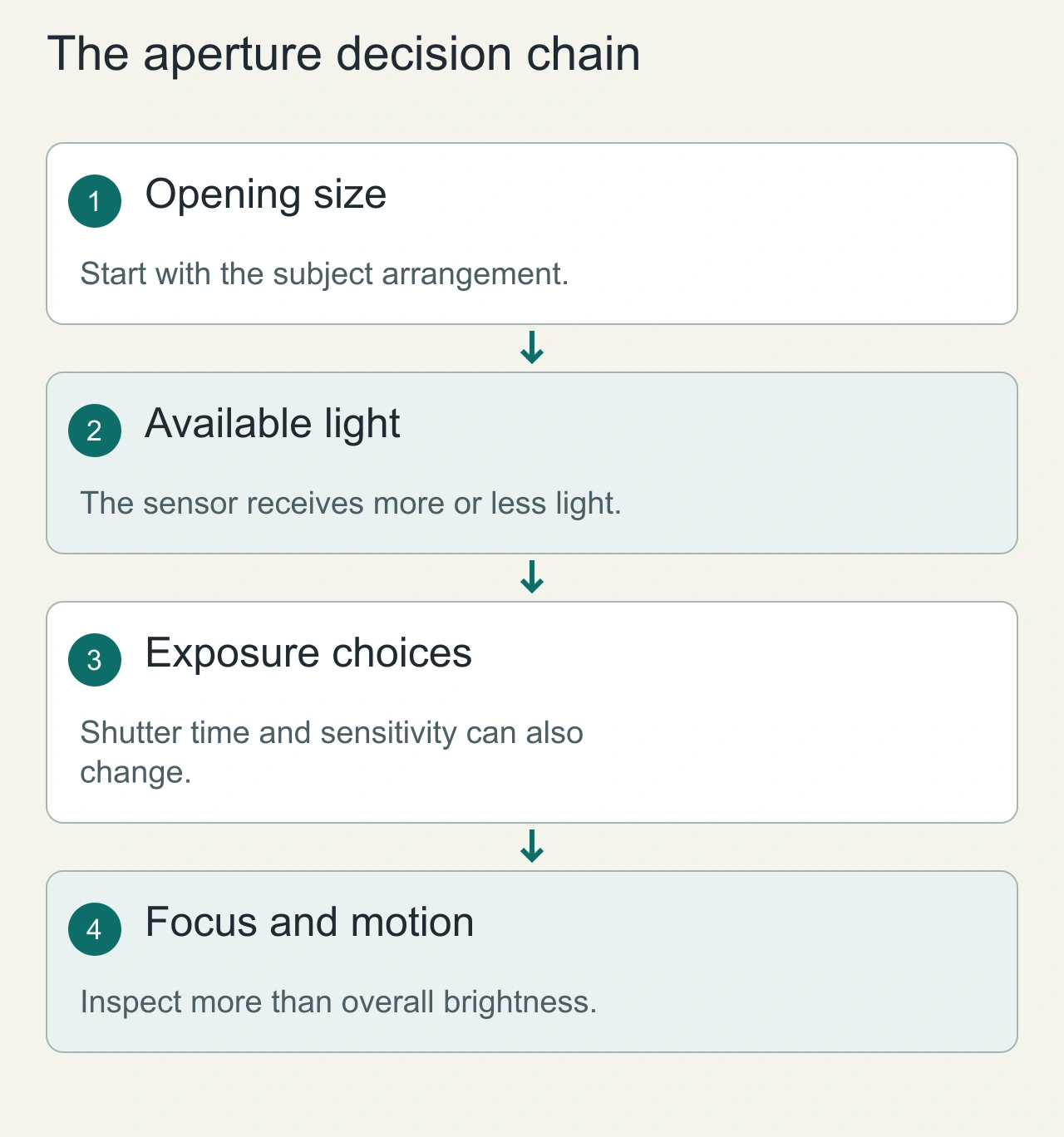
The aperture is an opening in the optical path. Changing it changes how much light reaches the sensor and the depth range that appears acceptably sharp. It does not act in isolation: the camera can respond by altering exposure time or sensitivity, and computational processing still influences the finished photograph. That is why two images can look similar in brightness while having different motion blur or background rendering.
Imagine photographing a person at a café table. A wider opening can help separate the subject from a cluttered background. A narrower opening can be useful when a second person sits farther behind the first and both need to be readable. Neither setting is automatically better. The subject arrangement and the intended message determine which compromise makes sense.
The useful distinction is between an optical choice and a software effect. A blurred background generated after capture is not identical to the focus behaviour produced by a physical opening. When comparing examples, state which controls were used. Apple’s supplied photographs demonstrate its feature; the diagrams here explain the mechanism and are not additional photographs taken with the phone.
The four aperture settings
| Setting | Practical intent | Trade-off to watch |
| f/1.48 | Maximum light gathering | Shallower optical depth of field |
| f/1.8 | Balanced portrait and everyday use | Less light than f/1.48 |
| f/2.8 | Greater depth of field | Requires exposure compensation in dim scenes |
| f/4.0 | Group or landscape depth | Lower light transmission at a given shutter speed |
These are photography principles and suggested use cases, not independent proof of the best setting in every scene. Actual results depend on sensor processing, focus distance, subject movement and exposure.
How a physical aperture changes an image
The f-number is focal length divided by entrance-pupil diameter. At the same focal length, a smaller f-number corresponds to a larger opening. Comparing f/1.48 with f/4, the idealized opening-area ratio is roughly (4/1.48)^2, or 7.3. That does not mean a finished iPhone photo will be 7.3 times brighter: automatic exposure and computational photography can adjust shutter time, ISO and image processing.
A repeatable example: one person, then two people
Set up a still subject near a window and keep the phone position fixed. Place a second object or person noticeably behind the first. Capture a small sequence while changing only the aperture control when the application permits it. Keep the scene, camera and framing consistent. Review the original images on the same display so that a changing brightness setting does not confuse the comparison.
First inspect the near subject. Then inspect the farther subject and the background texture. A result that makes the main face attractive may leave another important face too soft. For moving subjects, also inspect hands, hair and other edges that reveal motion blur. More depth of field is not much help if the exposure becomes too long for the movement you need to freeze.
Record what the camera actually selected rather than relying on memory. Keep the original file metadata and note any special processing mode. The outcome of this exercise is a personal preference for a particular scene, not a claim that one setting always produces a superior image. Repeating it under dimmer light helps expose the exposure trade-off.
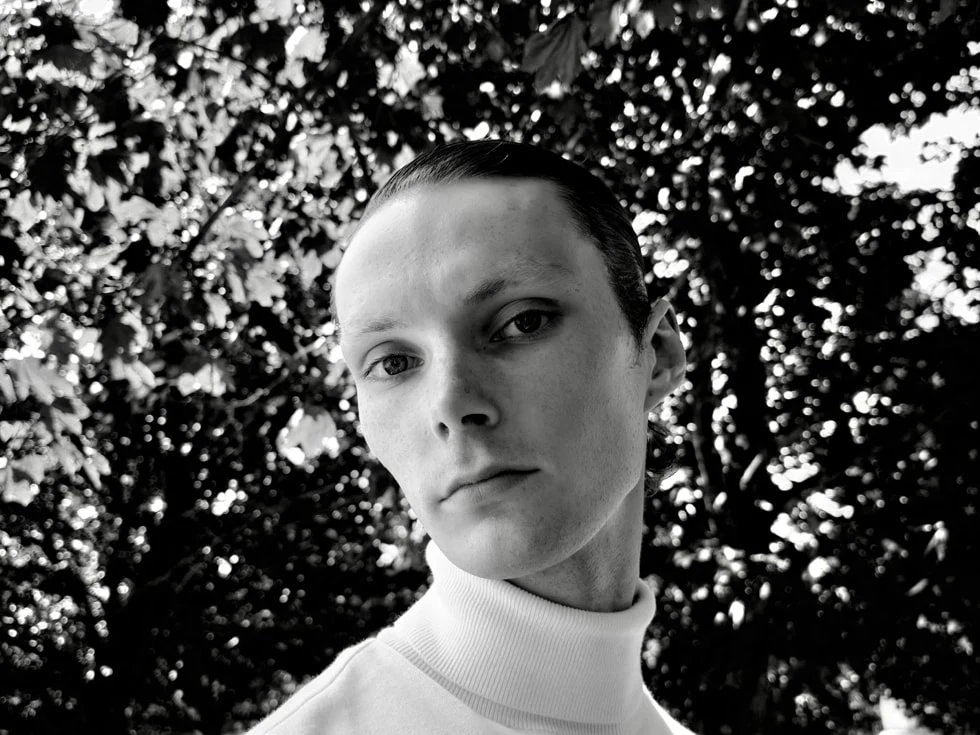
Apple camera examples: illustrative, not controlled tests
Sample image: Apple Newsroom, captured on iPhone 18 Pro in low light. Apple-selected showcase, not AiFolder-measured evidence. Sample image: Apple Newsroom; people at different distances are shown. Do not treat this as an exposure-matched aperture comparison.
Portraits, groups and low-light scenes
A wider aperture can help isolate a subject through optical depth of field, though portrait-mode software blur may still contribute. For group portraits, stopping down can keep people at different distances sharper. In low light, the wider opening can reduce the need for a slower shutter or higher ISO, but the benefit depends on the camera's exposure strategy. Apple's marketing photographs demonstrate intended use cases; they are not a controlled comparison with an older iPhone. The 48MP sensor, image-processing pipeline and aperture mechanism all changed, so attributing every improvement to the iris alone would be misleading.
Manual controls and third-party apps
Apple says Pro controls include aperture, shutter speed, white balance and a histogram, and that an API is available to developers for aperture control. Developers should consult the current Apple developer documentation before relying on a particular method name or supported device list; this article does not invent API signatures.
AiFolder matched-shot protocol — pending
Use a tripod and fixed framing. Capture the same scene at all four settings, recording exposure time, ISO, focus distance and file metadata. Repeat with a stationary chart, portrait, group, night street and bright point lights. Separate exposure-matched comparisons from fully automatic results. For video, record exposure changes and transitions. Publish the original files and method alongside any crop comparisons.
Who benefits most?
Photographers: more direct control over depth of field and exposure trade-offs. Creators: the ability to plan looks in the native Camera app and potentially supported third-party apps. Casual users: automatic aperture selection may be useful, but it is not necessary to learn every f-number to take good photos.
When the automatic setting is the sensible choice
Manual control is valuable when it serves an intention. If you are taking a quick photograph of a moving moment, the automatic choice may be the most useful starting point because the camera has to balance several constraints at once. Review the result before assuming that the widest or narrowest available setting is a shortcut to professional-looking images.
For a planned scene, work in a simple order: choose the subject and distance, decide which parts must stay sharp, then explore the aperture options. If brightness or motion becomes a problem, reconsider the light or framing. That is a clearer process than repeatedly changing a setting and hoping the camera compensates for every other decision.
Video adds continuity. A change that looks attractive in a still frame may be distracting when focus, brightness or depth changes during a shot. Preview the entire movement and watch the transition, not just the opening frame. This article explains how to evaluate the control; it does not claim a measured improvement in dynamic range, low-light performance or professional production quality.
FAQ
Is this a real adjustable iris?
Apple describes a physical six-blade mechanism, not only a simulated blur effect.
Does f/4 always create a sharper photo?
No. More depth of field can help groups, but diffraction, shutter speed, focus and processing all matter.
Is the feature on iPhone Duo?
The launch material identifies variable aperture for iPhone 18 Pro models. Do not assume the Duo has the same main-camera mechanism.
Source of truth / References
Primary
- Apple Newsroom — iPhone 18 Pro and Pro Max, September 9, 2026
- Apple iPhone 18 Pro product information
Secondary
None needed for the announcement facts. General optics explanations are derived from the f-number definition; device-specific measurements require original testing.
Editorial validation
Checked October 8, 2026. No AiFolder matched-shot image samples or quantified camera results exist yet. Any manufacturer-provided performance improvement remains a vendor claim.