Category

Vector Editor

Compare 6 Vector Editor tools collected by AiFolder. Review what each product does, follow verification signals, and open related options before choosing a tool for your workflow.
Showing 6 of 6
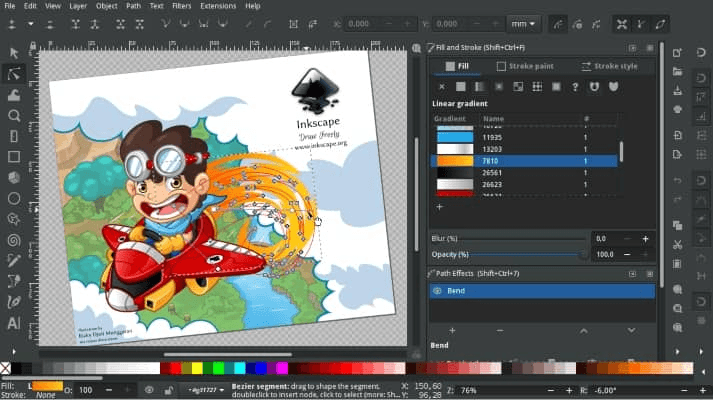
Inkscape

Inkscape

Vector Editor

Inkscape is a leading open-source vector graphics editor used to create vector images, primarily in Scalable Vector Graphics format (SVG), but other formats can be imported and exported.

Free ToolOpen Source
0026
Karbon

Karbon

Vector Editor

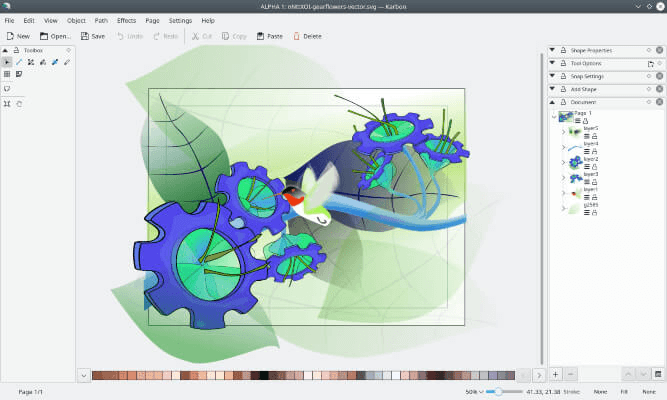
Karbon is a vector drawing application with a user interface that is easy to use, highly customizable, and extensible. That makes Karbon a great application for users to start exploring the world of vector graphics.

Open SourceFree Tool
003
LazPaint

LazPaint

Vector Editor

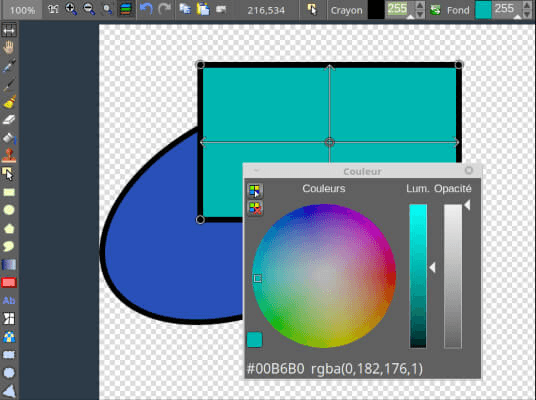
LazPaint is an open-source, cross-platform lightweight image editor, similar to PaintBrush or Microsoft Paint, with raster and vectorial layers created with Lazarus.

Open SourceFree Tool
003
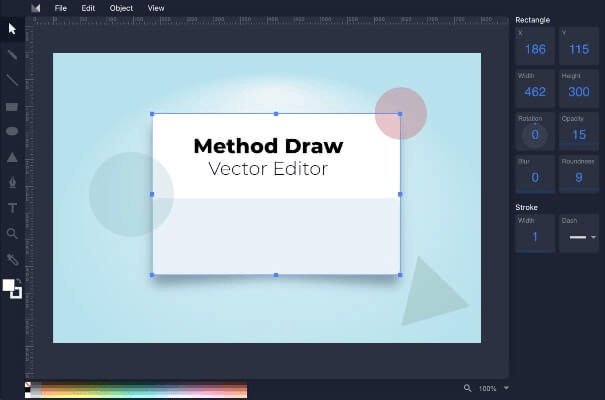
Method Draw

Method Draw

Vector Editor

Method Draw is a web-based open-source vector drawing application. The purpose of Method Draw is to provide a simple and easy-to-use SVG editor experience.

Free ToolOpen Source
001
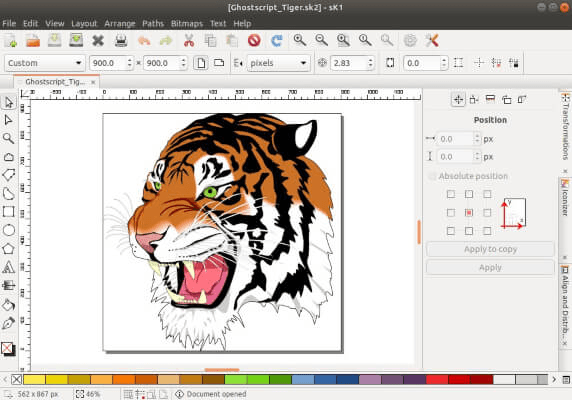
sK1

sK1

Vector Editor

sK1 is an open-source, cross-platform illustration program that seeks to substitute for professional proprietary software like CorelDRAW or Adobe Illustrator.

Open SourceFree Tool
003
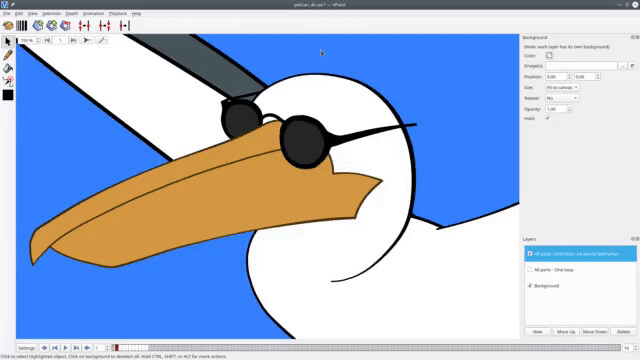
VPaint

VPaint

Vector Editor

VPaint is an experimental prototype based on the Vector Graphics Complex, a technology developed by a collaboration of researchers at Inria and the University of British Columbia. It allows you to create resolution-independent illustrations and animations using innovative techniques.

Open SourceFree Tool
004
FAQ

Vector Editor directory questions

?What is available in Vector Editor right now?

6 listings match this category. This result page includes Inkscape, Karbon, LazPaint. Open a listing to inspect its description and destination.

?How should I compare the Vector Editor listings on this page?

Shortlist products by the task and output you need, then check their official sites for the current features and pricing. A category match does not mean all listed products have identical capabilities.