A plugin is useful when it closes a workflow gap
The word plugin can mean an editor extension, an agent bundle or a connected application. Define the host first. A VS Code extension is not automatically installable in a terminal agent, and a documentation connector is not a code-editing engine.
Claude Code plugins can bundle host capabilities. Notion AI works with workspace content and supported connected systems. These illustrate different integration boundaries rather than two interchangeable products.
Shortlist by task
| Task | Integration to evaluate | Proof to collect |
|---|---|---|
| Edit repository code | IDE or coding-agent extension | Diff and existing checks |
| Retrieve internal documentation | Workspace search connector | Exact source and access scope |
| Maintain issue context | Issue tracker connection | Correct project, issue and fields |
| Produce assets | Document or design tool integration | Editable artifact and export |
Use a read-only workflow first. Ask the integration to retrieve one known issue or document and cite its source. Compare the result to the original. A connector that searches the wrong workspace can produce fluent but irrelevant answers.
Map the integration to a real deliverable
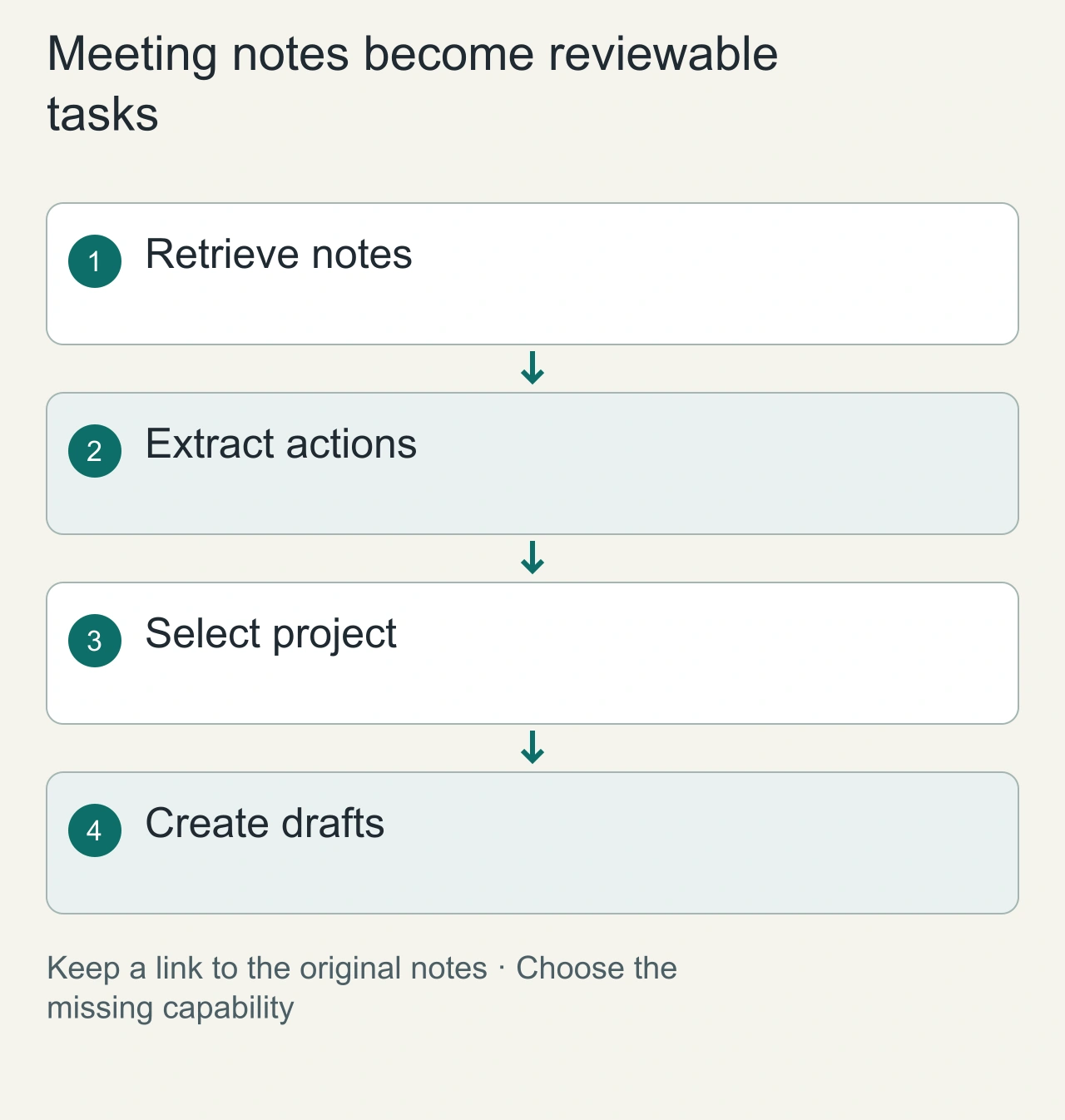
Suppose a team wants meeting notes turned into tracked action items. The useful deliverable is a set of draft tasks with owners, dates and links back to the notes. A plugin that summarizes meetings but cannot select the correct project solves only part of the workflow. A plugin that writes tasks without preserving source context creates a different maintenance problem.
Break the job into retrieval, extraction, target selection and draft creation. Determine which steps your existing tools already handle. Then choose an integration for the missing step. This prevents paying for a broad bundle when a narrow connector would complete the job, and prevents expecting an instruction package to provide account access.
Use the [MCP introduction](https://modelcontextprotocol.io/docs/getting-started/intro) to understand one common connection layer. The actual plugin still needs its own supported host, account setup and operation semantics. Check the current documentation for those particulars; the word plugin alone does not establish them.
Include a partial-completion fixture with three proposed action items and one missing owner. The integration should preserve the two complete items and identify the unresolved assignment instead of inventing an owner. Decide in advance whether incomplete items remain drafts or wait for clarification. That policy belongs to your workflow. Inspect the project, item count and source references afterward. A successful extraction does not establish successful creation, and two created tasks do not mean the third was handled. This small case gives the owner a useful example for support and recovery.
Test wrong targets and partial completion
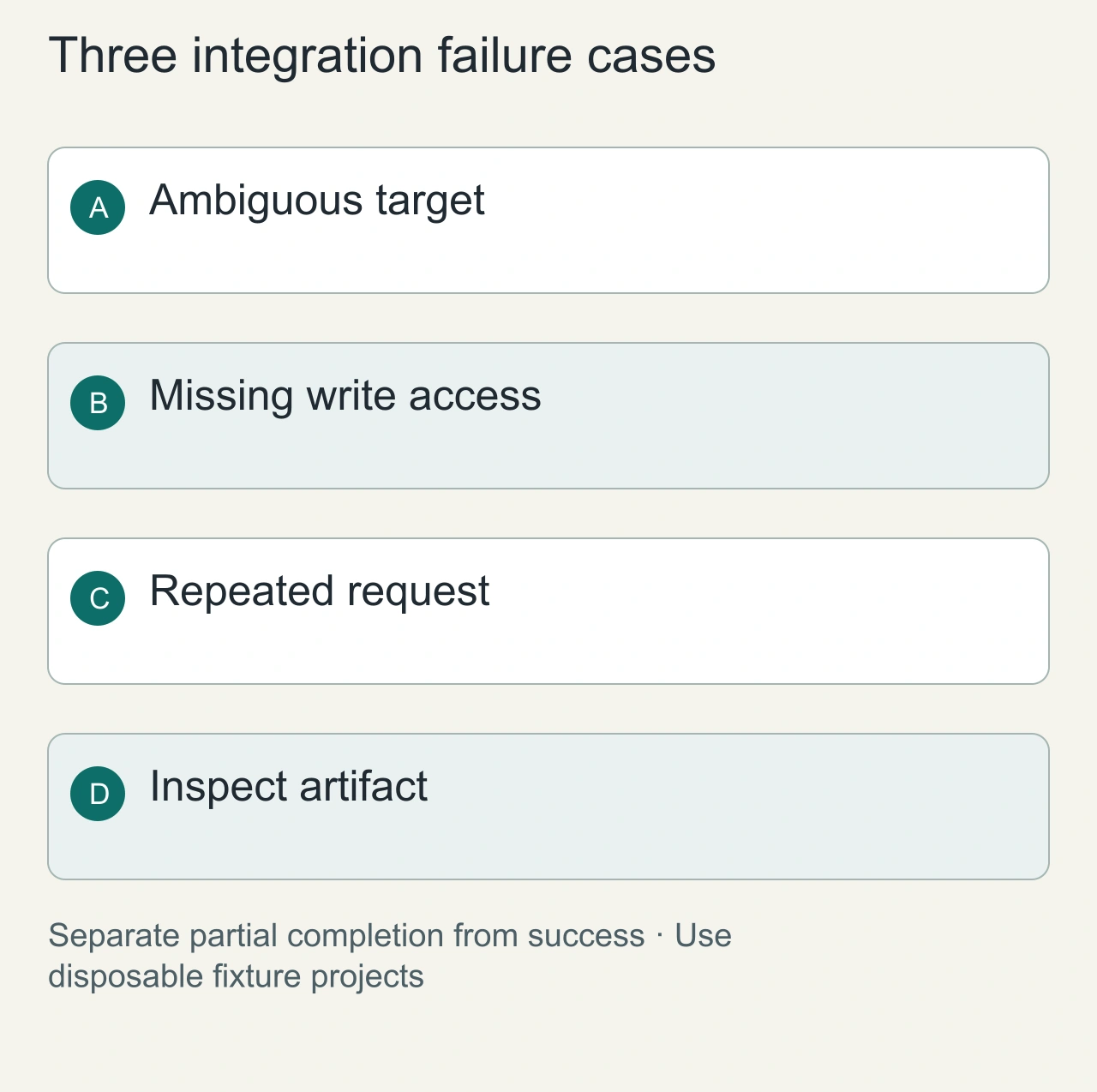
Create two similarly named sandbox projects and ask for one draft task in the intended project. Check the resource directly. This exposes target ambiguity that a happy-path demonstration can miss. Use a task title with a unique fixture identifier so the result can be found reliably after a retry.
Next, remove write permission or disconnect the target application. A useful integration reports the incomplete operation clearly and preserves the extracted draft. It should not present a successful summary when only retrieval succeeded. The distinction matters when a workflow spans several services and the final step fails.
Test a repeated request with the same fixture identifier. Look for duplicate artifacts and inspect how the integration describes an existing result. Retry behavior is part of the workflow, especially when a response is interrupted. You do not need to stress-test a production workspace to discover whether the basic draft operation is repeatable.
Permissions are part of the product
Record which identity the integration uses and which resources that identity can access. Granting a plugin access to an entire organization is a different decision from sharing one project. Check whether user-facing approvals apply to external writes, and avoid broad credentials simply to make onboarding easier.
The MCP introduction explains a standard way clients connect to tools and resources. Standardized transport does not standardize business permissions or make every server trustworthy.
Compare cost without misleading labels
A free package can still require a paid model account, API credits or a subscription to the connected application. Count the full workflow cost and distinguish an ongoing free tier from a trial. Avoid claiming no-signup access from a free installation button.
For a bounded evaluation, retrieve a fixture document, create a reversible draft and inspect the result. Check wrong-target handling, missing permissions and unavailable-tool errors. Keep credentials out of the fixture and require a clear final resource reference.
A small set of integrations that reliably completes your tasks is more useful than a large catalog with overlapping access. Explore AiFolder plugins and read extension layers before choosing a package. This is a selection guide based on documented capabilities, not an independent product leaderboard.
Compare the complete operating cost
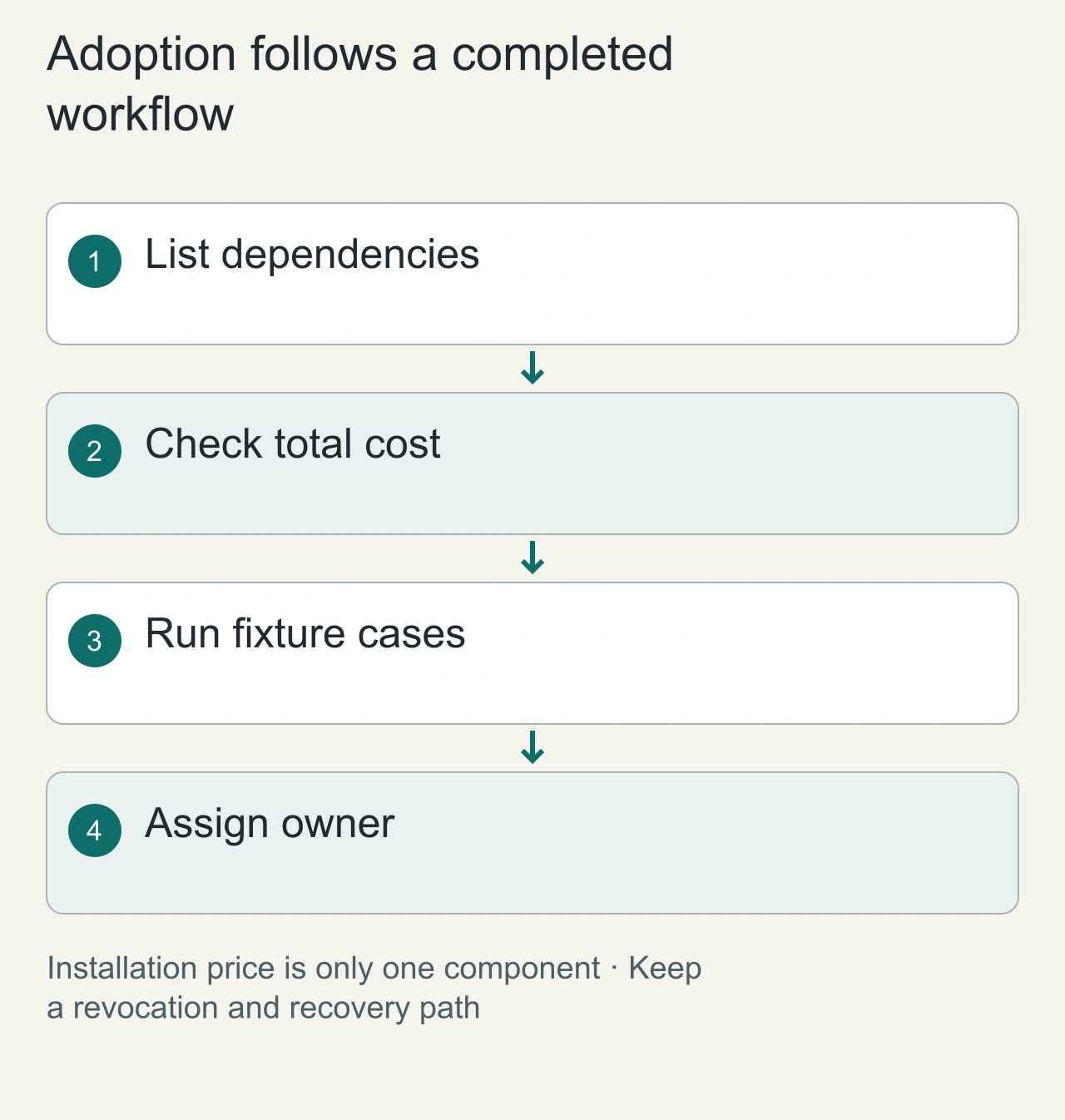
Make a cost worksheet containing the host subscription, model allowance, connected application tier and any API usage. Leave unknown entries explicitly unknown until the vendor documents them. A free package download is only one line. Some workflows also depend on exports, storage or collaboration features outside the package itself.
Record which account owns each connection and who can revoke it. For a team workflow, decide what happens when that owner leaves or an external token expires. These are ordinary operating concerns, not reasons to reject integrations. A clear owner and a small documented recovery procedure make the plugin easier to depend on.
Adopt the integration after it completes the bounded task and its failure cases produce understandable results. Keep the fixture and the resulting resource links. If the task changes from drafting to publishing externally, evaluate that operation separately. The existing retrieval success does not establish that the new action selects the right audience or destination.