
Original AiFolder editorial visualization: a GPT-6 response with interactive chart elements. Concept art, not an actual product screenshot.
Quick answer: OpenAI introduced GPT-6 with Intelligent UI on October 7, 2026. ChatGPT can now choose to present some answers as interactive graphics, forms, charts or small tools rather than always responding with text. This release changes the Chat experience; OpenAI explicitly says the models powering Work and Codex are unchanged.
What is Intelligent UI?
It is a response format that can combine prose, visuals and interactive components when a task benefits from them. Examples in OpenAI's announcement include a bill splitter, a savings calculator, an explorable bicycle diagram and a planning interface. Simple questions may still receive a text answer. Primary source: OpenAI announcement, October 7, 2026
Choose interaction when it changes the answer
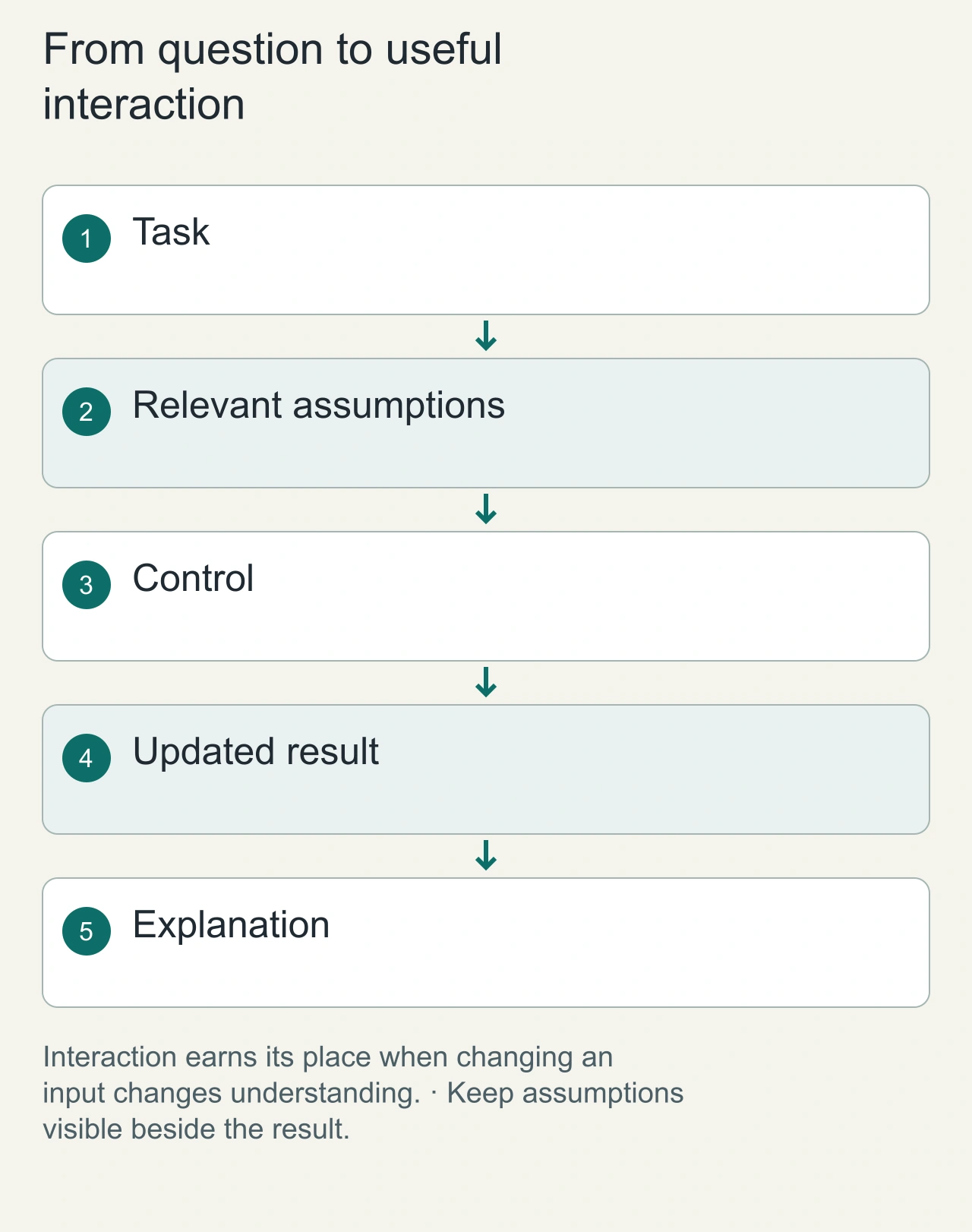
OpenAI's release describes Intelligent UI as responses that can combine text with interactive elements such as charts, forms, and graphics. The useful distinction is what the reader can do with the answer. A static comparison explains a fixed scenario. An interactive comparison can let the reader change an assumption and immediately see its effect. For a simple definition, ordinary text may still be the best format. The feature matters when interaction clarifies a decision or a relationship that would otherwise require several separate messages.
Imagine a planning question involving three possible study schedules. A useful response lets the learner adjust available hours and see how the schedule changes while preserving the explanation of its assumptions. A decorative animation of a calendar adds little if the hours cannot be inspected. Evaluate the generated interface by the task it helps complete, not by how many components it displays. This example is our design analysis; the editorial cover is conceptual and should not be mistaken for a captured ChatGPT product screen.
A polished visual still needs an understandable state
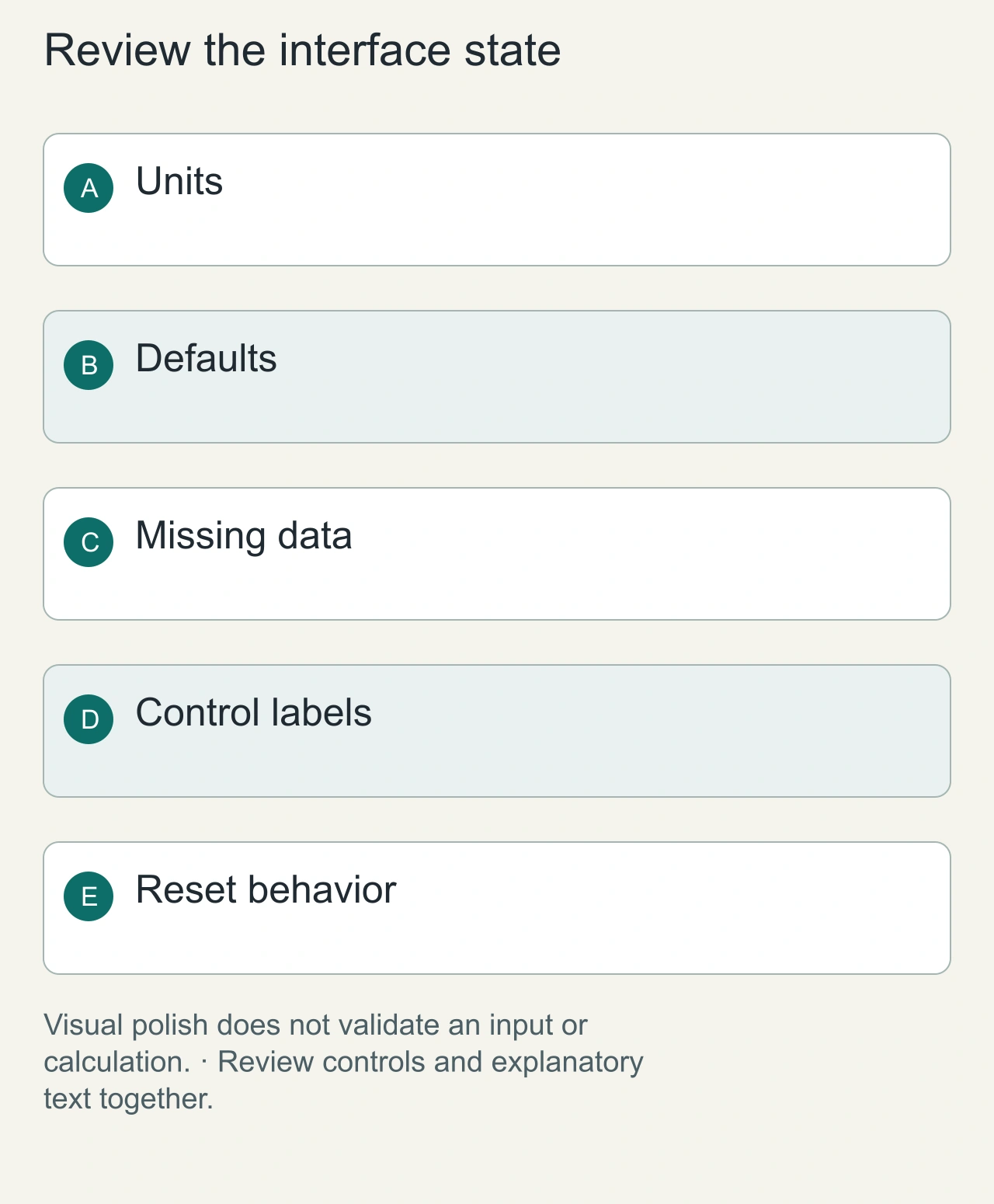
An interactive answer can look confident while hiding missing information. A calculator should reveal its units, defaults, and constraints. A comparison should identify which values came from sources and which were supplied by the user. A chart should remain interpretable when one input is absent or outside the supported range. These requirements are especially important in a conversation, where the reader may move between the generated interface and later text without noticing that its state has changed.
Use a simple check with the schedule example: set available hours to zero, change the unit, and return to the original value. The interface should explain the resulting state, preserve understandable labels, and avoid an impossible schedule. W3C's form-label guidance is useful when reviewing controls, because a visible design can still lack a meaningful accessible name. We have not conducted an accessibility audit of ChatGPT's release here. This is a practical review framework for interactive answers, not a compliance claim about a product.
How the interface is produced
OpenAI describes a library of native, streamable components and a compiler that processes interface content progressively while the model generates it. That helps the interface appear before the complete answer is ready. The model is trained to select appropriate layout and interaction patterns, not merely to append a fixed widget to every response. Conceptual diagram based on OpenAI's published product description; it is not a reverse-engineered internal architecture.
Speed and quality: interpret the numbers carefully
OpenAI reports that GPT-6 Instant starts answering web-search questions 44% sooner on average than GPT-5.6 Instant in its internal evaluation. This is a vendor-reported result, not an AiFolder benchmark. The test distribution, workload and UI behavior can affect perceived latency. Independent tests should distinguish time to first useful output, time to complete answer and correctness.
When is Intelligent UI useful?
- Comparison: tables or interactive selectors make differences easier to inspect.
- Learning: explorable diagrams and input controls clarify cause and effect.
- Planning: timelines and maps can expose dependencies.
- Calculation: small, task-specific tools can avoid repeated prompt exchanges. The trade-off is that a generated interface can be more complex than necessary. Clarity, accessibility, mobile layout and correctness should matter more than visual novelty.
Keep a portable result after exploration
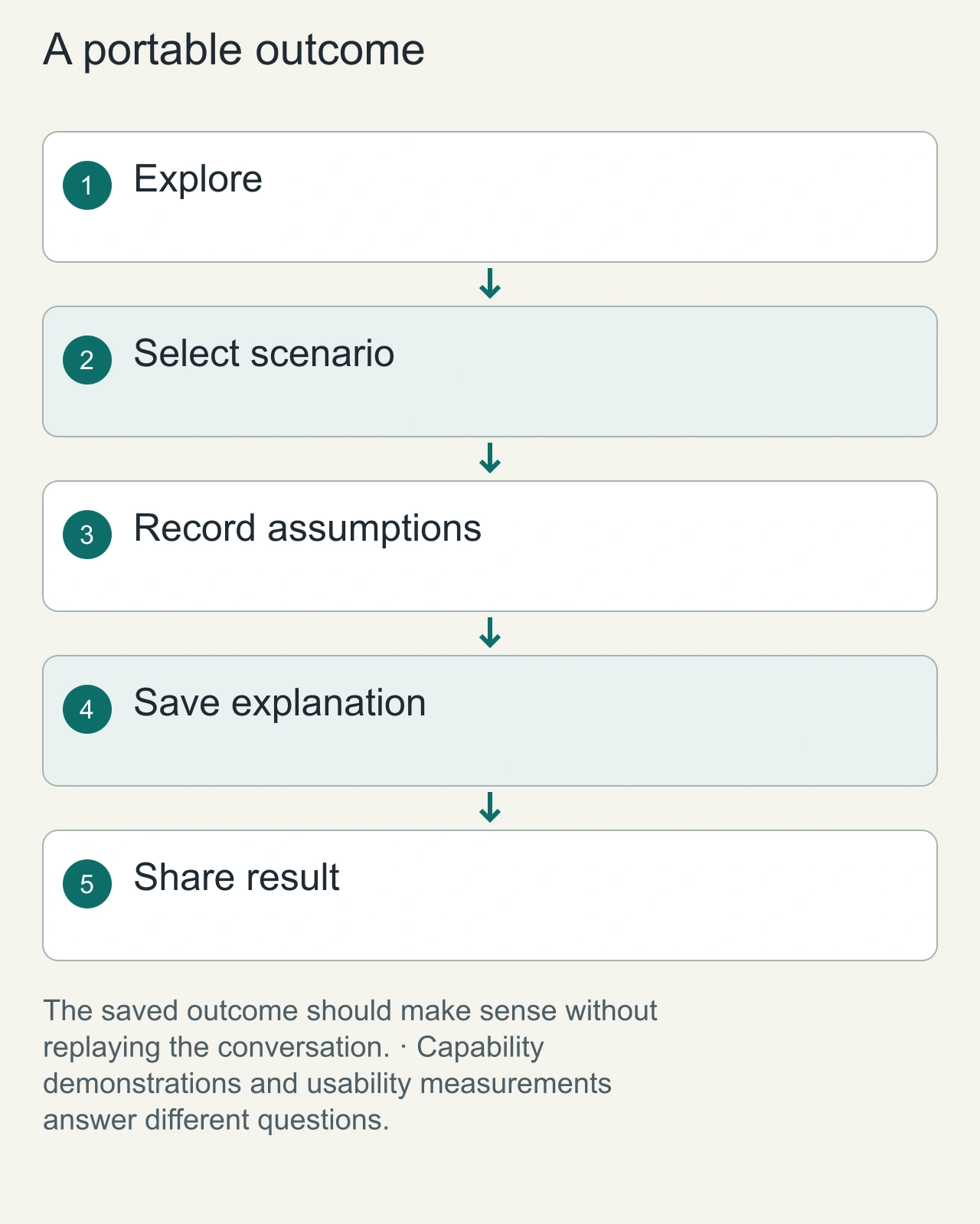
A reader may need to share the answer with someone who cannot access the same conversation. Make the outcome understandable outside the interaction: the selected assumptions, the resulting values, and the supporting explanation. For a schedule, that might be a short table and a paragraph about tradeoffs. For a comparison, it might be a saved scenario with source links. An interactive answer becomes more useful when it leaves a coherent artifact rather than requiring the recipient to replay every click.
When evaluating the feature, ask whether it reduced the work needed to understand or finish the task. A meaningful observation would compare successful completion, mistakes, and recovery under the same question. We have not run that usability study. OpenAI's release establishes what the product introduces, while this article explores implications for readers and designers. Keep those forms of evidence separate: a vendor demonstration shows a capability, a design example explains a pattern, and a controlled study would support a measured claim about user benefit. A reader should also know how to return to the default scenario without losing the surrounding explanation.
FAQ
Is Intelligent UI a separate app?
No. OpenAI describes it as part of the ChatGPT Chat experience.
Will every GPT-6 answer include interactive controls?
No. OpenAI says plain text remains appropriate when it best answers the question.
Is GPT-6 available to free users?
OpenAI announced rollout expansion to Free and Go beginning October 8, 2026.
Source of truth / References
Primary
Limitations
All rollout, architecture and speed statements are attributed to OpenAI's announcement. No independent AiFolder performance or usability study has yet been run. Reviewed October 8, 2026.
Availability and product scope
OpenAI's October 7 announcement describes a staged ChatGPT rollout. It begins with paid plans, with the free tier following on October 8. Workplace access may depend on administrative settings. The announcement also says that the models powering Work and Codex do not change as part of this launch.
Independent evaluation plan
AiFolder should compare ten matched tasks across plain-text and interactive responses. Measure first useful response time, task completion, factual accuracy, keyboard navigation, screen-reader behavior and mobile layout. Preserve the exact prompts, dates and model settings. No AiFolder test result is available yet.