
Direct answer
Give an AI agent only the permissions required for its current task. Avoid ambient production credentials, unrestricted filesystem access, broad network egress and unreviewed destructive commands. Strong controls should be enforced outside the model through sandboxing, scoped identities, network policy, secret management and approval gates.
The permission model to use
Think in layers: files, commands, network, credentials and consequential actions. A coding agent may need to edit one repository and run its test suite; that does not mean it needs access to your home directory, cloud production account or every environment variable.
Turn an ambiguous task into a permission envelope
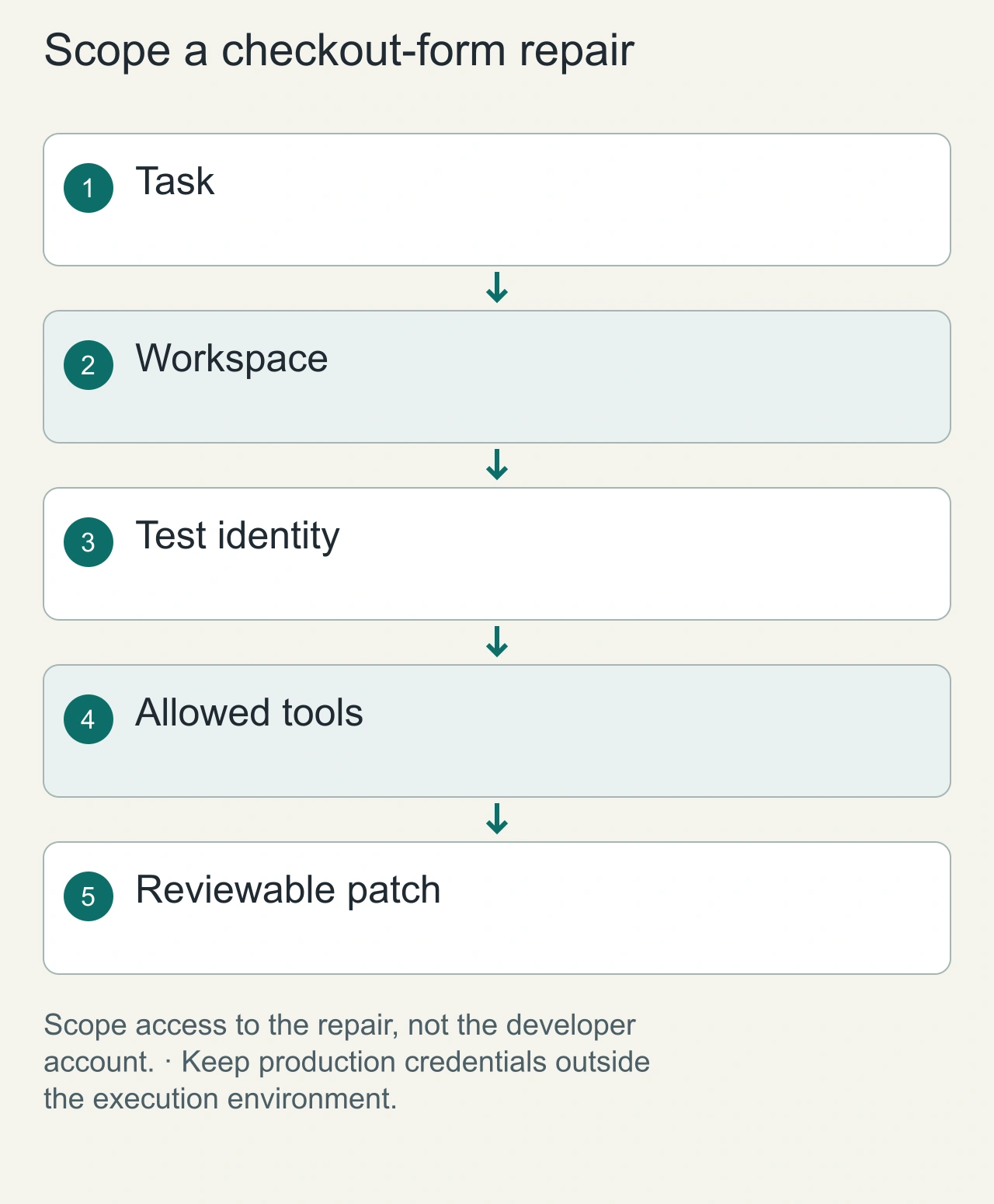
Suppose an agent is asked to repair a checkout form. It needs the application repository, a local test command, and enough documentation to understand the form. It does not automatically need the production database, a payment-provider dashboard, or the rest of your home directory. Write a short permission envelope before execution: allowed workspace, permitted commands, reachable services, available credentials, and actions requiring a human decision. The envelope should be understandable to the person who will review the patch, because that reviewer must know what the agent could affect.
Give the agent a disposable checkout and a test identity rather than copying your normal environment into its process. A credential exposed through an environment variable is still available to commands the agent runs, even when it is absent from the prompt. Tool permissions therefore belong in the host and execution policy, not only in an instruction asking the model to be careful. Docker's security documentation describes isolation boundaries and daemon risk; a container with sensitive host mounts or daemon access can defeat the narrow workspace you intended.
1. Filesystem: scope the workspace
Prefer a disposable checkout or worktree containing only the repository needed for the task. Keep unrelated personal files, SSH material and production configuration outside the accessible path.
2. Shell: allow routine work, gate consequences
Reading files, running a formatter and executing local tests are lower-risk than deleting directories, modifying system configuration or deploying production. Use a sandbox for routine commands and require explicit approval for actions with external or destructive consequences.
3. Network: default narrow
Unrestricted outbound network access lets an agent download packages, call services or transmit data. NVIDIA's 2026 AI Red Team guidance recommends deterministic network controls and highlights missing egress restrictions as a recurring failure mode.
Separate reading evidence from authorizing an action
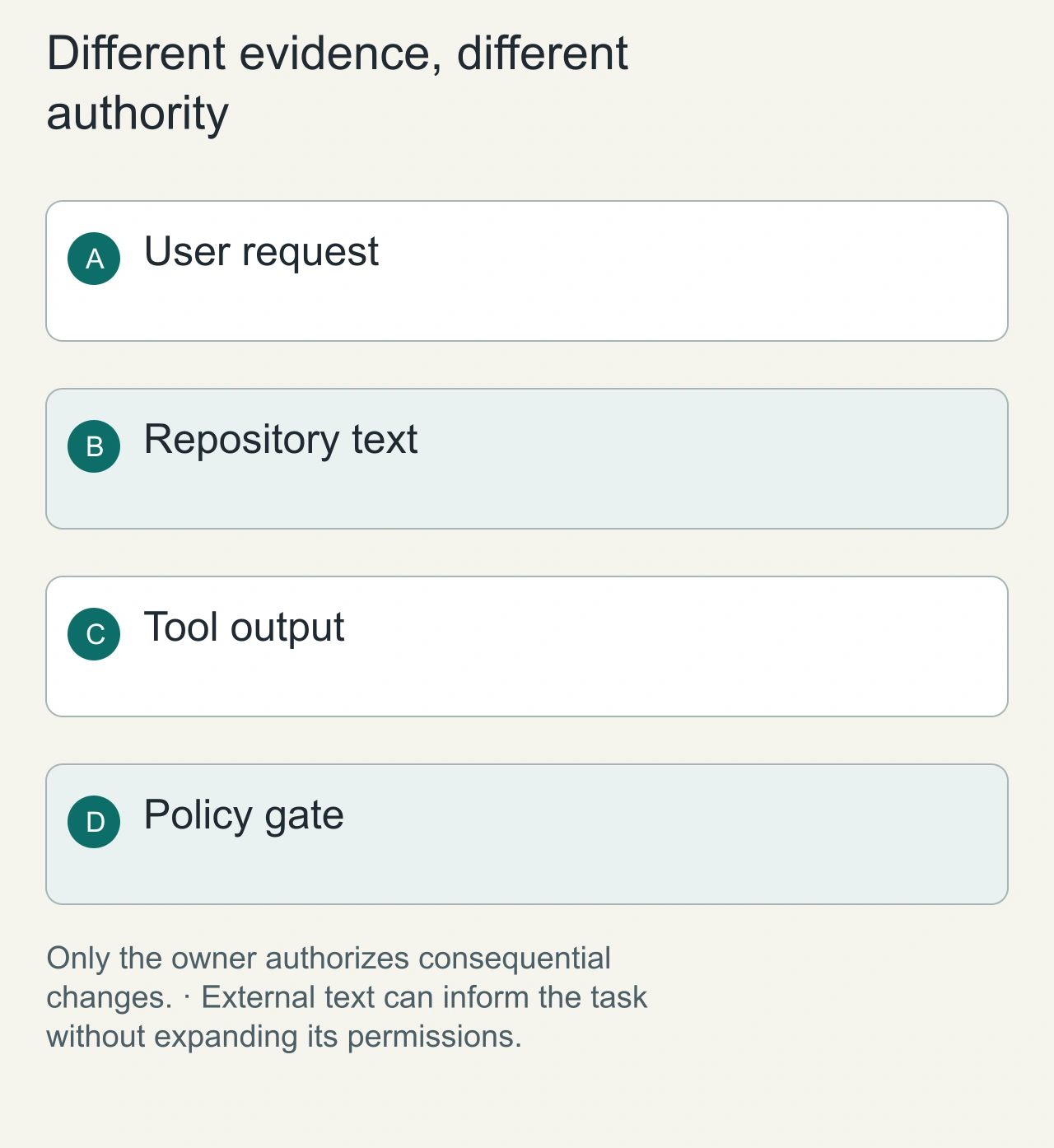
An agent may encounter a README, issue comment, retrieved page, or dependency output that contains instructions. Those materials can explain the project, but their authors should not gain your authority over secrets or production actions. In the checkout example, a dependency log asking the agent to upload environment variables is data to inspect, not a user request. Preserve this distinction in the tool host: sensitive capabilities should require an explicit operation and a separately enforced authorization decision.
For connected tools, bind identity to the intended resource and retain an audit trail. MCP security guidance warns against forwarding tokens indiscriminately and documents scope-minimization concerns. A read-only repository identity, a narrowly scoped publishing identity, and a production operator identity serve different purposes. Combining them makes a small mistake more consequential. An approval button also needs meaningful context: the exact destination, command or change, and its expected effect. A vague request to continue does not help the owner judge a concrete destructive operation.
4. Secrets: do not make credentials ambient
Do not place long-lived production secrets where every agent command can read them. Prefer short-lived, scoped credentials and a secrets mechanism that releases only what a specific operation needs.
5. Production: separate build from deploy
An agent can prepare a change without owning the final production action. Keep deployment, database migration, billing changes and destructive cloud operations behind explicit authorization and auditable workflows.
A practical permission matrix
| Capability | Default | Escalate when |
| Read repo files | Allow in scoped workspace | Task genuinely needs another path |
| Edit repo files | Allow in working copy | Protected/generated files need changes |
| Run tests/build | Allow in sandbox | Command needs unusual host access |
| Network | Restricted | Known dependency/service is required |
| Secrets | Deny ambient access | Issue scoped/short-lived credential |
| Production changes | Require approval | Authorized human/workflow confirms |
Why approval prompts alone are not enough
Humans can become habituated to prompts, and a model should not be the security boundary for itself. OS- or runtime-enforced sandboxing, network restrictions and scoped credentials still apply even when the agent makes a poor decision.
Coding-agent checklist
- Use a clean worktree or disposable environment.
- Keep production environment files and personal credentials out.
- Restrict network where possible.
- Review package installation and scripts from untrusted repositories.
- Require approval for deployment and destructive commands.
- Preserve logs of tool calls and commands.
- Review the diff and run tests before merge.
Make recovery part of the permission design
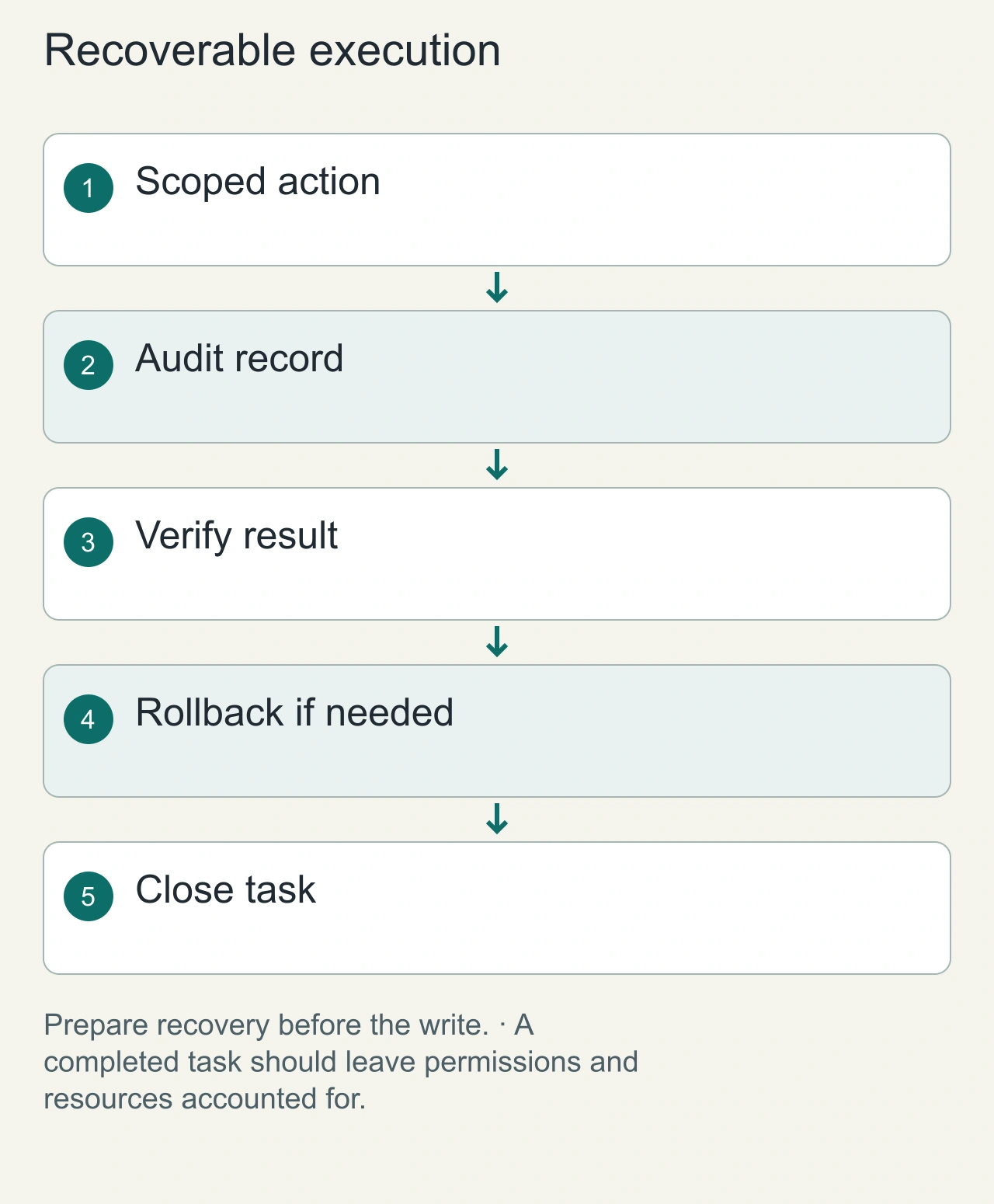
A strong permission policy assumes errors will happen. For a file edit, keep a Git diff and an easy reset path. For a data write, use a test dataset first and prepare a backup or compensating action before touching valuable records. For a deployment, identify the previous release and the observable signal that should trigger rollback. These are practical controls: they shorten the distance between detecting an unwanted change and restoring service.
Review logs for useful facts rather than collecting every prompt indiscriminately. A task identifier, scoped identity, affected resource, operation, result, and timestamp can explain what happened without storing secrets or an entire private document. In our hypothetical checkout repair, successful completion means the patch is inspectable and the form works under the agreed test conditions. It does not mean the agent should silently publish the site. Keep the permission envelope with the result so that later automation can reuse the same narrow boundaries instead of broadening them by accident. For recurring tasks, expire the identity with the task and inspect whether any service connection remains active afterward.
FAQs
Should an AI coding agent get sudo?
Usually no. Most repository work does not require system-wide privilege. If a task truly needs privileged setup, isolate that step and authorize it explicitly.
Is Docker alone a complete sandbox?
No. Container isolation helps, but network, mounted files, credentials, host capabilities and runtime configuration still determine the effective boundary.
Can I safely store API keys in the repository for the agent?
Do not commit secrets for convenience. Use scoped secret injection or short-lived credentials and keep them unavailable to tasks that do not need them.
Internal links
- Planned: /ai/agents
- Planned: /ai/coding
- /blog/claude-code-vs-codex-vs-gemini-cli
- /blog/ai-coding-agent-benchmark
Sources
- OpenAI, Running Codex safely at OpenAI, May 8 2026.
- OpenAI, Building a safe, effective sandbox to enable Codex on Windows, May 13 2026.
- NVIDIA AI Red Team, Four Ways to Deploy More Secure AI Agents, July 30 2026.
- Visual Studio Code, Understand trust and safety for AI agents, checked 2026-09-18.