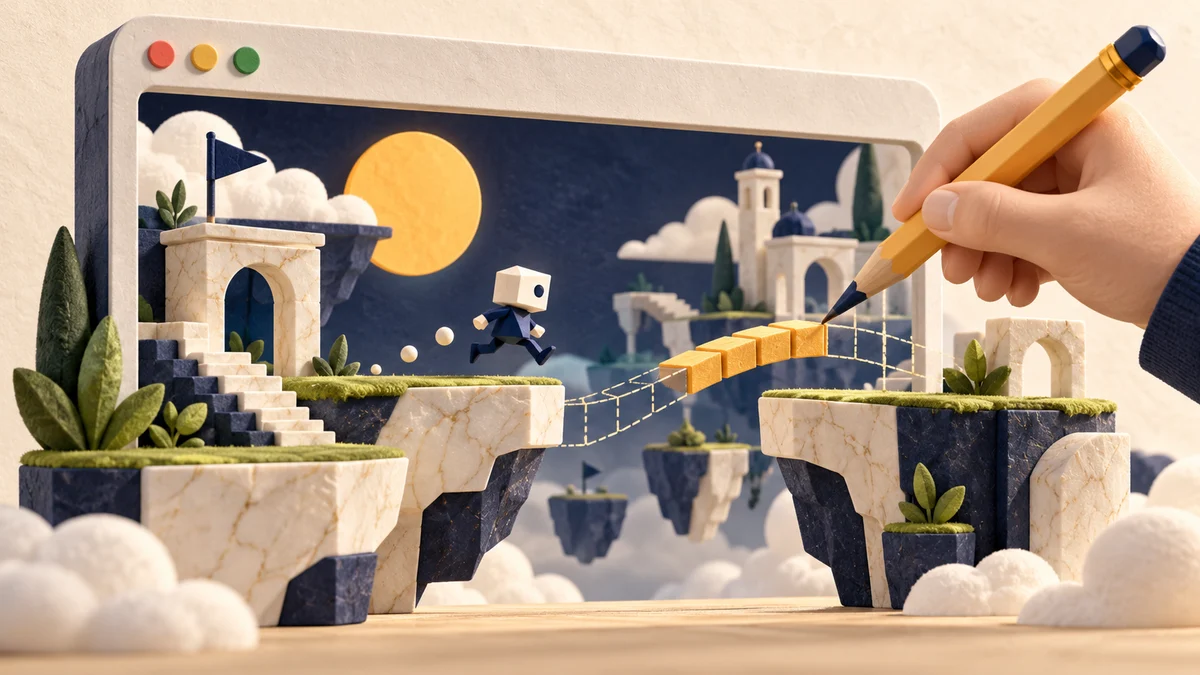
Original AiFolder conceptual game-board illustration. Not a screenshot of Google Playground. Updated October 8, 2026 · Product research guide · AiFolder has not accessed the US-only creation flow for a hands-on test. Google announced Playground on October 7, 2026, an experimental browser-based platform for creating, playing and sharing games through text prompts. The pitch is simple: describe a game idea and receive a playable experience without manually coding its mechanics. The harder engineering question is whether the output has correct rules, acceptable performance, usable mobile controls and maintainable behavior. The announcement itself cannot answer those questions. Google says Playground launched for users aged 18 or over in the United States, with creation access in tiers associated with Google One membership. That restriction matters: readers outside the launch region should not assume they can immediately use every feature. Google's announcement is the current source of truth.
What is Google Playground?
Playground is a prompt-to-game creation and discovery platform. It combines a description-based builder with a community gallery where people can publish games and explore other creators' work. Google describes Play Games profiles, likes, leaderboards and discovery based on activity and ratings. Published games pass through safety screenings, with reporting available to users. The platform focuses on lowering the barrier to experimentation. That is different from guaranteeing production-ready assets, accessible interfaces or maintainable source code. Developers should evaluate the game, not just the speed of the demo.
Turn a game prompt into a small rules document
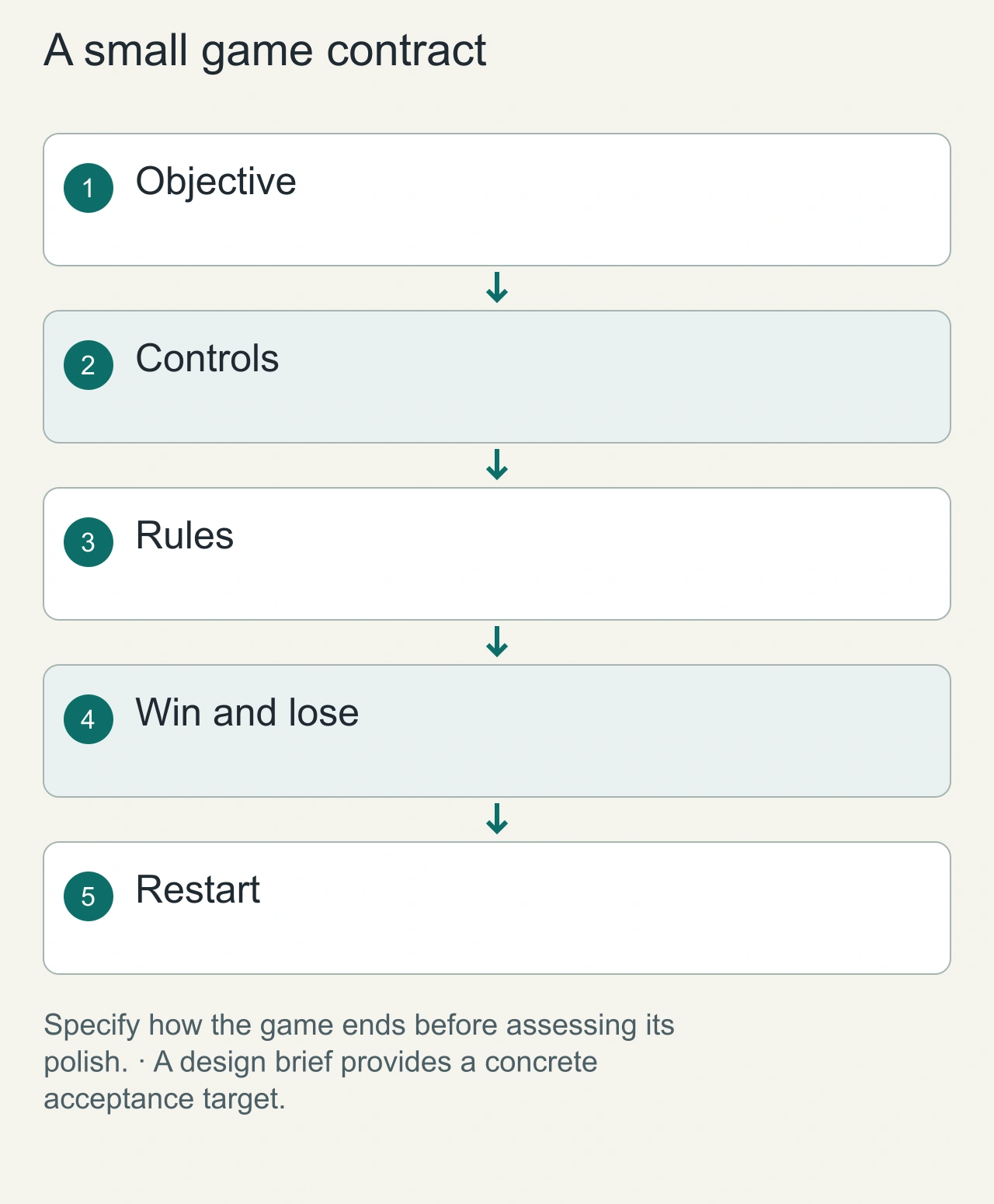
A playable first impression is not the same as a coherent game. Before prompting a generator, write down the objective, controls, allowed actions, win condition, lose condition, and restart behavior. Consider a tiny browser game in which a player moves a marble between platforms to collect three tokens. The prompt should say whether the marble can jump, what happens after a fall, whether tokens reset, and how the game communicates completion. Without those rules, a visually appealing result can still be impossible to finish.
Google's announcement establishes Playground as an experimental platform for creating, playing, and sharing games. It does not establish that every generated rule set is correct. We have not accessed its restricted creation flow for a hands-on review. The marble example is an illustrative design brief, not a generated Playground game that we tested. A structured brief still helps readers evaluate the concept: it creates something definite to compare with the output and makes later revisions more precise than simply asking for a better game.
What has actually launched—and what has not?
Available in the announced launch:
- Text-prompt creation of custom games.
- Playing and sharing generated games.
- A community gallery and related social discovery features.
- Initial rollout in the United States for adults. Not a generally available production feature at announcement:
- Unity Spark integration. Google describes an upcoming integration and says Unity Spark is in testing, with closed beta planned. Do not confuse an announced roadmap with a feature available to every Playground user today. The service may evolve quickly. Confirm region, membership tiers, quotas and terms directly on playground.google before making an adoption decision.
Can a prompt produce a good browser game?
A compelling game requires several interacting layers:
- Mechanics: rules are deterministic, scoring makes sense and the win/loss conditions are testable.
- Feedback: movement, transitions, sound and visual effects communicate what changed.
- Controls: mouse, keyboard and touch input work reliably without accidental page scrolling.
- Performance: asset loading, rendering and gameplay stay responsive on low-end mobile devices.
- Progression: difficulty increases without violating the core rules.
- Accessibility: contrast, reduced-motion preferences, keyboard navigation and readable status information have been considered.
- Persistence and sharing: saved state, replay links and game links work consistently and respect user privacy. A game that looks polished in the first 20 seconds may still fail after several minutes due to impossible levels, lost state or broken touch gestures.
Review playability on the device that matters
Browser games inherit browser constraints: input methods, window sizes, tab focus, and device performance. A keyboard-based platformer can fail immediately for a phone user even if it is enjoyable on a laptop. In our marble game, compare pointer and touch controls, check whether the player can reach every token, and make the restart control easy to find. Decide whether the game should pause when the tab loses focus. These are product choices that should be explicit, rather than accidental consequences of generated code.
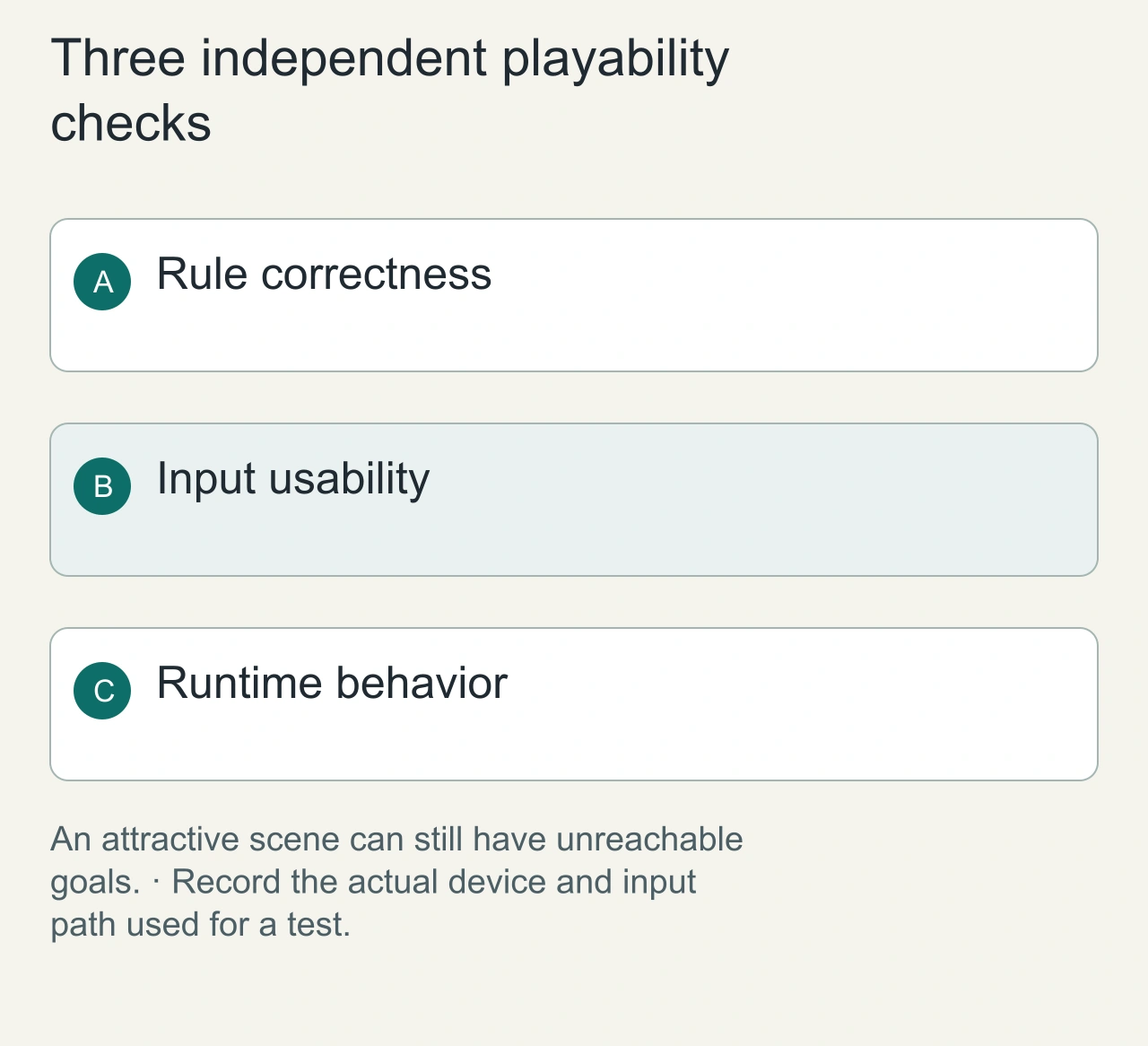
MDN's game-development material provides grounding for browser-game techniques. For a future hands-on evaluation, record the browser, device, viewport, input method, and generated version alongside observations. Distinguish a rendering issue from a rule issue: a low frame rate and an unreachable platform require different fixes. Do not describe a conceptual illustration as a gameplay screenshot or infer mobile performance from a desktop preview. The cover deliberately depicts a handmade game world to express creation, while the diagrams show the proposed review steps.
An original AiFolder evaluation: use one fixed game brief
The right way to compare prompt-to-game systems is to give them the same specification and scoring rubric. AiFolder proposes a compact 2048-style vocabulary game as an evaluation fixture, with the following invariant rules:
- A 4×4 board containing values 2, 4, 8, 16 and so on.
- Identical numbers merge into their sum (for example, 2 + 2 → 4). Vocabulary artwork is supplemental—not a claim that two unrelated words form a new word.
- Each move slides all tiles in a consistent direction, merges each tile at most once, and adds a new tile only after a valid move.
- A score increases by the value of merges; a game ends when no legal moves remain.
- A topic selector can change illustrations and words while leaving the mathematical rules intact. This is a deliberately narrow specification: it exposes rule mistakes that attractive graphics can hide. It also connects to AiFolder's interest in browser games and practical learning tools.
Test matrix: correctness before visual quality
Game logic tests: feed deterministic boards into each move direction; verify no impossible merge, no double-merge and correct score deltas. Mobile UX tests: use narrow screens, slow devices and both touch and keyboard input. Check swipe thresholds, accidental selection and viewport layout. Rendering tests: capture frame pacing, asset size, layout shifts and loading time in identical browser conditions. Record the device and network profile. Accessibility tests: inspect contrast and focus indicators, screen-reader naming of controls, pause/restart access and reduced-motion support. Maintainability tests: establish whether gameplay can be changed without re-generating the entire project, whether assets have clear rights, and whether export or source access is supported by the exact product tier. Do not publish a benchmark score until the generated game and raw test artifacts are available. AiFolder has not run these tests against Google Playground as of this guide.
When Playground is a good fit
Playground may be useful for exploring game concepts, prototyping short experiences, teaching gameplay ideas and sharing lightweight experiments within its availability limits. For a public games hub, traditional web development may still be preferable when the product needs full control over analytics, monetization, accessibility, long-term maintenance, assets and cross-device behavior. A hybrid workflow—AI-assisted ideation followed by engineering, QA and original graphics—can offer a more controlled path to production.
What about Unity Spark?
Google says it plans to introduce Unity Spark as a route toward more advanced 3D mechanics and experiences through the Unity ecosystem. As of the October 7 announcement, this is future integration, not a generally available authoring tool inside Playground. Developers should follow Unity's official Spark information instead of extrapolating demo capabilities.
Revise one rule at a time
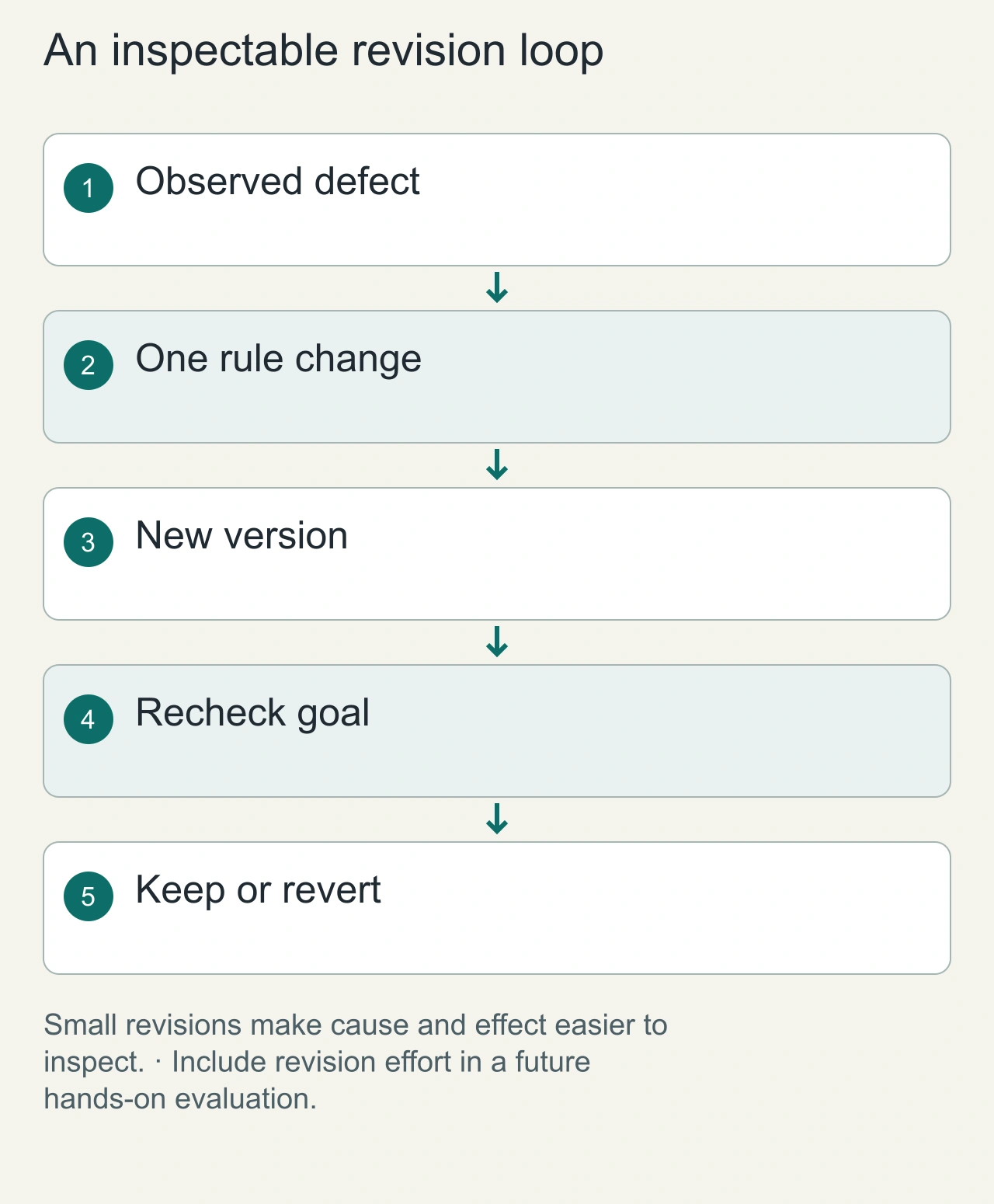
When a generated game disappoints, identify the smallest observable problem. If a jump is too short, change jump distance before asking for a new art style and extra enemies. If the restart loses score incorrectly, specify the state that should reset. Keep a versioned brief and notes so you can tell which prompt caused a behavior change. Broad requests for more fun can produce a different game without solving the original problem, making evaluation much harder.
For the marble example, a disciplined revision sequence might first fix a blocked route, then adjust touch movement, then improve the win-state feedback. Save the earlier playable version before each change. Check the stated goal again after every revision, because a seemingly cosmetic edit can alter collision geometry or timing. A future measured review should include these intervention costs rather than reporting only the first generation time. Until that work is completed, this article is a feature and development guide with a clear test plan, not a claim about Playground's output reliability.
Frequently asked questions
Is Google Playground available worldwide?
No. Google described an initial US launch for people aged 18 and older. Availability and creation tiers may change.
Do you need to know how to code?
Google presents Playground as a no-code, text-prompt creation tool. Building a robust production product may still require design and engineering skills.
Does Playground export editable game source?
Do not assume that it does. Verify the exact export and editing features in the product or current documentation before using generated games in a commercial workflow.
Has AiFolder built a game in Playground?
Not as part of this publication. This is an announcement analysis and an original test specification, not a firsthand review.
Related AiFolder experiences
Browse AiFolder Games to compare a conventional web-game experience, the AI Hub for AI-powered creation tools, and the Developer Tools collection for web-development utilities.
Sources and editorial method
- Google — Introducing Playground (October 7, 2026)
- Google Playground — live product availability and limitations.
- Unity Spark — official future-integration context.
- AiFolder source check: October 8, 2026. The test plan is an original proposed framework; no gameplay results, screenshots or product access claims are represented as verified.