Confirm the version and compatibility first
Kafka's next-generation consumer protocol is generally available from Kafka 4.0. It uses incremental assignment and moves several group controls to the broker. The Kafka 4.2 protocol guide documents upgrade conditions; consult your own version's guide before production changes.
A rolling migration can preserve group availability when the documented interoperability conditions hold. That is not a promise that your processing latency or every business workflow sees zero disruption. Rebalances, application restarts and ownership handoffs remain observable events.
Build a compatibility worksheet
| Item | Record before rollout |
|---|---|
| Brokers | Version and group protocol support |
| Clients | Library version and implementation support |
| Assignor | Whether custom metadata prevents interoperability |
| Group settings | Heartbeat, timeout and assignment ownership |
| Application | Revocation, offset and in-flight work handling |
The new protocol is selected with group.protocol=consumer on supporting clients. Settings such as heartbeat.interval.ms, session.timeout.ms and partition.assignment.strategy do not retain their classic meaning in this mode. The official guide specifies broker-managed replacements and limitations.
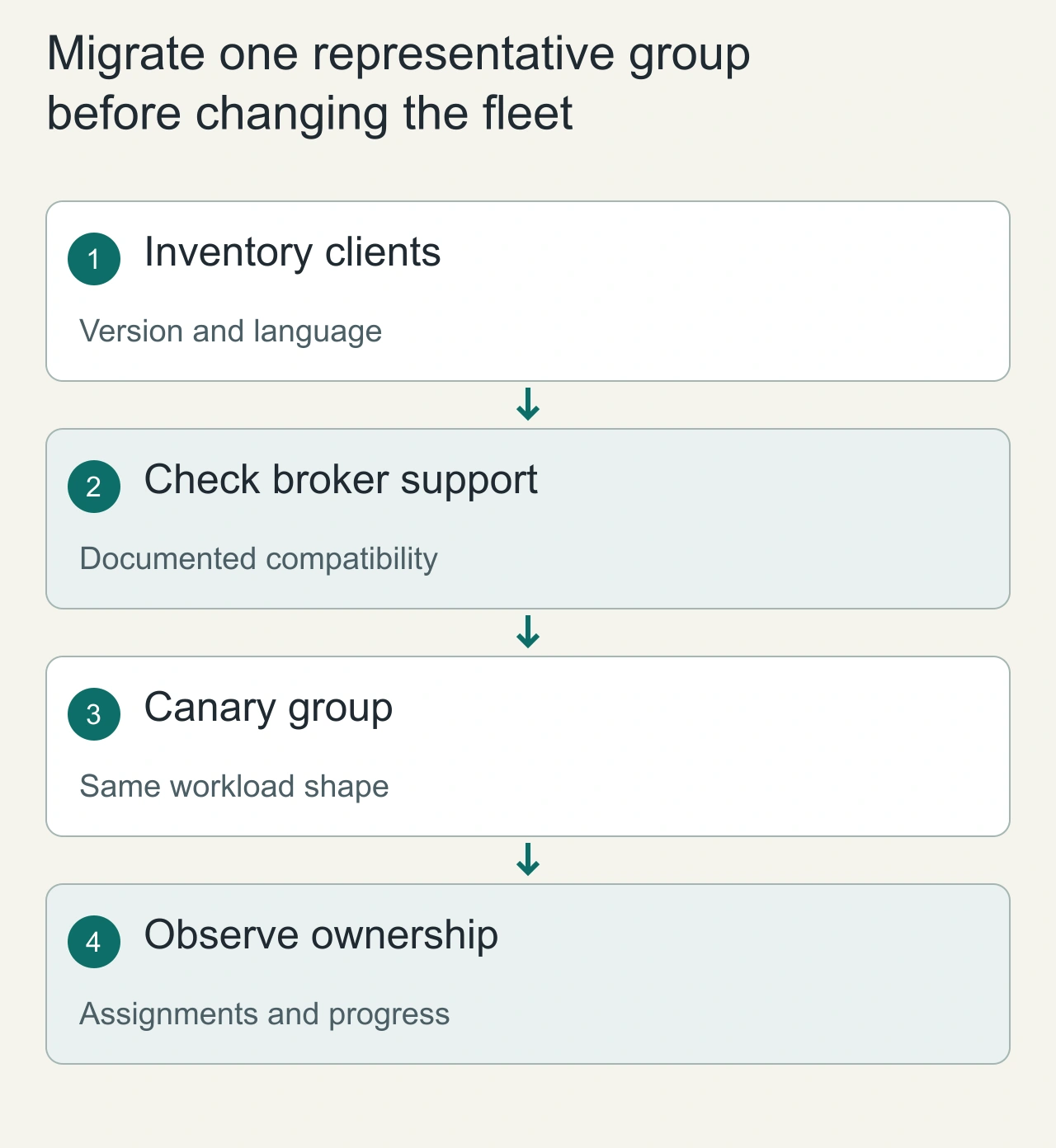
Migrate one representative group before changing the fleet
A consumer protocol migration changes how group membership and assignment are coordinated. Start by listing the actual client libraries, their versions, configured assignors and rebalance callbacks. The Java client and a third-party client need not expose the same capabilities at the same time. Check the relevant broker and client documentation for the deployed versions, because a flag copied from a current example can be unsupported in an older application.
Choose a canary group with representative processing behavior and a rollback route. A trivial consumer that logs records may never reveal a problem in a production handler that launches asynchronous database writes. Observe assignment changes, processing pauses, offset progress and downstream effects during restarts and scale changes. Keep the business workload and its idempotency rules intact so that a protocol experiment does not become a simultaneous handler rewrite. Record the previous configuration and the conditions that would stop the rollout. Migration success means durable progress and correct ownership behavior, not merely that the client accepted a configuration property.
Separate client settings from broker-managed behavior
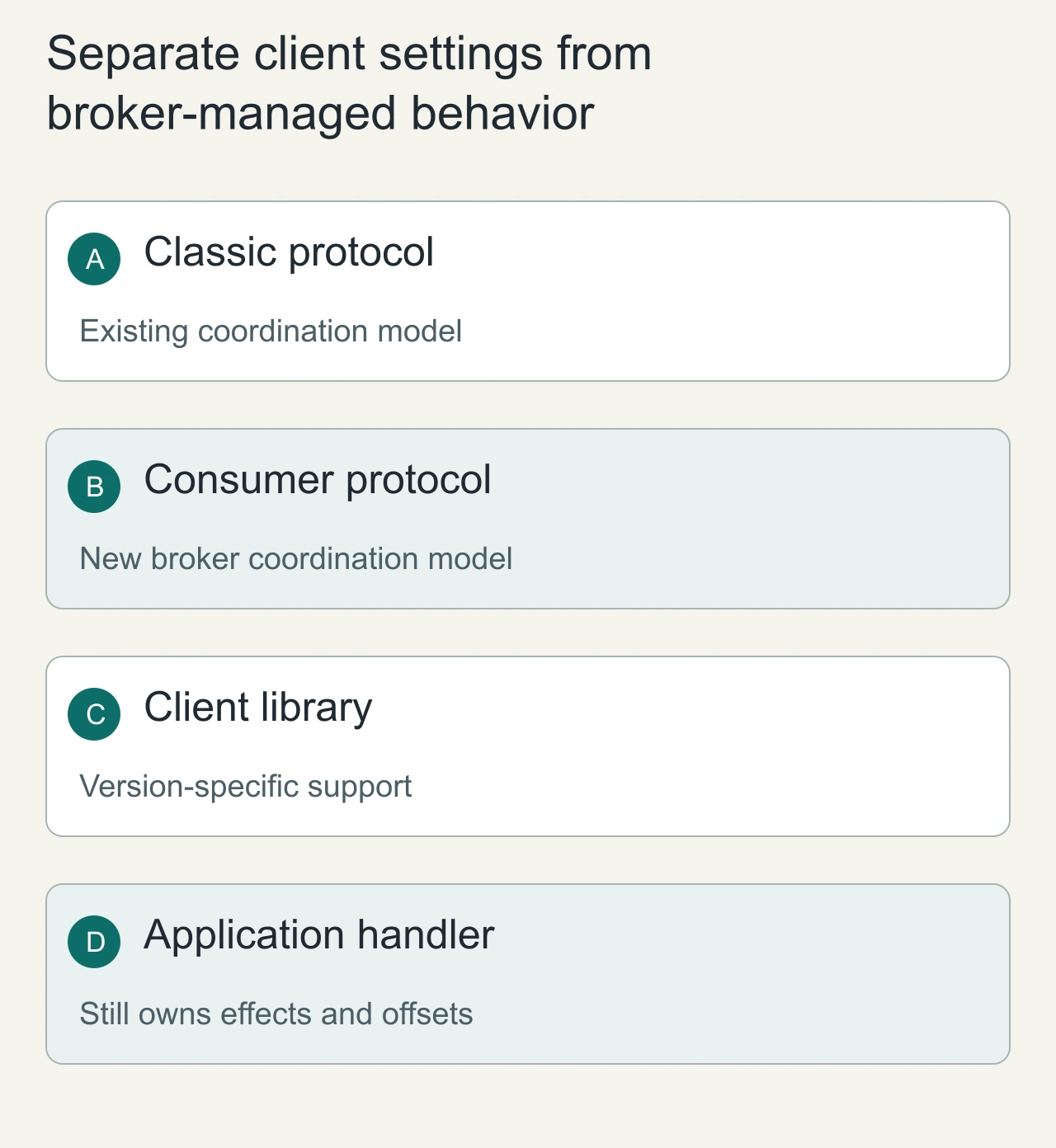
The classic and newer consumer protocols have different coordination responsibilities and configuration surfaces. Under the newer model, some timing and assignment behavior is controlled through broker or group settings rather than the old client knobs. Treat an ignored or inapplicable setting as a migration issue instead of assuming its previous value still governs behavior. Make a small configuration table for the chosen client version, showing which settings remain active and where their replacements live.
The protocol does not remove the application's responsibility for safe in-flight work, durable offset boundaries or duplicate-resistant effects. A handler that commits beyond unfinished work can still lose that work after a crash. A handler that finishes revoked work without the proper lifecycle discipline can still create operational confusion. Review callback behavior and library examples for the exact client, then rehearse shutdown, member failure and rolling replacement. Avoid changing broker defaults for every group simply to help one canary. Broader changes need an inventory of affected applications and a clear owner for the shared coordination policy.
Stage an application migration
Freeze the client build and configuration for a disposable environment. Populate a topic with monotonically numbered events and stable business operation IDs. Run the classic group, capture baseline lag and processing latency, then replace one consumer with the new configuration. Watch ownership and error logs.
Expand the rollout only if the actual assignor and client combination behaves as documented. The guide allows online conversion when the classic assignor does not embed custom metadata; a custom assignor deserves a separate compatibility test, not an assumed safe rollout.
Preserve business correctness during handoff
A partition changing owners can expose the same duplicate-effect window as a crash. Stop revoked work or fence its result, and make durable effects idempotent. Record both consumer ownership and business operation IDs so duplicate effects are distinguishable from harmless repeated reads.
Define rollback before the first replacement
Retain the previous client artifact and classic settings. The documented downgrade reverses the rolling conversion, with group conversion occurring after the final new-protocol member leaves. Rehearse that sequence in staging, including a failed consumer and slow handler.
Observe consumer lag, ownership churn, processing errors and latency during the entire window. A group appearing stable does not prove the application's effects remained correct. Compare final durable records against the input fixture.
Read Kafka ordering and ownership and delivery semantics before treating a protocol change as a correctness fix. This article gives a migration procedure, not an independently measured zero-downtime result.
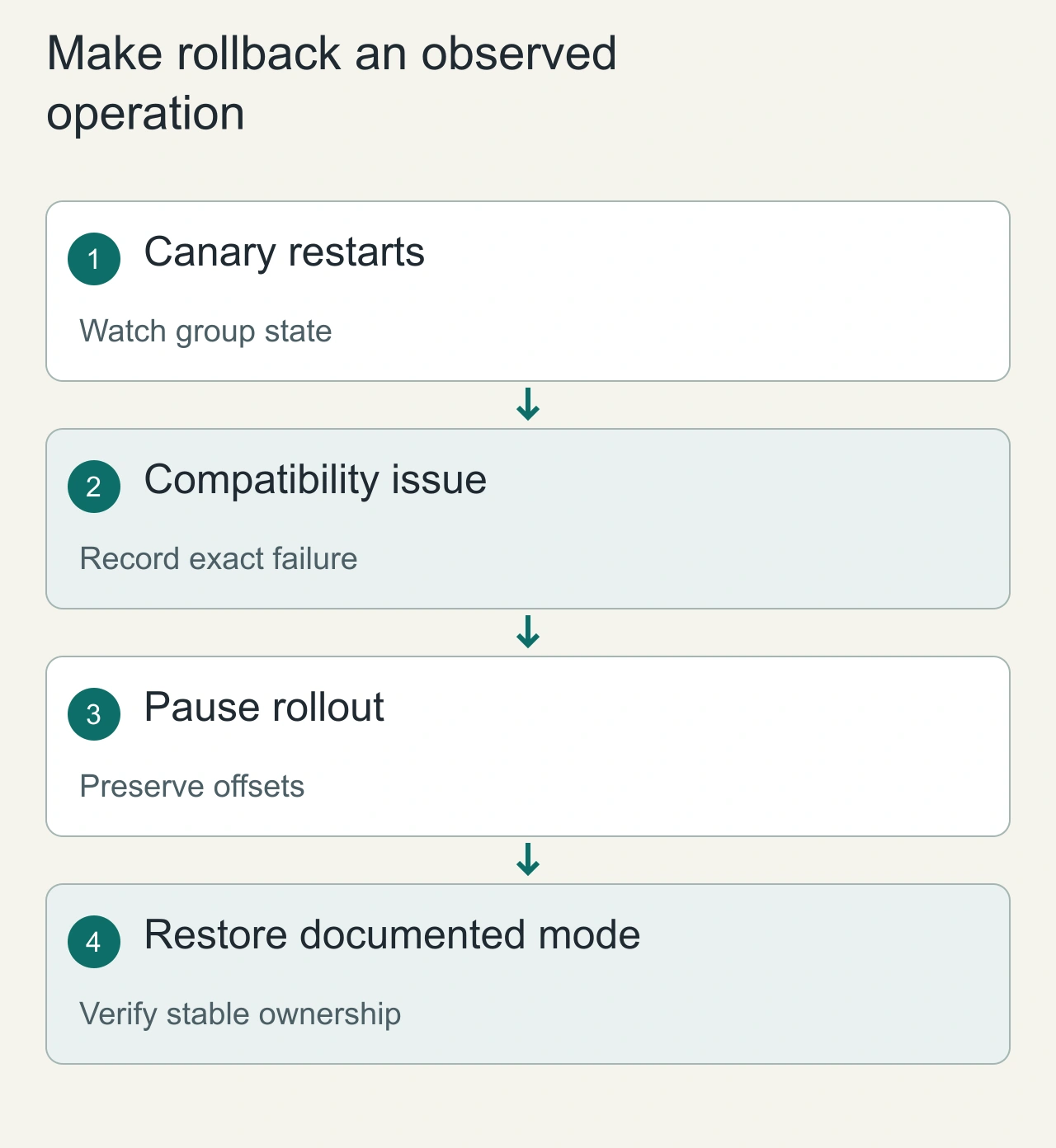
Make rollback an observed operation
Before rollout, establish whether the selected versions support an online transition and which restrictions apply to group state or assignors. Do not assume that changing one property guarantees a reversible transition in every mixed fleet. Keep the previous deployment artifact and configuration available, and follow the version-specific downgrade procedure if the group needs one. Offsets and business state should remain protected throughout; resetting offsets is not a normal solution to a coordination compatibility problem.
When a canary stalls, collect the group state, member versions, assignments and exact client errors before cycling the whole fleet. Compare those observations with the documented migration prerequisites. Roll back the canary when the stop condition is met, then verify both ownership stability and durable processing progress. Monitor rebalance-related events, oldest pending work and lag distribution over a meaningful workload period. These signals separate a configuration mismatch from a slow handler or downstream outage. A cautious protocol migration changes one coordination layer at a time and leaves enough evidence to explain why the new mode is ready for additional groups.