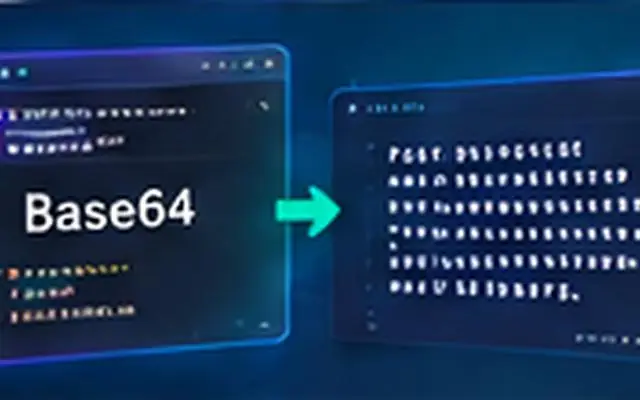
Base64 is a binary-to-text encoding: it represents bytes using a restricted set of text characters so data can travel through text-oriented systems. It is reversible and provides no confidentiality. If someone can read the Base64 string, they can normally decode it without a password.
Do not use Base64 as encryption. RFC 4648 explicitly warns that base encoding does not provide computational confidentiality.
A real Base64 example
The UTF-8/ASCII text hello encodes to aGVsbG8=. Decode that value and you get the original bytes back. Try text examples with the AiFolder Base64 Encoder.
Why Base64 exists
Binary bytes are not always safe in protocols or document formats designed around text. Base64 maps binary data to an alphabet that can be transported as text. Common uses include MIME content, embedding small resources in data URLs, and encoding binary segments in token or protocol formats.
How Base64 changes size
Three input bytes contain 24 bits. Base64 represents those 24 bits as four 6-bit symbols, so encoded data is typically about one third larger than the source before surrounding protocol overhead.
What does the equals sign mean?
Standard Base64 works in groups corresponding to three input bytes. When the final input group is shorter, = padding can complete the encoded quantum. RFC 4648 describes the padding cases.
Base64 vs Base64URL
Standard Base64 uses + and /. The URL- and filename-safe variant replaces them with - and _; padding may be omitted when the data length is known implicitly. RFC 4648 treats Base64URL as a distinct variant.
Unicode is a bytes problem, not just a string problem
Base64 encodes bytes. In JavaScript, legacy btoa() works with byte-like strings and can fail on arbitrary Unicode text. Convert text to UTF-8 bytes before Base64 encoding when non-ASCII characters are possible. Modern byte-oriented APIs avoid much of this confusion.
Base64 in data URLs
A data URL can embed a small resource directly: data:image/png;base64,.... MDN documents the syntax as data:[<media-type>][;base64],<data>. Embedding is convenient for small resources but increases textual size and can make documents harder to cache or inspect independently.
Base64 and JWTs
JWT commonly uses Base64URL for readable header and payload segments. That is why you can inspect many JWT claims without the signing secret. Encoding is not signature verification; see How to Decode a JWT Safely.
When should you use Base64?
- When a text-only channel must carry arbitrary bytes.
- When a specification explicitly requires Base64 or Base64URL.
- For small inline resources where a data URL is appropriate.
When should you not use it?
- To hide passwords or secrets.
- To reduce file size; Base64 normally increases it.
- As a substitute for hashing, encryption, or signing.
Frequently asked questions
Is Base64 encryption?
No. It is reversible encoding and provides no secret key or confidentiality.
Why is Base64 larger?
It represents 24 input bits with four text symbols, each carrying six bits of encoded value, producing roughly 4 characters for every 3 input bytes.
What is Base64URL?
It is the URL- and filename-safe alphabet defined by RFC 4648, using - and _ instead of + and /.
Sources
Checked September 17, 2026 against RFC 4648, MDN's Base64 reference, and MDN's data URL documentation.