Free needs a precise definition
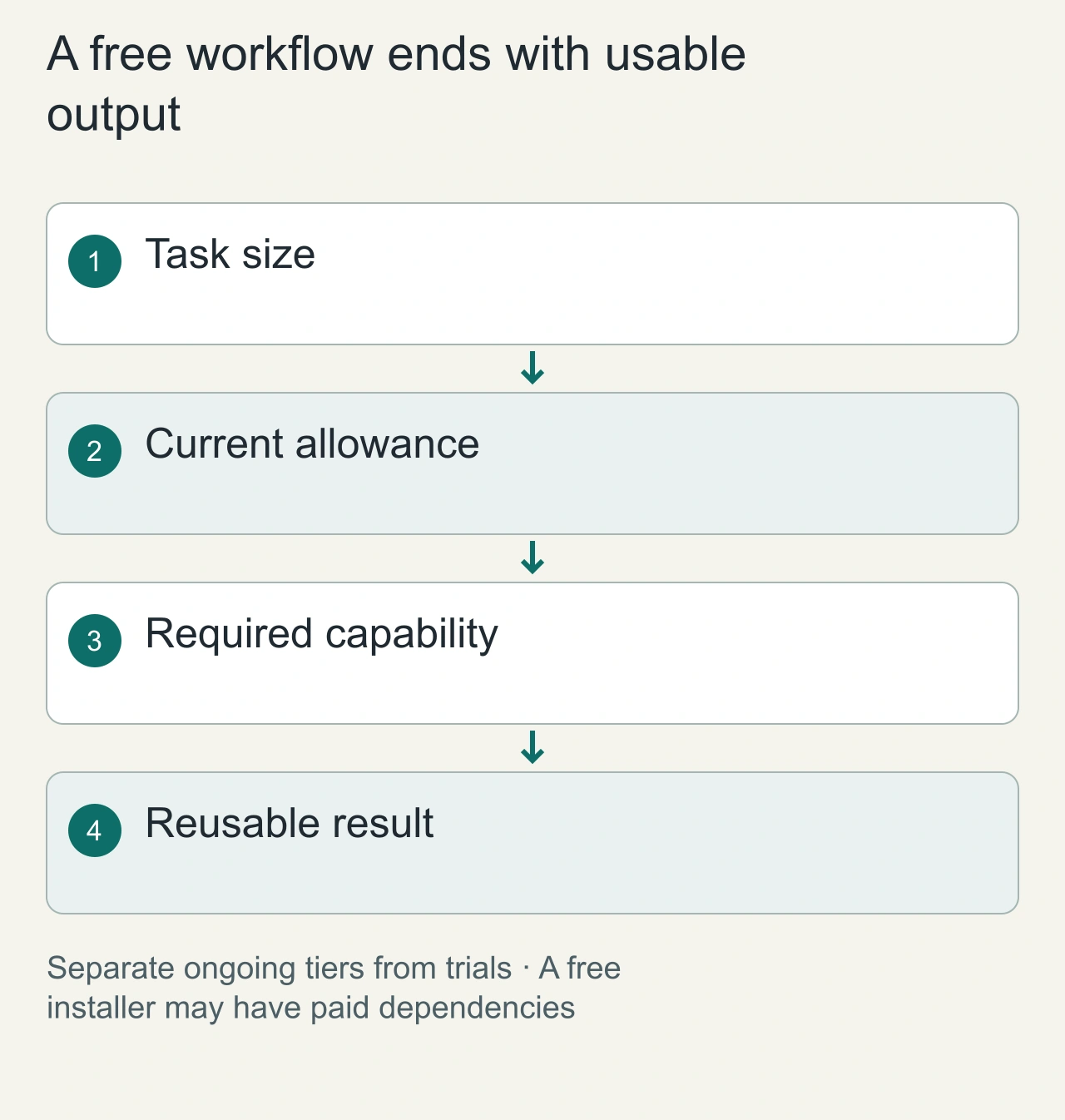
For this guide, free means an ongoing usable no-cost plan for the stated task, not just a free installer. Account requirements, quotas and premium features remain separate facts. The official Grammarly plan page lists a Free tier and distinguishes it from a paid trial. That establishes a plan category, not unlimited access to every feature.
A conservative shortlist
| Candidate | What this review confirms | What still needs a first-run check |
|---|---|---|
| Grammarly browser tools | Official publisher and Free plan exist | Feature availability in your account and region |
| Sider | Official browser assistant and pricing pages exist | Usable ongoing free allowance was not established from the accessible pricing page |
| Monica | Official browser assistant exists | Current free limits and onboarding need verification |
Sider and Monica are candidates to investigate, not verified unlimited-free recommendations. Their live documentation can vary by account, region and client version. Keeping this distinction visible is more useful than filling a list with unverified free labels.
Define what a no-cost workflow must finish
Free should describe a completed task, not an installation button. Write down the workflow you need: rewrite a short email, summarize one public article or extract a small list from a page. Specify whether the output must be copied, exported or saved. An assistant that displays a result but locks the required export may not complete your no-cost workflow.
Create an allowance worksheet with signup requirement, trial status, recurring quota, included capability and paid dependencies. Leave uncertain entries unresolved until current vendor documentation or the account interface confirms them. Avoid filling in historic quotas from memory. A free account and an anonymous no-signup tool are different categories.
Evaluate at a normal task size rather than the smallest possible demonstration. If your usual article is long, a successful one-paragraph summary does not establish that it fits the allowance. Keep the test bounded and record exactly what it consumed when that information is available. This article does not report installed-extension measurements.
Add an export check to the fixture: copy the completed rewrite into a plain-text document and compare it with the visible result. For a page summary, keep the source URL and retrieval date with the copied output. This reveals whether the free path produces an artifact you can actually reuse. If a candidate requires a paid feature at that final step, record that specific boundary rather than describing the entire product as unusable. Another task may still fit its allowance, but the workflow you evaluated has not met your no-cost requirement.
Use a fact-preservation fixture
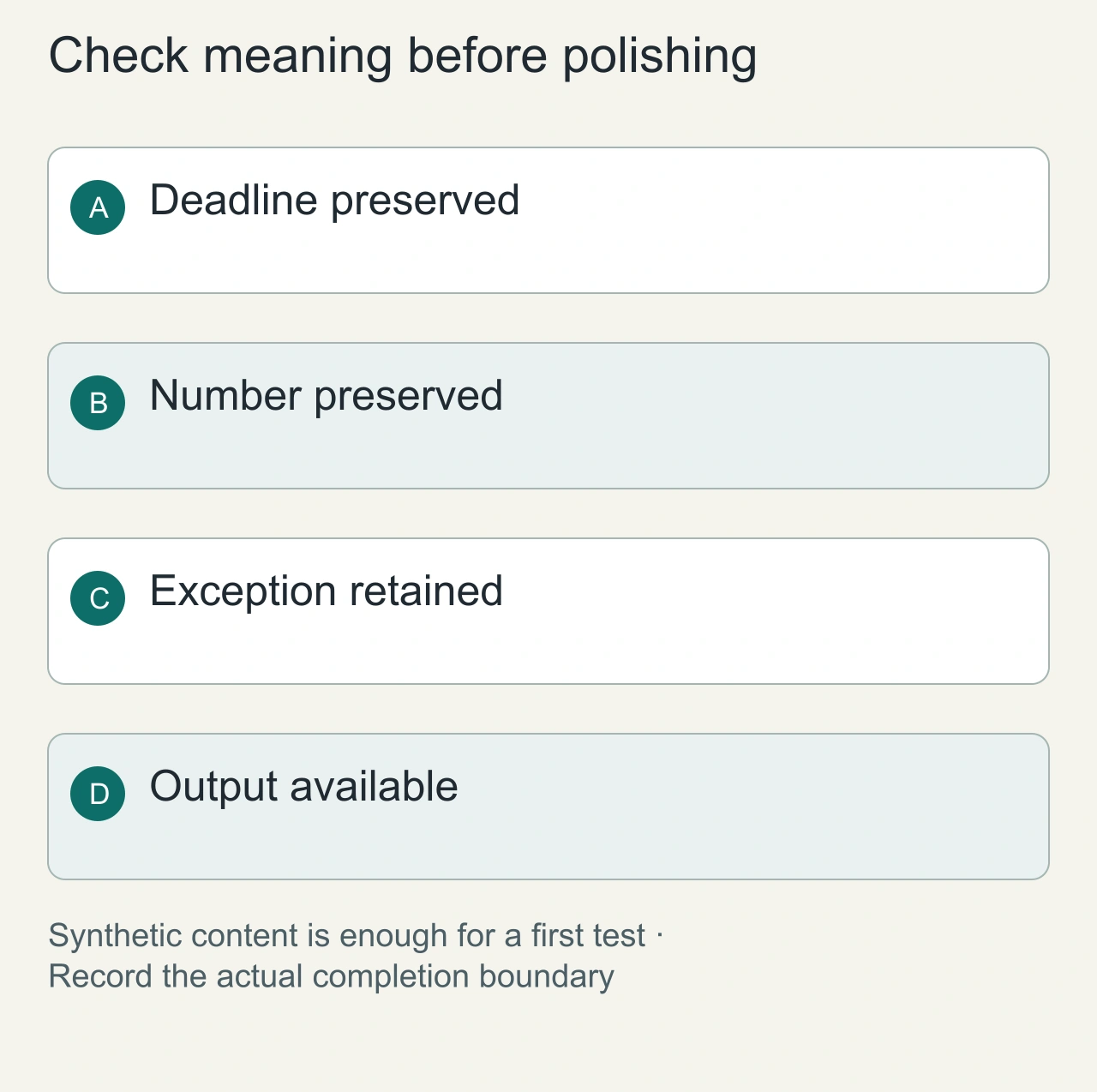
Prepare an email saying a meeting moved from Thursday to Friday and that twelve participants are expected. Add a spelling mistake and an awkward sentence. Ask the assistant to improve clarity while retaining those facts. Check the day, count and names first, then assess tone. A rewrite that changes twelve to ten is not a successful result.
For page assistance, choose a public source with one important exception. Ask the assistant to state both the rule and the exception. Keep the relevant passage beside the generated summary. This gives you an inspectable acceptance task without submitting private customer or student information.
Record whether each task needed login, a trial activation or a paid upgrade prompt. If the result is interrupted by a limit, retain the incomplete output and note the failure point. The right comparison is the workflow you could finish, rather than the number of features listed on the product page.
Verify with a harmless fixture
Open the official listing and confirm the publisher. Record the update date, requested site access and data disclosures. Install in an isolated browser profile, use synthetic text and complete the task you actually need. Then check whether the task required signing in, entering a card or using a trial.
For a writing test, use a short email containing one spelling error, an ambiguous pronoun and a number that must remain unchanged. Compare the output with the intended meaning. A tool that improves grammar but changes the number is not a successful rewrite.
Understand browser access
The extension may be able to inspect context from the current site. Chrome's management guide documents site-access controls. Use the narrowest setting that allows your workflow, and keep sensitive pages out of a casual evaluation.
No-signup is a separate promise. A confirmed Free plan can still require an account. Local-only processing is also separate; do not infer it from the extension running in your browser. Read the vendor's privacy explanation before submitting private material.
Decide from one completed task
Choose a candidate only after it completes your task within the confirmed free allowance. Recheck after plan or extension changes. This article reports a documentation review, not an installed-extension benchmark or a guarantee that quotas never change.
Read AI Chrome extensions by task for the wider category and browse AiFolder AI for alternatives.
Troubleshoot access and limits independently
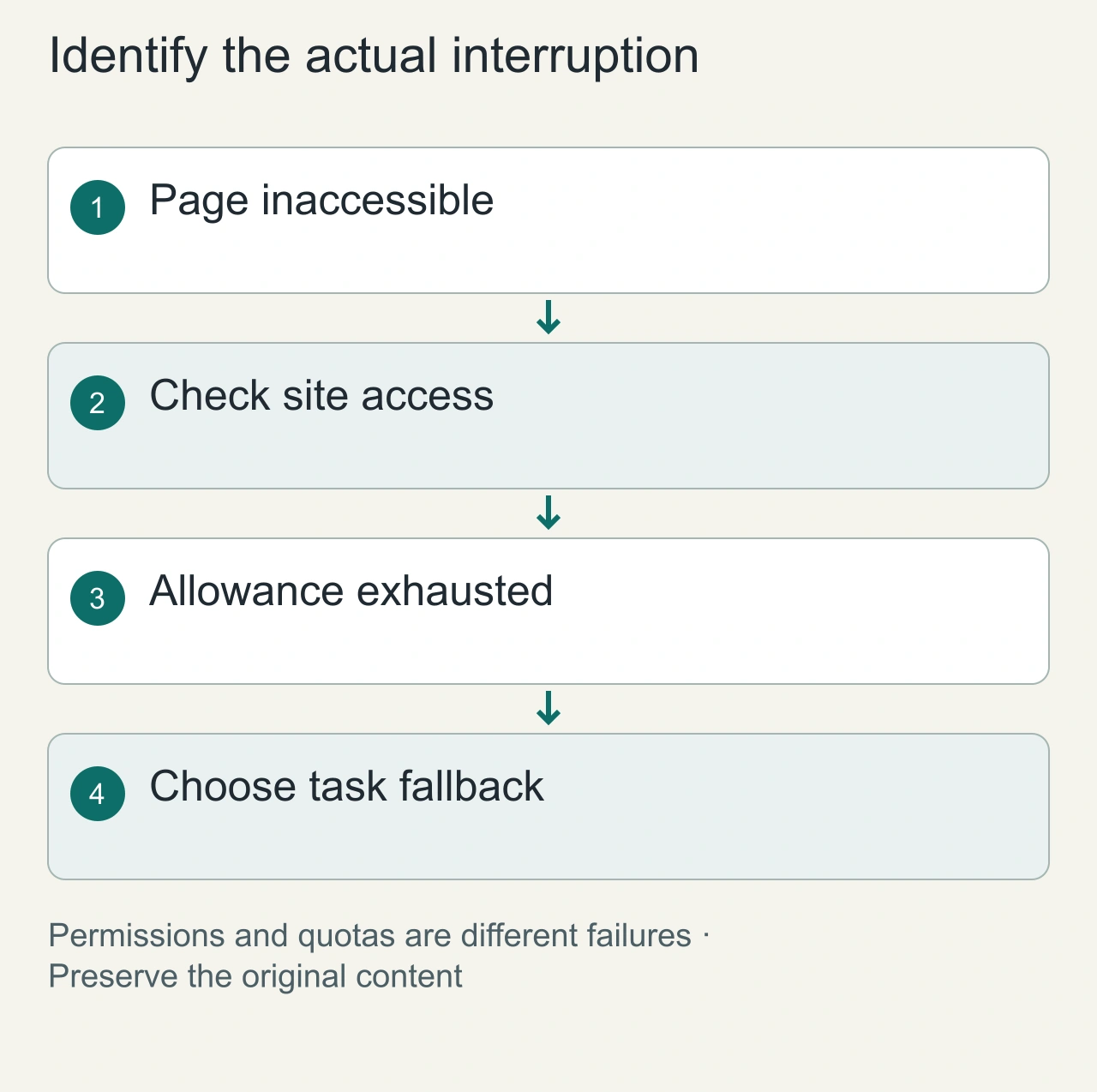
When the assistant cannot read the page, inspect site access first. Chrome's [extension management guide](https://support.google.com/chrome_webstore/answer/2664769) provides the user-facing controls. A permissions problem and an exhausted service allowance can produce similar visible frustration while requiring different fixes.
When a limit is reached, decide whether a smaller task still meets the need or whether another category of tool is appropriate. Splitting a coherent document into fragments can lose context. A deterministic formatter or a manual edit may be a better option than a compromised AI workflow.
Recheck the plan before a deadline or after a major update. Keep a fallback that does not depend on the same service. Save the original text, the verified output and your decision notes so you can switch tools without losing the work. A free workflow is valuable when its boundaries are understandable and its result remains usable.