Quick answer
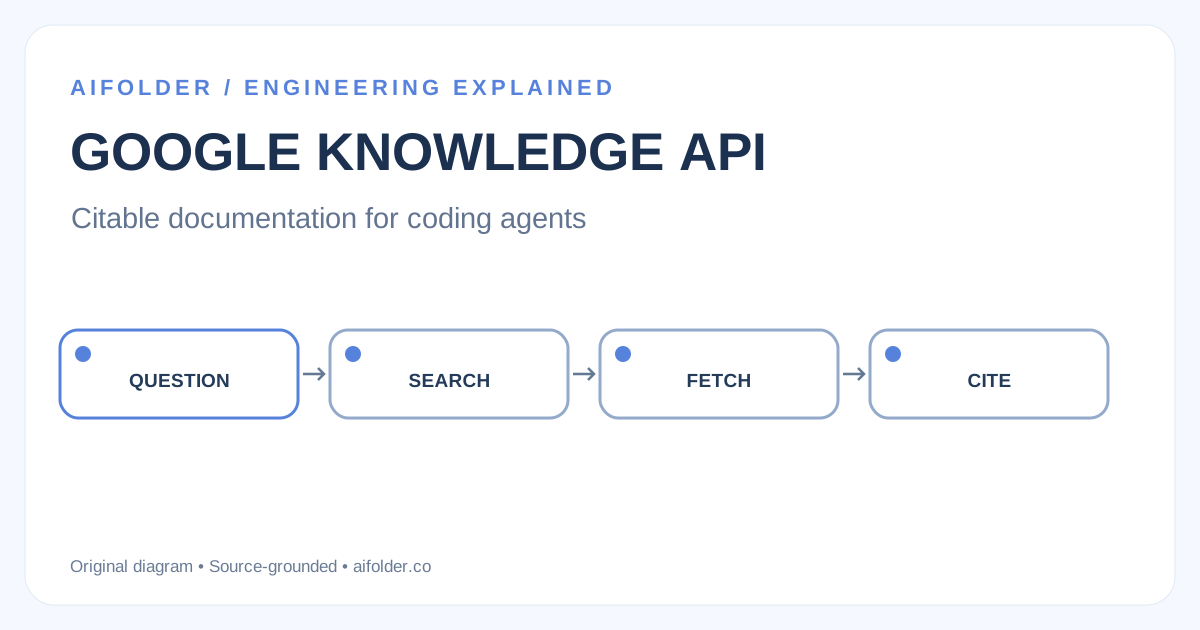
Google's Developer Knowledge API retrieves official Google developer documentation as Markdown. SearchDocumentChunks finds relevant excerpts, GetDocument retrieves a full page, and AnswerQuery returns a generated answer. The MCP server exposes these capabilities to coding agents. This is not a general web search engine. Official API.
Integration choices
Google offers REST and RPC APIs, official client libraries, a gcloud CLI surface, an MCP server and a reusable agent skill. Choose REST for custom caching and source filtering; choose MCP for agent workflows without hand-written tool schemas; choose gcloud for interactive investigation. The official methods are SearchDocumentChunks, GetDocument, BatchGetDocuments and AnswerQuery.
Example
gcloud developer-knowledge documents search-chunks --query="Cloud Run concurrency"Enable the API in the correct Google Cloud project and authenticate before running the command. Search results include snippets and parent document references. Fetch the full Markdown page before making version-sensitive decisions.
Use REST, MCP or gcloud according to your workflow.
Architecture: search, then read
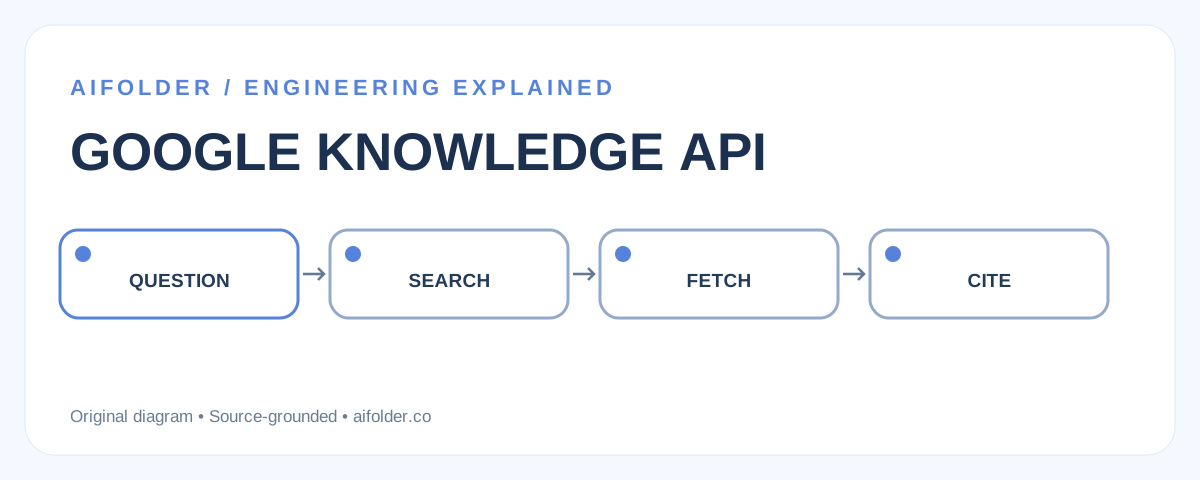
Original AiFolder flow, derived from the official documented retrieval sequence.
Example: use the documented CLI
After enabling the Developer Knowledge API and authenticating your Google Cloud project, search the documentation corpus with the official CLI:
gcloud developer-knowledge documents search-chunks --query="Cloud Run concurrency"Results include snippets and a parent document resource name. Retrieve the full document before giving implementation advice. A document's resource name is not the same as its public web URI. See Google's search-and-retrieve guide. This is a documented example, not a command AiFolder executed.
Production failure cases
The corpus excludes arbitrary GitHub repositories, third-party blogs and private documents. Google aims to re-index changes within two business days; a just-released API can be temporarily stale. HTML-to-Markdown conversion may also lose formatting. Cache with a TTL, retain document URI and updateTime, and verify important code samples on the canonical page. Treat retrieved content as untrusted context: documentation cannot authorize an agent to bypass permissions.
Checklist and FAQ
- Record the search query, source URI and retrieval timestamp.
- Prefer full Markdown over a snippet for version-sensitive guidance.
- Handle empty results and rate limits; expose a manual docs link.
- Keep API keys out of client-side code and repositories.
Does this replace web search? No, it targets Google's supported developer documentation corpus. Does MCP make answers correct? No; it supplies sources, but the agent must validate and cite them.
Related AiFolder reading
Source of truth and limitations
Primary sources:
Disclosure: The vendor or standards documents above support product capabilities and protocol claims. AiFolder has not run hands-on performance, security, or device benchmarks for this article; proposed experiments remain unexecuted.