Quick answer
To write an effective AI prompt, specify a concrete task, provide only the context needed for that task, describe the output you expect, and include constraints that prevent unsupported claims. Then test the prompt on real inputs and revise whatever fails. The aim is reliable outcomes, not longer instructions.
Start with the outcome, not the persona
A weak prompt such as 'You are an expert, help me write something great' leaves the objective and success criteria undefined. Instead, say precisely what needs to be produced, for whom, and how someone will judge whether it is useful. Roles can provide context, but they cannot replace an explicit task.
Example — generic request: Write a FAQ for my website.
Improved request:
Write five concise FAQs for a free QR code generator.
Audience: visitors using the tool for the first time.
Facts available: the tool can encode URLs and plain text.
Each FAQ must contain a question and an answer of 30–60 words.
Do not invent features or privacy guarantees.
Use plain English without exaggerated claims.
This version lets an editor evaluate the result against format, facts, and audience.
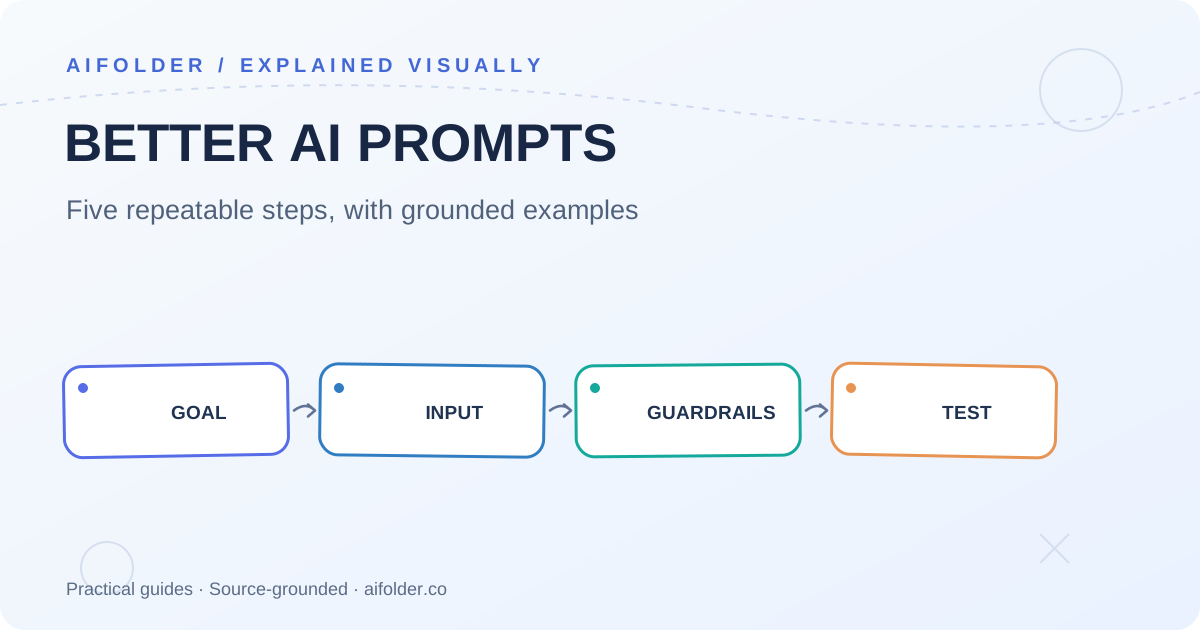
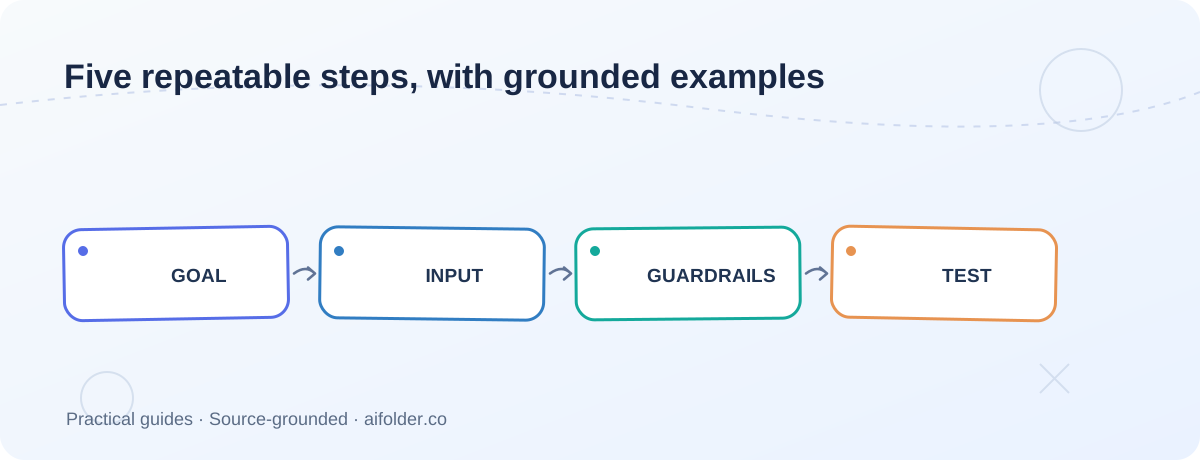
A repeatable five-step method
- Define the job. Choose a verb: summarize, classify, draft, compare, rewrite, or extract. Avoid mixing unrelated jobs into one instruction.
- Supply the evidence. Add product facts, an article excerpt, code, or customer requirements. Mark unknowns instead of encouraging guesses.
- Specify the output. Request headings, a table, JSON, bullets, or a word range. Choose a format your consumer can check.
- Set constraints. Specify exclusions, tone, data boundaries, and what should happen if information is missing.
- Evaluate and improve. Try representative examples; inspect failures; revise one variable at a time.
Three practical examples
Example 1: Turn notes into an email
Task: Draft a polite follow-up email.
Recipient: A hiring coordinator.
Notes: Interview finished Tuesday; requested next steps; no promised decision date.
Output: Subject and a 90–120-word email.
Constraint: Do not imply that an offer or deadline was promised.
What to check: Does the message preserve the timeline without adding an invented deadline?
Example 2: Review backend code
Task: Review this TypeScript function for correctness risks.
Context: The API retries failed payments; duplicate writes are unacceptable.
Input: [paste function and its caller].
Output: Severity, line or snippet, failure scenario, proposed fix, test case.
Constraint: If behavior depends on omitted functions, state the uncertainty.
What to check: Are warnings tied to actual code paths? Do proposed tests reproduce the risk?
Example 3: Extract structured information
Extract from the text below:
- productName: string
- price: number or null
- currency: ISO code or null
Return JSON only. Do not guess missing values.
Text: [insert product description]
What to check: Parse JSON independently; test missing values and weird punctuation. Schema validation belongs in application code, not just in a prompt.
When should you add examples?
Begin with a direct instruction. If the output format or labels keep drifting, supply one or more examples that represent the target behavior. For open-ended tasks, focus on clear success criteria; examples may anchor the model to an overly narrow style.
How to evaluate a prompt without a large test suite
Collect ten examples you actually expect users to submit. For each, mark whether the output follows the format, stays grounded in the supplied facts, and satisfies the task. Track correction time as another quality signal. A prompt that looks impressive on one cherry-picked input may fail frequently in production.
Mistakes worth fixing early
- Contradictory instructions: Asking for detail and a ten-word answer at the same time.
- Missing source facts: Expecting the model to infer pricing, legality, or product capabilities.
- No error path: Failing to define what happens when data is missing or malformed.
- Unbounded output: Requesting a list without defining depth, criteria, or target audience.
- No independent validation: Treating generated JSON or code as automatically correct.
Copyable prompt starter
Goal: [specific output]
Audience: [who needs it]
Context and verified facts: [inputs]
Format: [fields, sections, length]
Constraints: [must / must not]
If evidence is missing: [ask, omit, or label as unknown]
FAQ
Are longer prompts better?
Not necessarily. They can improve clarity when extra instructions address known failure cases, but also increase cost, latency, and the chance of competing requirements.
Should I always use a system prompt?
Applications benefit from a consistent place for stable rules, but a clear user request is enough for many one-off tasks. Your API and model determine which roles are supported.
Can prompt engineering guarantee accuracy?
No. Where accuracy matters, add authoritative sources, validation, and human review.
Sources
Explore related guides in AiFolder Blog and browse AI tools and resources.